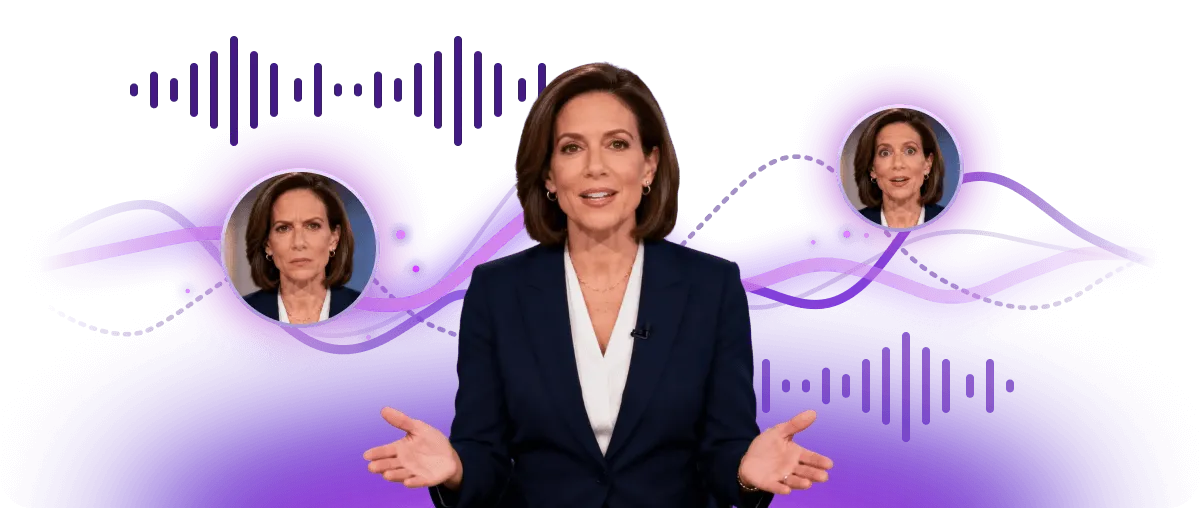
Ultra-Realistic AI Voices
3200+ AI voices that capture natural tone, emotion, and breathing patterns — indistinguishable from real speech in video narrations, audiobooks, and podcasts.
Create royalty-free voiceovers for videos, podcasts, games, ads, social posts and client work, subject to your plan terms and responsible use.
 Use generated voiceovers in monetized videos, branded content and creative campaignsCreate royalty-free audio without recurring royalty payments under the applicable licenseUpload your script responsibly and review generated audio before publishing
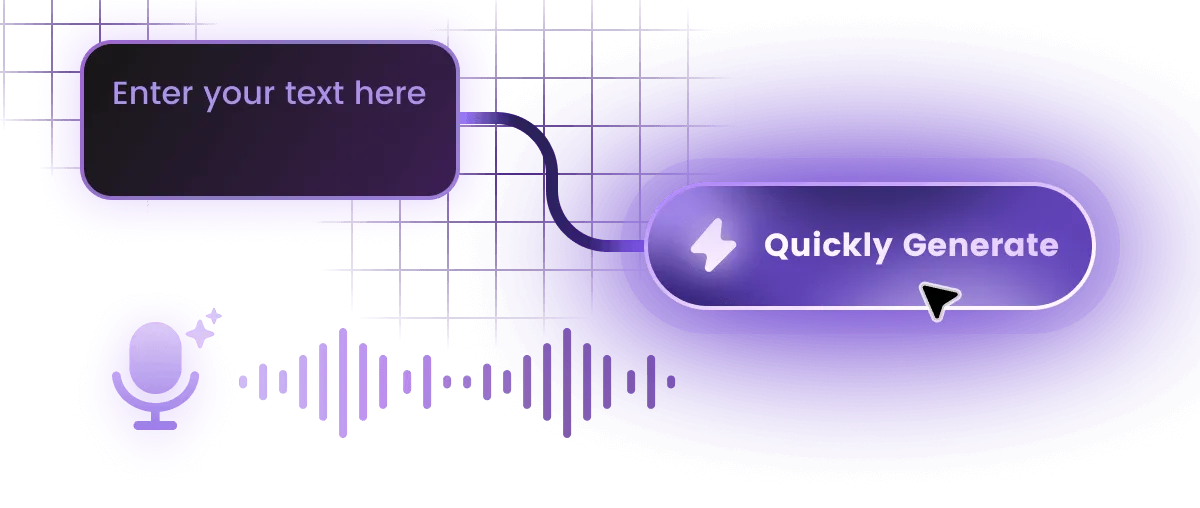
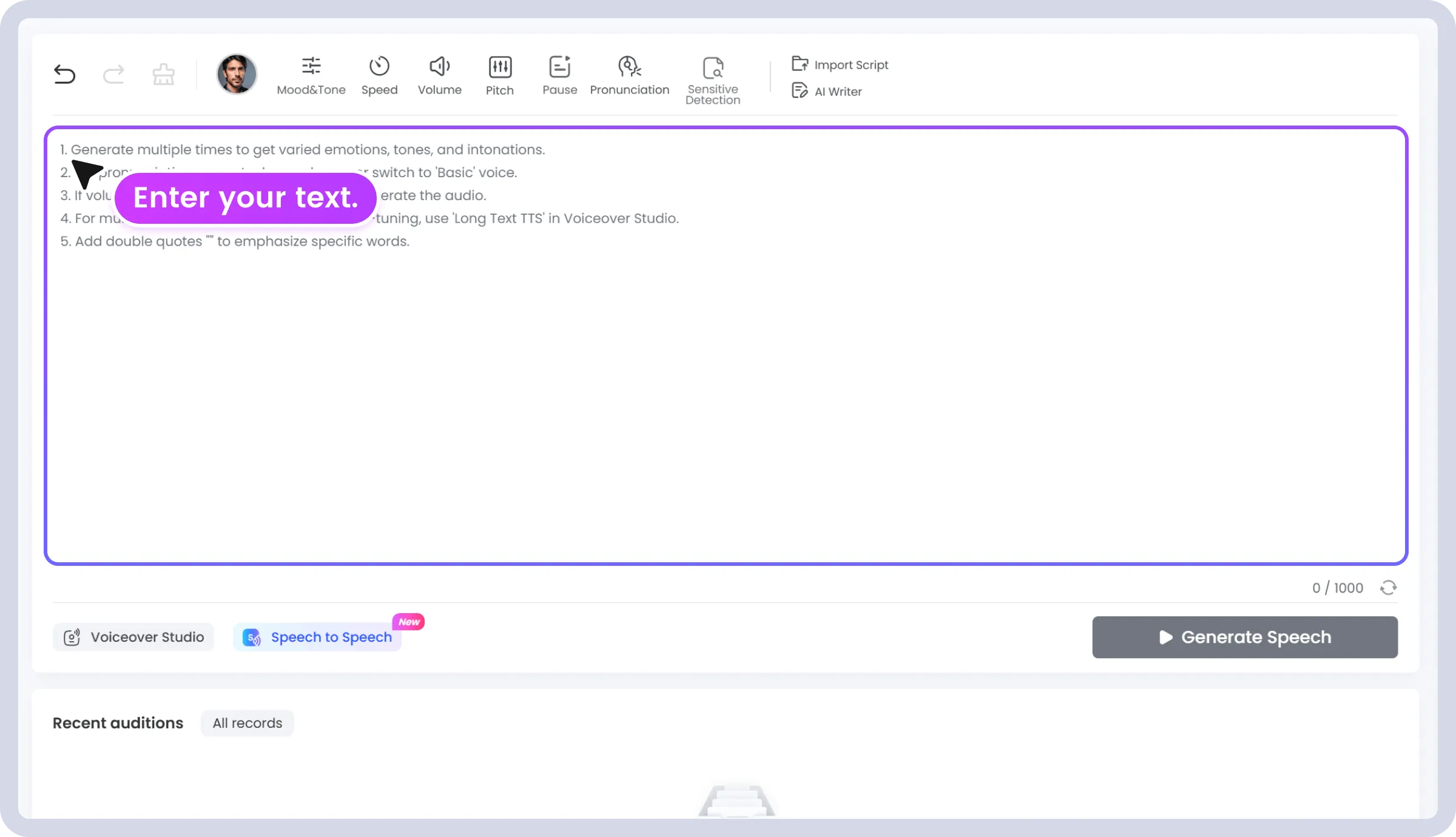
Type or paste your script, article, or any text you want converted into speech.
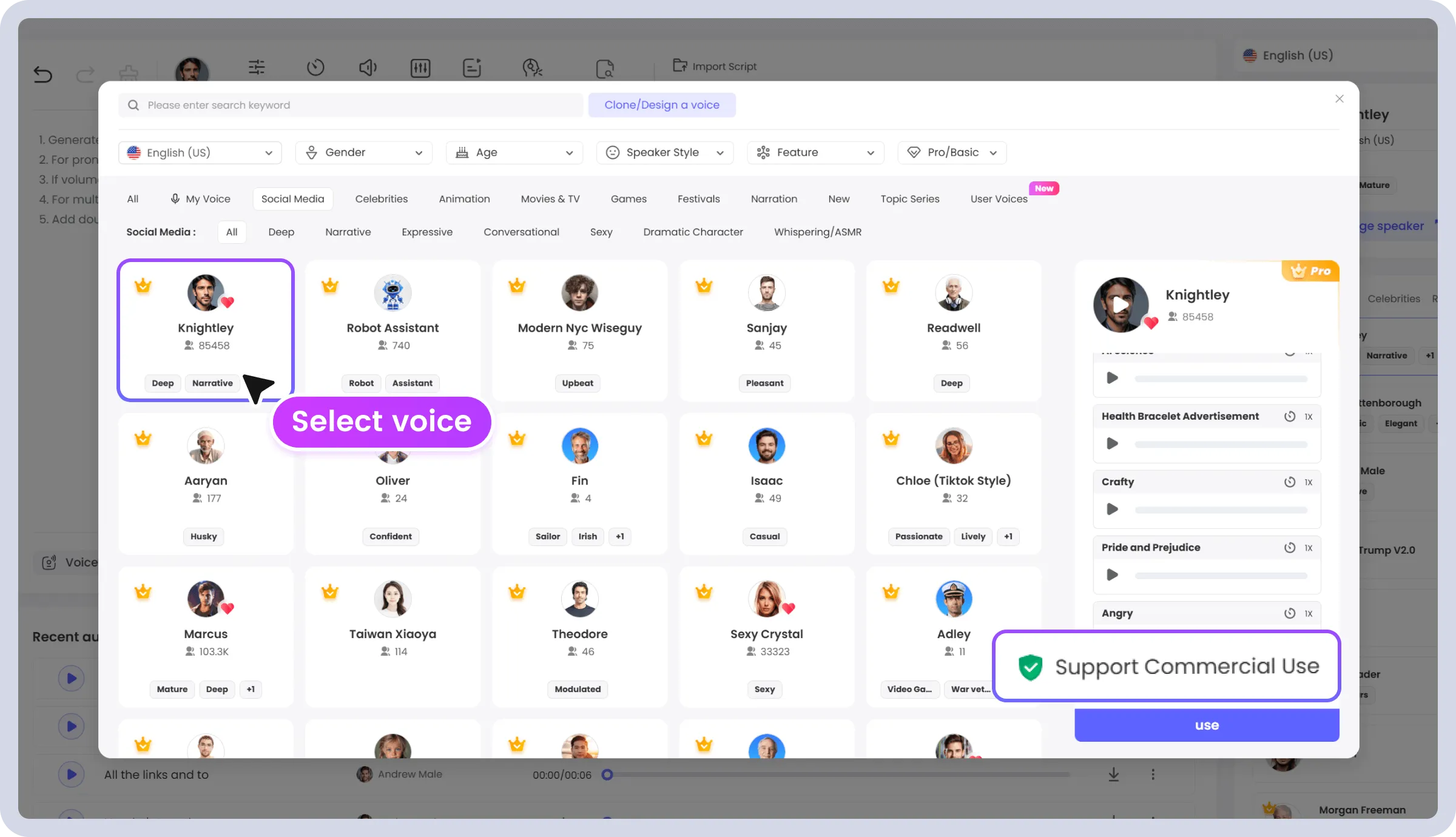
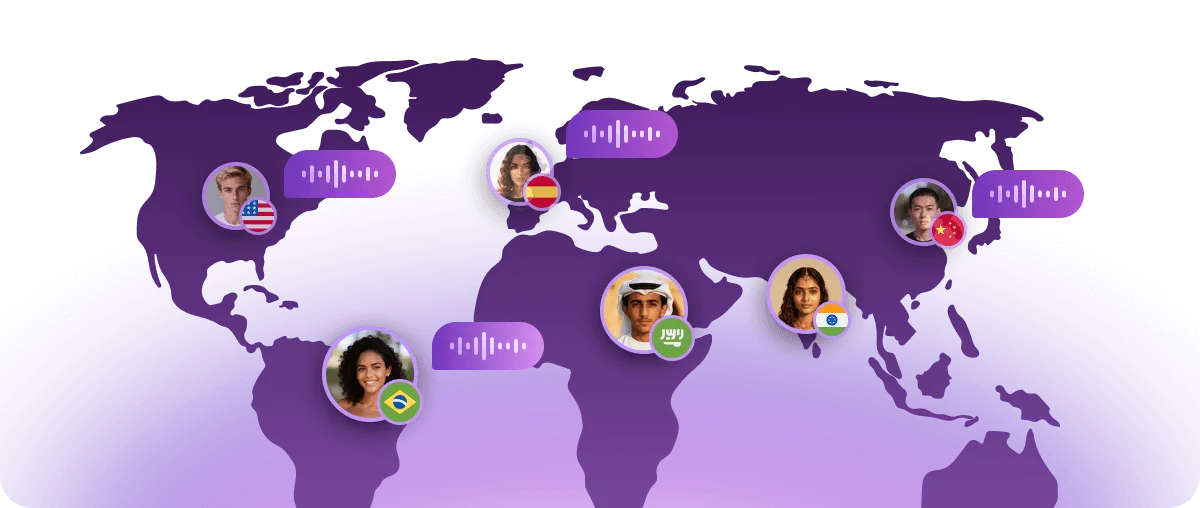
Pick from 3200+ AI voices across 190+ languages. Adjust speed, pitch, and emotion to match your content style.
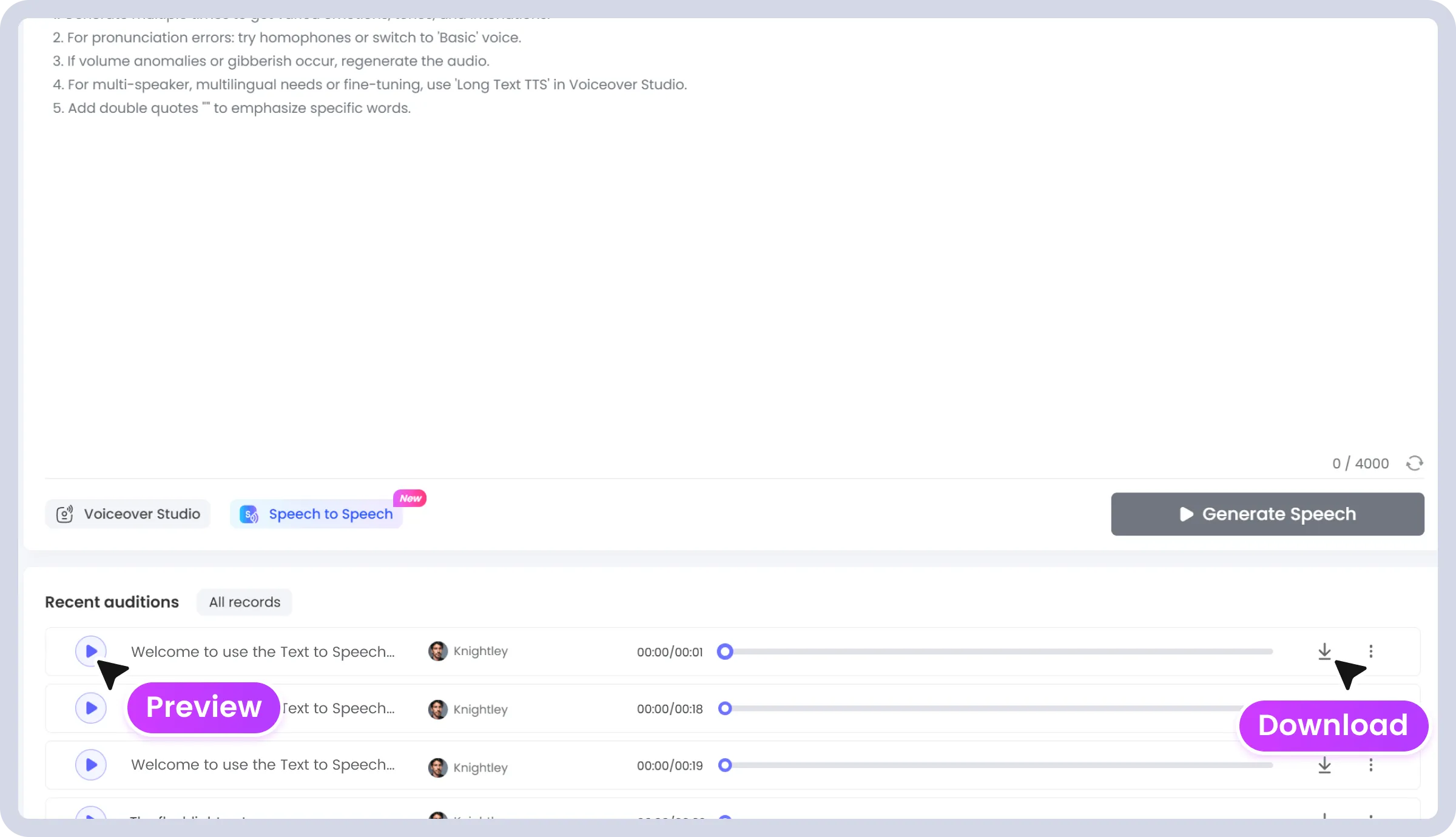
Click generate, preview the audio, then download your file as MP3 or WAV — ready for videos, podcasts, or presentations.

Produce persuasive ad reads, promos, and brand voiceovers in multiple languages for global campaigns.

Create training modules, announcements, and internal communications with a professional tone.

Turn course materials and training docs into natural-sounding narration for online lessons.

Generate consistent podcast intros, transitions, and ad reads with professional announcer voices.

Produce game character dialogue, NPC lines, and narrative voiceover with expressive emotional control.

Add engaging voice to product demos, listings, and explainer videos that boost conversion.
3,200+
AI Voices
190+
Languages & Accents
4.7 / 5
Average User Rating
2M+
Users Worldwide
Complete your production workflow with TopMediai's full suite of AI audio tools.
TopMediai text to speech (TTS) uses AI to convert written text into natural-sounding spoken audio. You type or paste your text, choose from 3200+ AI voices in 190+ languages, adjust settings like speed and pitch, then click generate. The AI processes the text and produces a downloadable MP3 or WAV file in seconds.


