



Advanced Settings
Best Free AI Tool to Add Music to Video
Upload any video or image and get an AI-generated soundtrack that matches your visuals, mood, and story — no music skills needed. Supports MP4, MOV, JPG, and PNG.


Cinematic Scene Match
02:39ambientsoft acousticemotionalcontemplative
Upbeat Vlog Energy
02:17upbeat popenergeticpunchy beatbright synths
Cinematic Scene Match
01:49cinematicorchestralemotional scoresweeping strings

How to Add Music to Your Video with AI?
TopMediai's Soundtrack feature analyzes your video or image and generates a custom AI music track that perfectly fits your visuals. You can also describe the mood, use lyrics, or upload a reference audio clip.
Switch to the Soundtrack tab and upload an MP4, MOV, JPG, or PNG file (video up to 100MB/3 min; image up to 50MB).
Describe the visuals, mood, or story to help the AI create a better-matched soundtrack. Toggle Instrumental on or off as needed.
Hit Create. Your AI-generated soundtrack is ready in seconds — download as MP3, WAV, or MP4 with the music baked in.

Type a description of your desired soundtrack — mood, genre, instruments, tempo, or scene type.
Choose from 400+ music styles or let the AI pick the best fit based on your description.
Click Create to produce your track instantly. Download as MP3, WAV, or MP4.

Enter your lyrics for a vocal track that can be added to your video as a fully produced song.
Select a music style that matches your video's theme — cinematic, pop, lo-fi, and more.
Generate your vocal track and download it with your video for a complete package.

Have a sound in mind? Upload an audio reference and the AI will generate a new original track in a similar style.
Fine-tune the output with a short description or mood keywords alongside your reference clip.
Download the AI-generated music and add it to your video — royalty-free and ready to publish.

Why Use TopMediai to Add Music to Your Video?
Royalty-Free for Commercial Use
All AI-generated soundtracks are royalty-free for paid users. Use them on YouTube, social media, ads, and client videos with no attribution required.
Powered by Music V5.5
Our latest V5.5 model analyzes visual cues and mood context to generate soundtracks with natural dynamics and emotional depth that actually fit your footage.

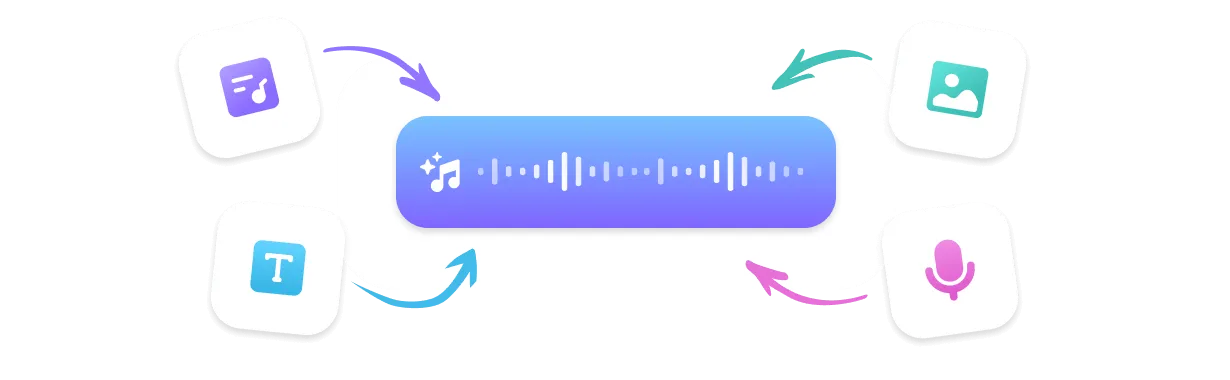
Soundtrack Tab: Upload Video or Image
The dedicated Soundtrack feature accepts MP4, MOV, JPG, and PNG. The AI reads your content and auto-generates a matched music track — no manual syncing needed.
Full Remix Suite
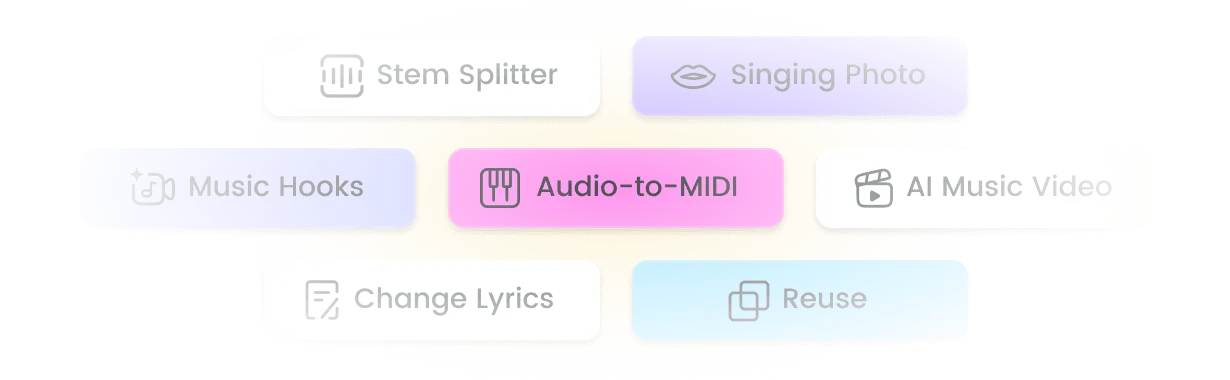
Beyond soundtracks, remix your music with Extend, Mashup, and Sample tools — plus Stem Splitter, Cover, and Add Vocal for complete creative control.
Top Use Cases for Adding Music to Video
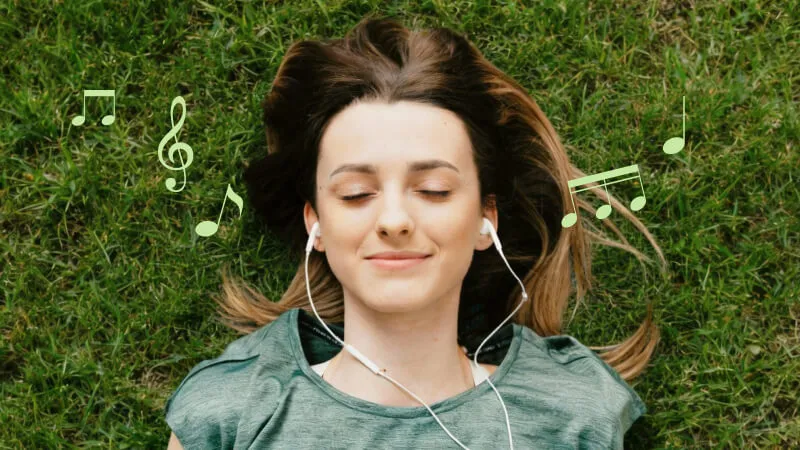
Social Media & Vlogs
Add music to your video reels, travel vlogs, or daily content to boost engagement. AI-matched soundtracks keep viewers watching longer and make your content feel polished.
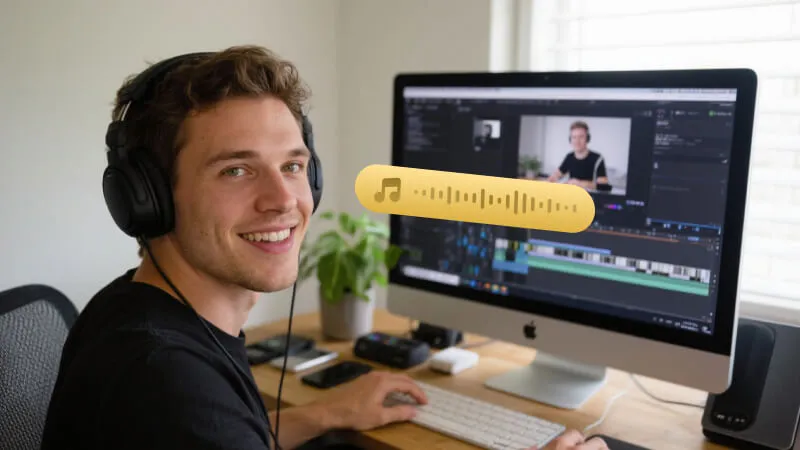
Brand Videos & Ads
Need to add music to your video ad or brand content? TopMediai generates royalty-free tracks that match your brand's tone — safe for YouTube monetization and paid campaigns.
Slideshows & Photo Albums
Upload a photo and get an AI-generated score that matches the image's mood. Perfect for wedding slideshows, memorial videos, and photo-driven storytelling.
What Creators Say About Adding Music to Video

I used to spend hours hunting for royalty-free background music. Now I just upload my vlog footage, describe the vibe, and the Soundtrack feature builds a track around it. The match is surprisingly good — especially for outdoor and adventure content.
Marcus T., YouTube Travel Creator
Our team adds music to videos every single week for client campaigns. TopMediai's Soundtrack tab cuts that process down to minutes. The AI reads the video mood well and the results are clean enough to use directly.
Priya N., Social Media Manager
Couples always ask how I add music to their wedding video so perfectly. I just upload a few key clips into TopMediai, describe the emotion, and it generates something genuinely moving. Clients love it.
Jake S., Wedding Videographer
I upload an image or short clip and get back a track that actually fits — not just generic stock music. The Soundtrack feature is legitimately the easiest way I've found to add music to my videos.
Layla M., TikTok Content Creator
For short films on a budget, being able to add custom AI music to video scenes is huge. V5.5 handles cinematic scoring better than I expected — strings, piano, dynamic shifts. It holds up even at full volume.
David R., Indie Filmmaker
Top Features of TopMediai's Add Music to Video Tool
Everything you need to add, generate, and customize music for any video or image — all in one platform.

No Skills Needed
Upload your video or image and let the AI handle the composition. No music theory, no DAW, no experience required.

Music V5.5 — Latest AI Model
The V5.5 model delivers scene-aware soundtrack generation with natural dynamics, emotional range, and genre-accurate instrumentation.

400+ Music Styles
From cinematic orchestral to lo-fi chill, upbeat pop to dark ambient — pick any style to match your video's mood and audience.

Sing in Your Own Voice
Clone your voice or a reference vocal and add it to your AI-generated track — perfect for branded video content or original music videos.

Multi-Format Download
Download your soundtrack as MP3, WAV, or MP4 (video with music embedded), plus SRT lyric files for captioned video content.

Fast Generation
AI soundtrack generation completes in seconds — even for video uploads. No waiting, no queue, just instant results.

Reference Audio Upload
Upload a reference audio clip to guide the AI's style. Generate an original track that sounds inspired by your reference — without copyright risk.

Remix Suite: Extend, Mashup & Sample
After generating your track, keep going — extend the length, mashup two songs, extract a sample, or strip stems with the Stem Splitter.
Explore More Than Just Video Soundtracks
FAQs About Adding Music to Video with AI

Add the Perfect Music to Any Video
Upload your video or image and get a royalty-free AI soundtrack in seconds. No skills, no hassle — just great music for your content.