


How to Make Background Music with AI?
Turn a text description into full background music with an optional TTS vocal overlay. Our AI BGM generator also accepts lyrics, audio, or images, and adapts style, mood, and length to your exact project.
Paste your own lyrics or type a short script into the AI background music creator. Your words drive both the narrative and the sung or spoken vocal layer, so the track tells your exact story.
Pick the mood, genre, and length that fit your video or podcast, then choose a clean instrumental or add a TTS vocal overlay in your own cloned voice for branded narration.
Hit generate to produce a full track, preview it in the player, tweak the prompt or style tags, and download royalty-free background music as MP3, WAV, or MP4 in one click.

Describe the scene, emotion, and instruments you want in plain language — for example, 'calm lo-fi piano for a study vlog, two minutes'. Tell it up front whether you want pure instrumental or a TTS vocal overlay.
Set the duration and pick style tags from 400+ options, or let the AI BG music generator suggest a matching mood and tempo. Choose a clean instrumental or add a TTS vocal layer in a cloned voice.
Preview the result inside the editor, adjust the prompt or swap style tags if the vibe feels off, then export your royalty-free AI generated background music — with or without the TTS vocal layer — in one click.

Upload a reference track, jingle, brand sting, or even a hum to show the AI BGM generator the exact sound, tempo, and tone you want to recreate.
Tell the model what to keep — tempo, key, instrumentation, vibe — and what to change, so your new background music stays on-brand with the rest of your series.
Get a matched track with full stems and length control, then extend, sample, or remix it inside the built-in Remix Suite without ever leaving the tool.

Upload a video still, moodboard, concept frame, or thumbnail from the project you are scoring to give the AI a clear visual anchor for the music it will compose.
The model reads the visual mood — color palette, energy, time of day, and genre cues — then suggests several BGM styles that fit the scene and your specific audience.
Generate background music that syncs with your visuals, then fine-tune length, intensity, and instrumentation until the score matches every cut and transition.

Why Use TopMediai as Your AI Background Music Maker?
Royalty-Free License
Every track from our AI background music generator ships with a commercial license. Use it in YouTube videos, podcasts, games, ads, and client work without copyright claims or takedowns.
Music V5.5 Model
Powered by the latest Music V5.5 AI, our AI BGM generator delivers natural dynamics, deeper genre understanding, and emotionally expressive music that sounds composed, not synthesized.

Flexible Creation Modes
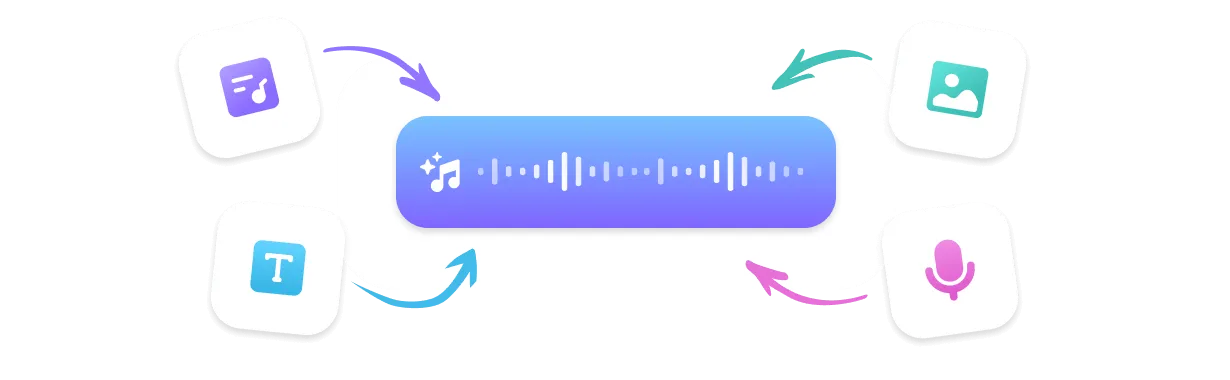
Make background music from text prompts, lyrics, reference audio, or images. One AI background music creator covers every workflow — from a quick vlog sting to a full game score.
Remix Suite
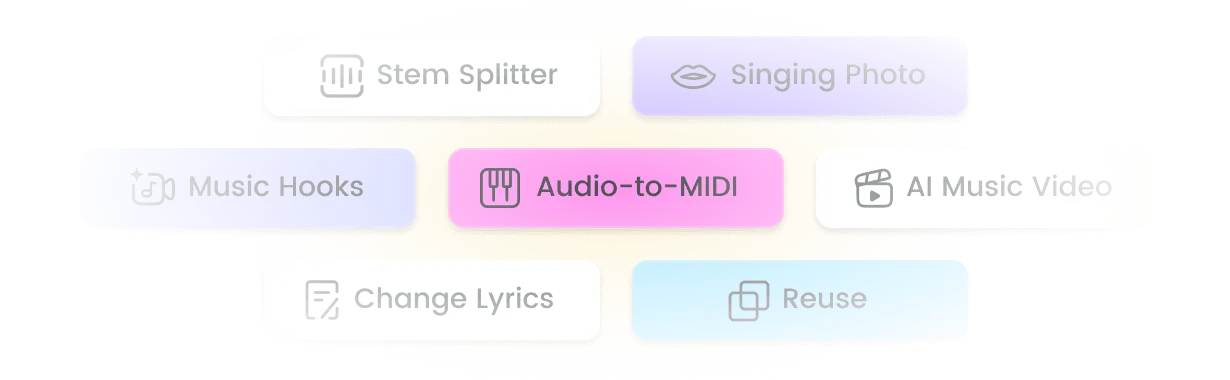
Extend a clip to full length, mashup two ideas, sample a section, or split stems with the built-in Remix Suite. Turn one AI generated background music idea into a full, editable soundtrack toolkit.
Top Use Cases for AI Background Music
YouTube Videos & Vlogs
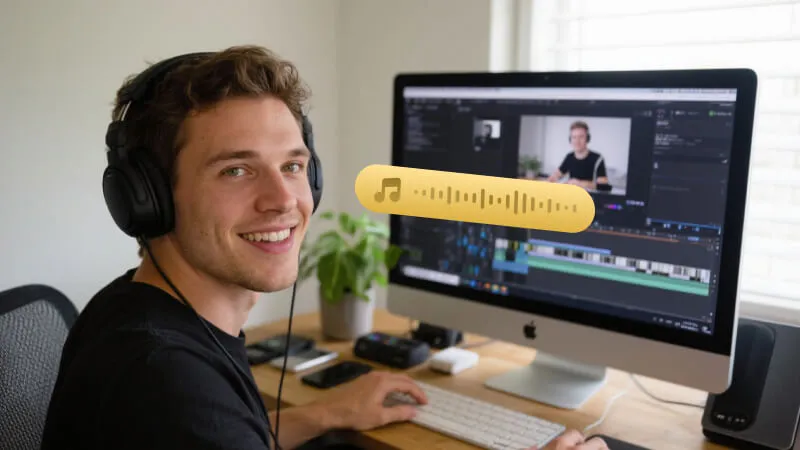
Generate intro music, transitions, and full background scores that match your travel, cooking, or lifestyle content. Royalty-free by default, so you can monetize without copyright claims.
Podcasts & Streams
Build a consistent sonic identity with branded intro/outro music and ambient loops. The optional TTS vocal layer is perfect for narrated segments and mid-roll ads.
Games & Apps
Score menus, levels, and cutscenes with adaptive background music. Control mood and exact length so the BGM swells exactly when a boss appears or a level loads.
What Creators Say About Our AI BGM Generator

I used to burn hours hunting royalty-free tracks that never fit. Now I type the scene and get custom background music for every upload in under a minute — and it actually matches the mood of the edit.
Marcus, YouTuber
TopMediai gave my show a real sonic identity. The TTS vocal layer lets me drop branded intro narration over the BGM without a studio, and the royalty-free license keeps client work clean.
Lena, Podcast Producer
I needed different BGM for each level. The AI BGM generator let me lock style and exact length per scene, so the music hits exactly when the boss appears — no placeholder loops.
David, Indie Game Dev
Royalty-free licensing plus fast generation makes this the best AI background music generator for client work. I ship 20+ videos a week without touching a stock library.
Sophie, Content Agency Owner
I spin up chill background music for streams weekly. Prompt mode gets the exact vibe I want, and multi-format export drops straight into OBS with zero copyright scares.
Jake, Streamer
Top Features of TopMediai AI Background Music Generator
Everything you need to create custom, royalty-free background music in one place.

No Skills Needed
You don't need music theory or studio gear. Describe a scene, mood, or vibe in plain words, and the AI background music generator handles composition, arrangement, mixing, and mastering — ideal when you need background music for YouTube, podcasts, or games without hiring a composer.

Music V5.5 — Latest AI Model
Built on the newest Music V5.5 engine, the AI BGM generator produces natural dynamics, richer genre understanding, and emotionally expressive output that follows your prompt instead of sounding generic.

400+ Styles
From lo-fi and ambient to cinematic, tropical house, corporate, and 8-bit, pick from 400+ styles of royalty-free AI background music. Your background music creator matches the exact feel of your video, podcast, or game.

Sing in Your Own Voice
Add a personalized TTS vocal layer with voice cloning — sing in your own cloned voice. Turn a script or lyrics into narrated background music without hiring a vocalist or booking a studio session.

Multi-Format Download
Export AI generated background music as MP3, WAV, MP4, or SRT subtitles. Drop the file straight into Premiere, DaVinci, or CapCut for your YouTube, podcast, or game project with no conversion step.

Fast Generation Speed
Get a full-length track in seconds. Generate multiple versions, compare, and iterate until the BGM fits your project — no waiting overnight for a render.

Reference Audio Upload
Upload a song, jingle, or hum, and the AI background music maker matches its style, tempo, and tone. Ideal for keeping one consistent sound across an entire video series.

Remix Suite: Extend, Mashup & Sample
Extend a clip to full length, mashup two ideas, sample a section, or split stems with the built-in Remix Suite. One prompt becomes a complete, editable soundtrack toolkit.
Explore More Than Just Background Music
FAQs About AI Background Music Generator

Create AI Background Music Free Today
Generate royalty-free AI background music for YouTube, podcasts, and games. Customize style, mood, and length with our AI BGM generator in one click — TTS vocal overlay included.