


How to Make Cheer Music with AI
Start with a routine brief, original words, an authorized audio reference, or a team image. Generate a first version, then rehearse and refine it.
Add original lyrics, a team name, and short crowd responses. Spell unfamiliar names phonetically so the singer has a clearer pronunciation guide.
Describe a clean pop, EDM, or hip-hop arrangement, the target tempo, and the energy of each section. Use short phrases to leave room for movement cues.
Preview the words and pulse with your squad. Regenerate unclear lines or refine the arrangement before using the track for a full run-through.

Name the setting, musical style, target BPM, and instruments. Ask for a short entrance, a quieter passage, a bigger dance section, and a firm ending.
Request clear group responses for a pep rally, or switch on Instrumental for a practice track. Keep a steady pulse in the brief if counting is the priority.
Listen to several outputs and try the closest one with your choreography. Check the actual tempo and ending; prompt instructions are creative guidance, not exact edit points.

Start with your own rehearsal recording, melody, or another authorized reference. Use it to communicate a musical direction for a new cheer track.
Ask for a stronger beat, fewer vocal layers, or a brighter chorus. Explain the intended sound in words rather than relying on the reference alone.
Check how the new composition fits your team. Use available Remix tools to develop the idea, and complete precise timing edits in an audio editor if needed.

Use a team photo, uniform mood board, or pep rally poster that you have permission to upload. The image offers a visual starting point for the music.
Describe the desired style, vocal character, and energy. A photo does not specify a routine count sheet, so state the audible details you need.
Preview the soundtrack for your image and compare its mood with the event. Refine the music before adding it to a team video or rehearsal session.

Why Use TopMediai as Your AI Cheer Music Generator?
Royalty-Free Licensing for Eligible Tracks
Develop an original team sound and use eligible paid-plan tracks commercially under the applicable license. Save the track certificate and confirm event requirements before a public performance.
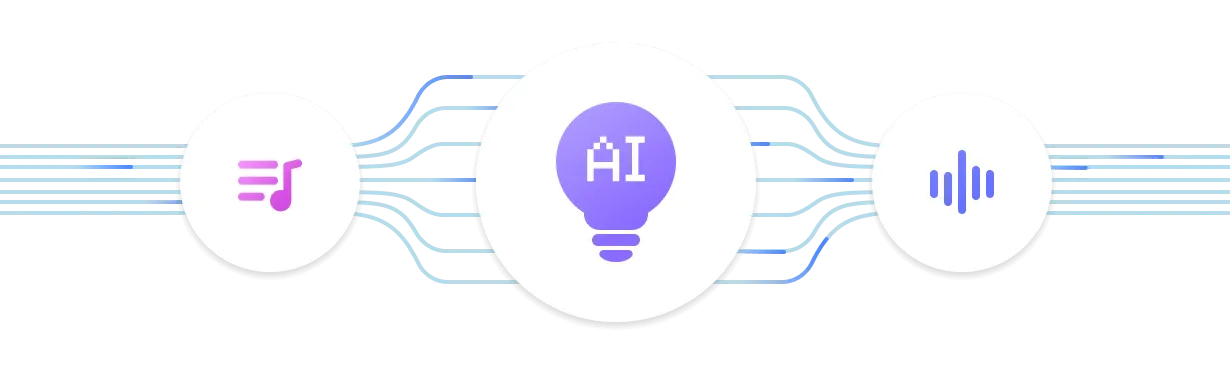
Choose Your Music V6 Model
Try v6 Pro for refined arrangements, v6-wild Pro for unexpected creative directions, or v6-mini for efficient experiments. Compare how each handles generated vocals and percussion in your team chants.
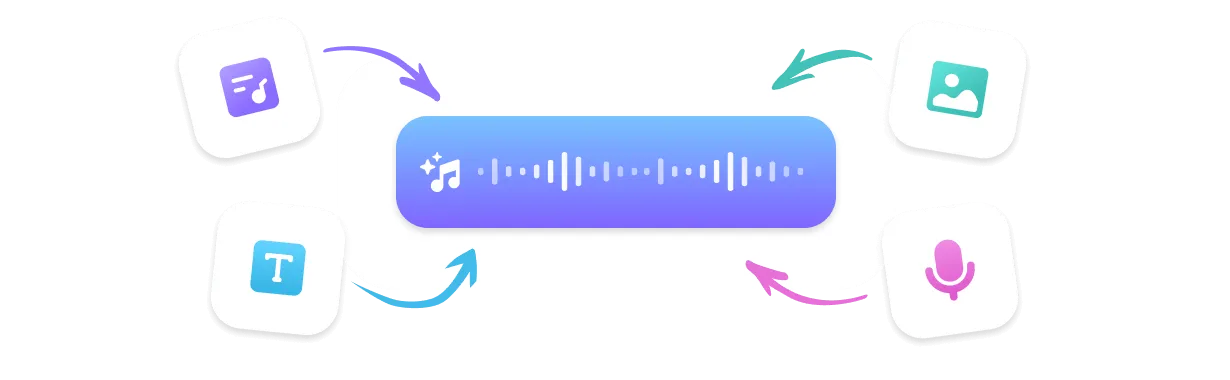
Four Ways to Start a Cheer Track
Build custom cheer music from a prompt, lyrics, authorized audio, or a team image. Looking for a cheer music maker free to try? Use the available trial to explore your first musical direction.
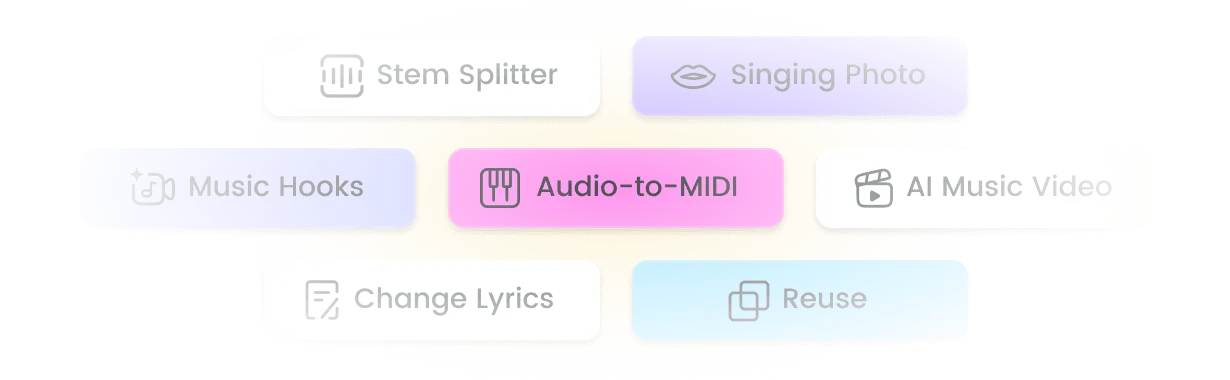
Develop the Mix After Generation
Use Extend, Mashup, and Sample to explore longer arrangements and new remix versions from material you can use. Stem Splitter can help prepare separate parts for further editing.
Cheer Music for Practice, Pep Rallies, and Team Videos
Practice and Choreography Ideas
Ask for an uncluttered beat and clear changes in energy while developing a routine. Count through the generated track with your squad and edit any sections that need tighter timing.

Pep Rallies and Halftime Shows
Create a bright hook, handclaps, and crowd responses that fit your school spirit. Build a welcoming anthem with original words your audience can join.
Team Reveals and Season Highlights
Give a uniform reveal or season recap a sound that reflects your team. Choose the license appropriate to your use before publishing the finished video.
Five Cheer Music Briefs to Try

Request a steady drum pulse, minimal vocals, and clear phrase endings. Test the result against your count sheet before building the next section.
For the Coach Planning Practice
Write a short original call and a simple group response. Keep the team name clear and give the response room to land.
For the Captain Leading a Chant
Describe a restrained opening followed by a brighter dance passage. Compare versions to find contrast that supports the movement.
For the Choreographer Exploring Energy
Ask for upbeat pop-funk, claps, and a friendly singalong. Give the crowd a hook it can remember after one listen.
For the Pep Rally Organizer
Describe the story of the season and the mood of the final scene. Build the edit around the track you choose, then check the publication license.
For the Team Video Editor
Features of the AI Cheer Music Generator
A free cheer music maker trial gives you a starting point for original team tracks, with creation and editing tools to develop the sound.

Start Without Production Skills
Describe the beat, crowd energy, and vocal hook in everyday language. Generate a cheer music idea without programming drums or arranging instruments by hand.

Music V6 Model Choices
Choose among v6 Pro, v6-wild Pro, and v6-mini to explore different arrangements. Model access and credit costs depend on your plan.

400+ Genres and Styles
Blend pop, EDM, hip-hop, rock, and other influences into your cheer music brief. Choose a focused direction so the groove stays readable during practice.

Sing in Your Own Voice
Create a custom singer from an authorized voice sample for a more personal team anthem. Custom Singer availability depends on your plan.

Audio and Video Download Options
Use MP3 or WAV for playback and editing, MP4 for video workflows, and SRT for supported lyric-caption exports. Available formats depend on the feature and plan.

Compare Musical Ideas Quickly
Generate variations before committing to a sound for the season. Processing time varies by model, track length, settings, and demand.

Reference Audio Upload
Use an authorized recording to guide the musical mood and instrumentation. Add a written brief for the drum sound, vocal approach, and energy you want.

Remix Suite: Extend, Mashup & Sample
Continue a promising song, combine ideas from your own material, or reuse a section for another version. Check the resulting timing before rehearsing the full routine.
Explore More Than Just Cheer Music
FAQs about the AI Cheer Music Generator

Try a Free Cheer Music Maker for Your Next Team Track
Create a cheer track from your own words. Explore the free cheer music maker trial; eligible paid tracks include a royalty-free license.