


How to Remix Songs with AI?
Start from lyrics, a text prompt, an audio file, or even an image. TopMediai AI music remixer rebuilds the arrangement around your idea while keeping the original vocal story alive.
Drop in existing lyrics or rewrite them. The AI keeps the vocal melody and phrasing while you plan the new production style.
Add a style prompt like 'turn this into a dark synthwave remix with slower tempo and distorted bass.'
Get a fresh arrangement in seconds. Download as MP3, WAV, or MP4 with vocals preserved.

Describe genre, tempo, instruments, and mood in plain words. No production skills needed.
Add the song you want to remix. The AI analyzes structure, vocals, and melody before rebuilding.
Receive multiple remix directions. Pick the one that fits your project and fine-tune from there.

Import MP3, WAV, or M4A files. The AI detects key, tempo, and vocal layers automatically.
Shift genre, speed up or slow down, swap instruments, or add a TTS narration layer on top.
Listen to the AI remix instantly. Export the final track for social posts, videos, or streaming drafts.

A mood board, artwork, or screenshot is enough for the AI to catch the visual vibe.
Colors and scenes become sonic textures: warm sunset becomes lo-fi warmth, neon city becomes synthwave.
Generate a track that matches the image energy, then apply it as a remix style to your uploaded song.

Why Use TopMediai as Your AI Music Remixer?
Royalty-Free License
Every AI remix you create is cleared for content, videos, podcasts, and commercial projects. No rights guessing.
Music V5.5 Model
Natural dynamics, richer genre understanding, and emotionally expressive output make every remix sound like a real production.
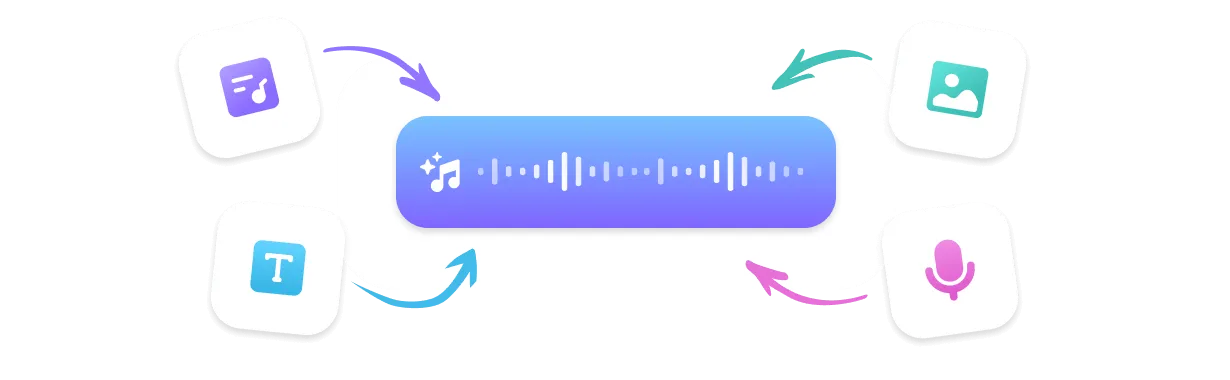
Flexible Creation Modes
Remix from lyrics, prompts, audio uploads, or images. One AI song remixer handles every starting point.
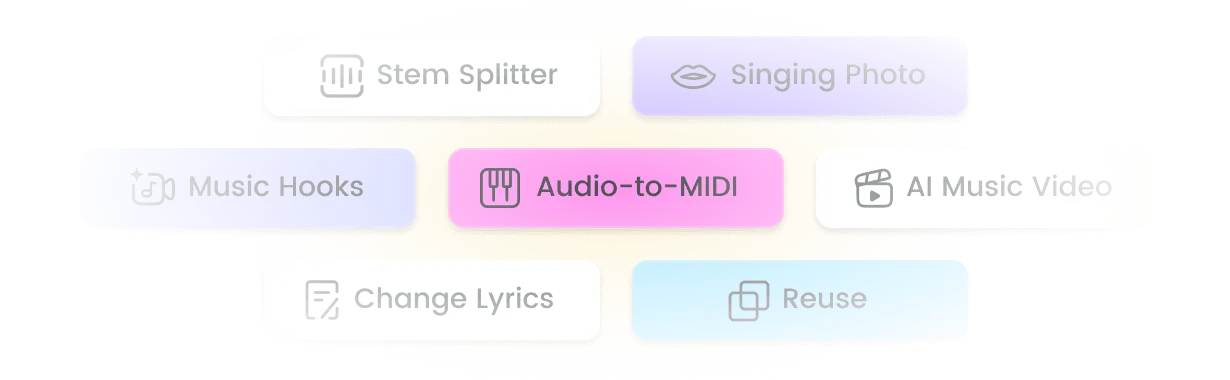
Remix Suite
Extend, mashup, sample, and separate stems with built-in tools. Keep vocals, swap arrangement, or rebuild from scratch.
Top Use Cases for AI Music Remixer

Social Media Content
Turn trending audio into fresh remixes for TikTok, Reels, and Shorts. Stand out with a unique version that keeps the hook but changes the vibe.
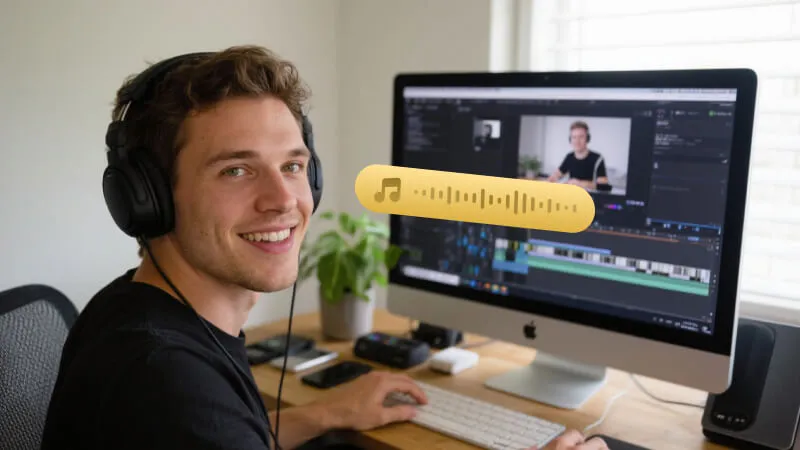
Video & Game Soundtracks
Remix your own music to match scene energy. Shift a calm theme into an action cue, or slow an upbeat track into a cinematic underscore.
Podcast & Ad Production
Add a TTS voiceover layer or instrumental bed to an existing track. Create branded intros, ad jingles, and segment transitions in minutes.
What Creators Say About Our AI Music Remixer

I uploaded a demo and asked for a dark synthwave direction. The AI kept my vocal exactly where it should be and rebuilt the whole instrumental. Saved me a full day in the DAW.
Marcus, Indie Producer
The prompt-based remix is a game changer. I type 'chill lo-fi with soft piano' and get usable tracks for my vlogs without copyright stress.
Lena, Content Creator
We use it to remix the same theme across levels. One source track becomes an ambient exploration cue, a boss fight version, and a menu loop.
Diego, Game Dev
The TTS layer on top of a remixed instrumental is perfect for branded intros. The voice sits clean and the music stays balanced.
Sofia, Podcast Editor
Fast generation and proper key detection. I can test four remix directions in the time it used to take me to build one intro.
Jake, DJ
Top Features of TopMediai AI Music Remixer
Everything you need to remix music online in one AI-powered studio.

No Skills Needed
Describe the remix you want in plain language. The AI handles arrangement, mixing, and mastering automatically.

Music V5.5 - Latest AI Model
Trained on diverse genres for richer style understanding, tighter rhythm, and more natural vocal preservation.

400+ Music Styles
From EDM and hip-hop to lo-fi, jazz, and cinematic scores. Find the exact direction for your remix.

Sing in Your Own Voice
Clone your voice or choose from AI vocalists. Keep the original singer or replace the vocal layer while keeping the melody.

Multi-Format Download
Export AI remixes as MP3, WAV, MP4, or SRT. Ready for streaming, video editing, or live sets.

Fast Generation Speed
Get multiple remix variations in seconds. Iterate quickly without waiting on renders.

Reference Audio Upload
Upload a song or stem and guide the AI with a reference track. Match style, energy, or instrumentation precisely.

Remix Suite: Extend, Mashup & Sample
Extend song length, mashup multiple tracks, sample loops, or split stems. Build full projects from one starting idea.
Explore More Than Just Remix
FAQs about AI Music Remixer

Remix Your Music Online with AI Today
Try the best free AI music remixer. Describe your style shift, keep the vocals, and download a fresh arrangement in seconds—no DAW required.