


How to Make Phonk with AI
Start with lyrics, a prompt, supported reference audio or an image. Choose drift, Memphis, lo-fi or Brazilian phonk, then describe the bass, percussion and mood.
Add original lyrics with verse and chorus labels. Short, rhythmic lines give a phonk song maker a clear vocal structure.
Ask for dark Memphis atmosphere, a sharper drift arrangement or bouncy Brazilian phonk percussion. Specify the bass, drum texture and vocal delivery in the style description.
Listen for clear phrasing and a hook that sits well above the bass. Adjust your lyrics or style description before generating another version.

Describe one direction clearly: drift phonk with a pitched cowbell lead, dusty Memphis-inspired drums, or Brazilian phonk with syncopated percussion and distorted sub-bass. Add your preferred tempo and mood.
Switch on Instrumental for a beat without singing. For a vocal track, describe the voice and add original lyrics where supported.
Generate, listen to the bass and lead balance, and revise the prompt if needed. Download a format available with your plan.

Add a supported recording or your own beat sketch in Reference mode. Avoid uploading someone else's song without permission.
Describe the mood, instrumentation and energy you want to carry into a new phonk track. Reference generation does not promise an exact copy.
Compare the generated track with your intended direction. Use available Remix tools for another variation or Extend for additional sections.

Upload a night street photo, racing illustration or other image you have rights to use. Use Soundtrack mode where the selected model supports image input.
Describe the bass, percussion and mood alongside the image. A visual reference helps set the atmosphere; your words specify the musical direction.
Preview the track with your footage or artwork. Refine the brief if the energy feels too busy, too soft or too bright.

Why Use TopMediai as Your Phonk Maker?
A License for Your Next Edit
Create phonk music for videos, games and client projects. Eligible paid-plan tracks include a royalty-free commercial license; download the certificate before commercial use. Free-plan tracks are for personal, non-commercial use.
Three Music V6 Model Choices
Choose v6 Pro for refined results, v6-wild Pro for experimental ideas, or v6-mini for efficient generation. Give the AI phonk maker a clear drift, Memphis or Brazilian phonk brief; model access and credit costs vary.
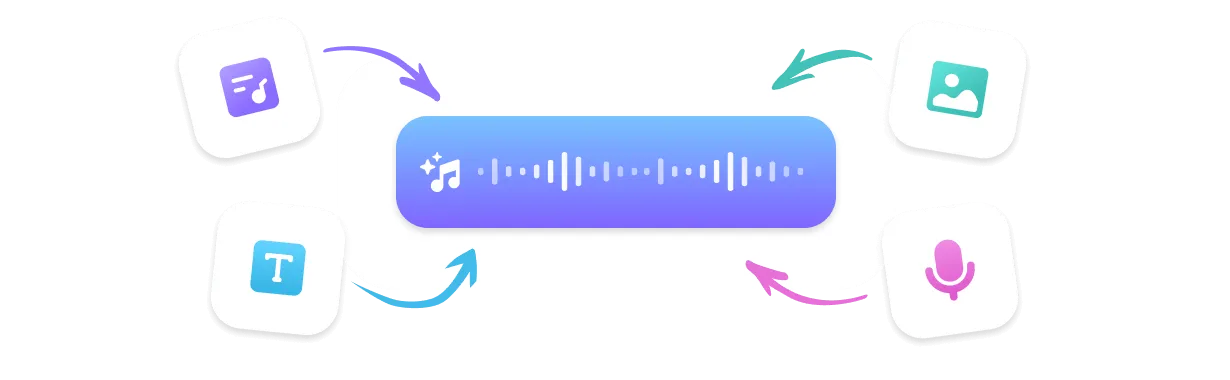
A Starting Point That Fits Your Idea
Turn the prompt and lyric approaches covered in our phonk production guide into your own track. Start with original lyrics, a text brief, supported reference audio or an image, then refine the bass and percussion in your description.
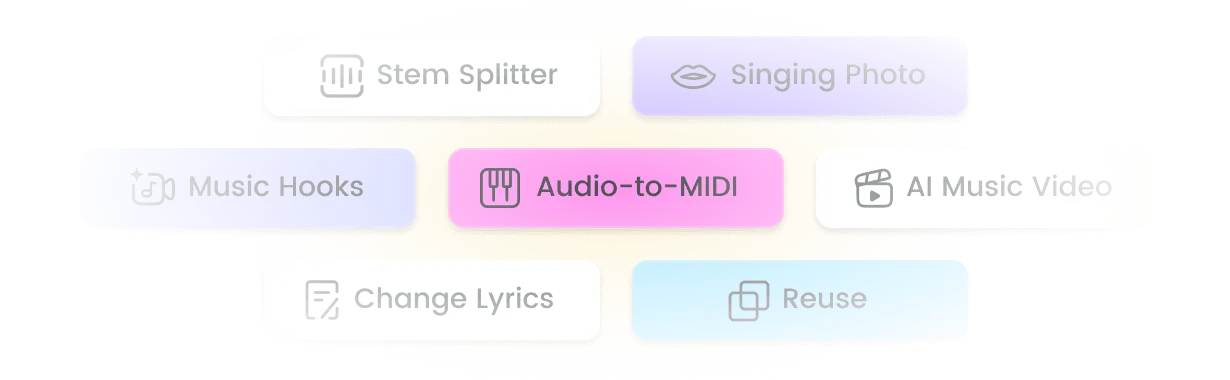
Room to Explore and Rework
Develop the rhythmic ideas covered in our Brazilian phonk guide and tool comparison with Extend, Mashup and Sample where available. Rework the arrangement, explore a new variation or add sections to a beat you want to take further.
Put Your Phonk Beat to Work
Car and Drift Edits
Create a cowbell-led track with a short intro and a strong bass entry for your next car montage. Preview it against the cuts and leave space for engine audio.

Gaming, Dance and Workout Clips
Use this phonk beat maker for a tense gaming montage or a bouncy Brazilian phonk dance edit. Describe the energy and arrangement, then check that the generated track fits your footage and leaves room for other audio.
Original Tracks and Beat Sketches
Try dusty Memphis drums, a softer lo-fi arrangement or the syncopated bounce of Brazilian phonk. Generate a starting point, then develop the track with available Remix and stem tools.
Creative Starting Points for Your Next Phonk Track

Request an eight-bar intro before the main cowbell motif. Compare the drop with the first major cut in your edit, then revise the arrangement brief if they do not fit.
For Car Video Editors
Keep the lead melody sparse and make the bass the main source of energy. Check that the soundtrack leaves enough space for commentary and in-game cues.
For Gaming Creators
Generate contrasting directions from the same idea: dusty Memphis drums, a sharper drift version or a percussion-led Brazilian phonk variation. Choose the stronger arrangement before developing it further.
For Beatmakers
Use the phonk song maker with your own short hook and a clear vocal description. Preview the phrasing before extending the arrangement.
For Vocalists
Ask for Brazilian phonk with syncopated percussion, a short synth hook and a stop-start breakdown. Preview it against your choreography and refine the brief if the rhythm feels too crowded.
For Dance Video Creators
Build Your Sound with an AI Phonk Maker
Use one phonk music maker for drift, Memphis, lo-fi and Brazilian phonk ideas, with vocal, instrumental and remix workflows.

Make Your Own Phonk Without a DAW
Describe the sound in ordinary words. Use this phonk creator for cowbell-led drift, dusty Memphis grooves or Brazilian phonk with a bouncy percussion pattern, then preview and refine the result.

Music V6 Model Family
Use v6 Pro, v6-wild Pro or v6-mini for different creative directions and credit budgets. Guide the AI phonk generator with a clear substyle, bass texture, percussion pattern and mood.

Brazilian Phonk and 400+ Styles
Use TopMediai as a Brazilian phonk maker when you want syncopated percussion, distorted low end and short melodic hooks. Explore drift, Memphis and lo-fi too, within a platform offering 400+ genres and styles.

Sing in Your Own Voice
Use an authorized custom singer voice where supported to give an original hook a personal vocal character. Pair your lyrics with the bass and drum atmosphere you want.

Download for Your Next Production Step
Download available MP3, WAV or MP4 outputs for listening and editing. Format access varies by tool and plan; check the available options before exporting.

Test Ideas Without Building Every Layer
Use the AI phonk music generator to compare musical directions without programming each drum hit. Preview each result and revise the brief rather than expecting every detail to land on the first attempt.

Guide the Track with Reference Audio
For a reference-led Brazilian phonk AI workflow, upload supported audio you have rights to use and describe its mood, energy and instrumentation. Guide a new composition without requesting a copy of a released song.

Remix Suite: Extend, Mashup and Sample
Use Extend for more sections, or explore Mashup and Sample when your plan supports them. Continue refining a phonk generator result with Stem Splitter and other available production tools.
Explore More Music Ideas
FAQs About the Phonk Maker

Make Your Own Phonk Online
Make your own phonk online, from drift to Brazilian beats. Eligible paid-plan tracks include a royalty-free license for your next video or project.