


How to Create Vocal Harmonies with AI?
Harmonize any lead vocal in three steps—start from lyrics, a text prompt, an uploaded take, or a mood image. No singers, no plugins, no theory required.
Drop in your song lyrics or let the built-in writer draft them, then pick a singer voice for the lead.
TopMediai generates the lead vocal with your chosen voice, then layers natural 2, 3, or 4-part harmonies.
Adjust harmony thickness and stereo width, then download a royalty-free WAV or MP3.

Type a style like 'lush 4-part gospel choir' or 'tight pop backing trio' and set the mood.
Our harmony AI detects the key and builds diatonic parts that follow your melody perfectly.
Download the finished mix or separate harmony stems ready for your DAW.

Drag in a clean a cappella take in MP3, WAV, or FLAC for the clearest harmonies.
Choose gospel, pop stack, cathedral choir, or octave-doubling presets to match your song.
Balance each voice, add humanize, then export royalty-free stems or a mix.

Drop a photo or artwork that captures the feeling of the song you want to harmonize.
TopMediai turns the image into a matching instrumental and vocal harmony layer.
Swap voices, tweak the arrangement, and download your harmonized track for free.

Why Use TopMediai as Your AI Vocal Harmonizer?
Royalty-Free License
Every harmony you generate is 100% yours. Use AI vocal harmonies in songs, ads, and videos with no hidden royalties or fees.
Music V5.5 Model
Our latest AI model delivers natural dynamics and emotionally expressive harmonies with richer genre understanding.
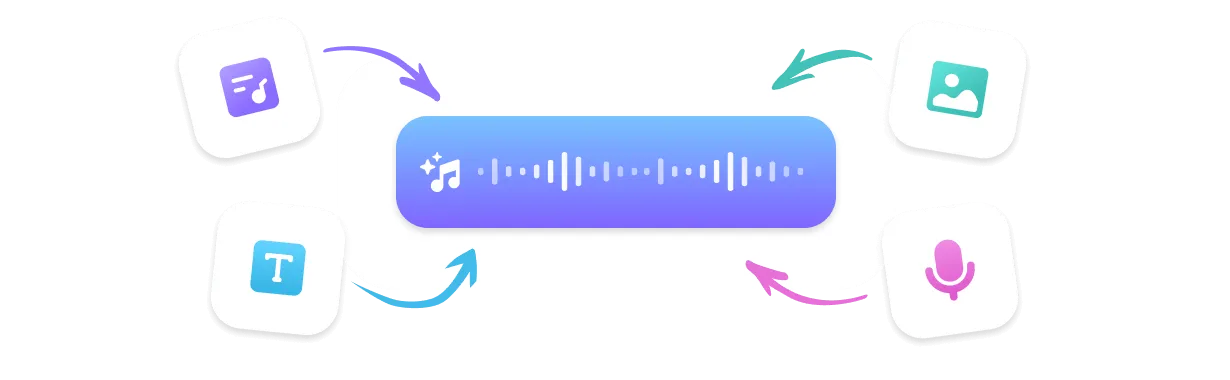
Flexible Creation Modes
Harmonize from lyrics, a text prompt, an uploaded vocal, or an image—whatever fits your workflow.
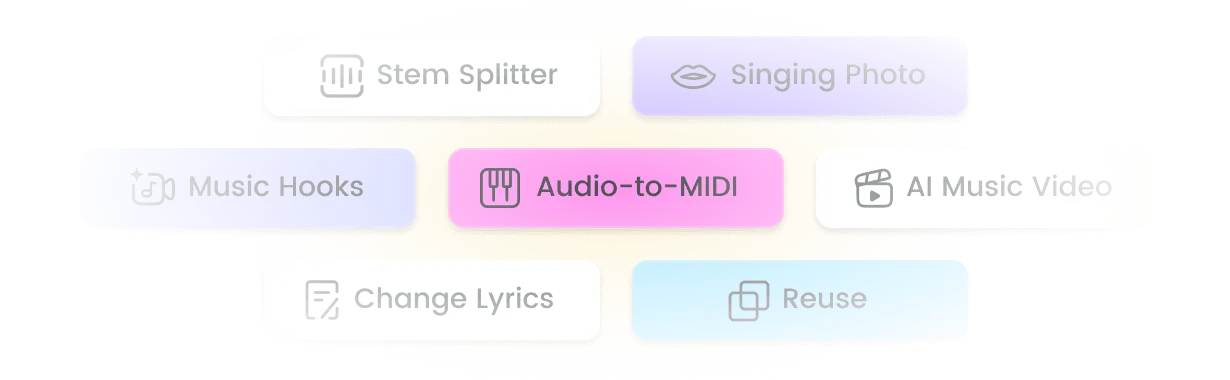
Remix Suite
Extend, mashup, and sample your harmonized tracks, then split stems with the built-in Stem Splitter.
Top Use Cases for the AI Vocal Harmonizer
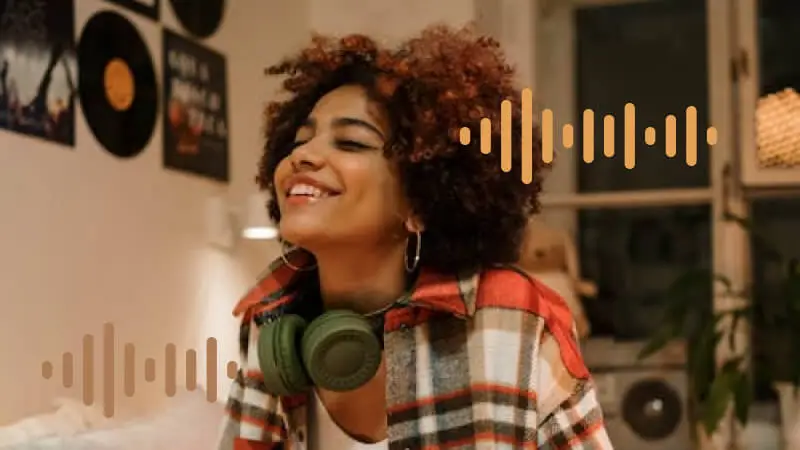
Solo Artists & Bedroom Producers
Sound like a full backing choir without booking singers. Turn one take into a polished, pro vocal stack in minutes.
Content Creators & YouTubers
Add royalty-free harmonies to intros, Shorts, and ads with zero studio time. Make every upload sound bigger.
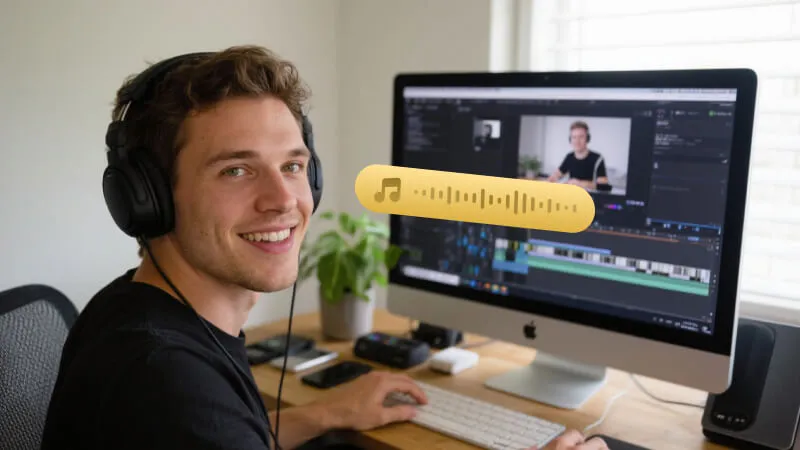
Songwriters Using TTS & AI Singing
Pair the harmonizer with AI singing and TTS voices to build complete song demos from a single idea.
What Creators Say About Our AI Vocal Harmonizer

The 4-part gospel preset turned my thin demo into a wall of voices that sounds like a real choir. I exported stems and mixed them in my DAW the same night.
Maya Rodriguez, Independent Artist
I needed royalty-free harmonies for my intro and the free online tool delivered in under a minute. No singer, no session fee, just a fuller sound.
Daniel Okafor, YouTube Creator
Linking the harmonizer to TTS vocals let me finish a full demo from one lyric line. The auto-arranged parts actually followed my key correctly.
Sophie Lindqvist, Songwriter
The pop trio stack sits tight in a modern mix and the per-voice controls are genuinely useful. I've stopped tracking backing vocals by hand.
Marcus Bennett, Producer
I use it to show students how diatonic harmonies work. Hearing their own voice multiplied makes the theory click instantly.
Elena Petrova, Vocal Coach
Top Features of TopMediai AI Vocal Harmonizer
One browser-based harmony creator to sing, harmonize, and export—no plugins or music degree required.

No Music Theory Needed
The AI music harmony generator and harmony maker handle keys, intervals, and voicing. Just upload a vocal and let it build the stack.

Music V5.5 — Latest AI Model
Natural, expressive harmonies with richer genre understanding across pop, gospel, and cinematic styles, making it a reliable harmonic generator for any song.

400+ Harmony & Voice Styles
From tight pop trios to 50-voice cathedral choirs, find the exact vocal stack for your track.

Sing in Your Own Voice
Clone your voice or pick an AI singer so every harmony matches your lead—your personal voice harmonizer.

Multi-Format Download
Export WAV, MP3, MP4, and SRT—drop your harmonies straight into a video or DAW.

Fast Generation
Get a full harmony arrangement in under a minute instead of hours tracking vocals.

Reference Audio Upload
Upload a lead vocal or reference track and the harmonizer follows its pitch, tone, and feel.

Remix Suite: Extend, Mashup & Sample
Lengthen, blend, or sample your harmonized song and split stems for final mixing.
Explore More Than Just Vocal Harmonizer
FAQs about AI Vocal Harmonizer

Create Free Harmonies to Songs with AI
Turn one voice into a full AI choir—royalty-free and ready to export. Try the free harmony generator online and add lush AI harmonies to any track now.