


How to Make Music from Humming with AI?
Hum a melody, type a prompt, upload audio, or use an image. Four flexible ways to turn the tune in your head into a complete, fully produced song.
Type your own lyrics or use the AI lyrics generator to draft a verse and chorus that match the mood of your hummed melody.
Pick from 400+ style tags like pop, rock, acoustic, or cinematic to guide the arrangement around your melody.
Click generate and get a full song with vocals and instruments built around your lyrics in under a minute.

Enter a prompt like 'upbeat summer pop with female vocals and acoustic guitar' to define the vibe you want.
Select genre, mood, tempo, and instrument tags to fine-tune how the AI shapes your track.
The AI builds a complete song from your prompt with vocals, arrangement, and production in seconds.

Hum a melody directly into the recorder or upload an audio file (MP3, WAV, M4A) of your humming or voice memo.
Add vocals, extend the melody, build a full arrangement, or turn your hum into a complete song with lyrics and instruments.
Get a fully produced track with vocals, drums, bass, and arrangement built around your original hummed melody.

Upload a photo that captures the mood of the song you want. A sunset, a city street, a portrait. The AI reads the visual energy.
The AI analyzes color, light, and composition to determine key, tempo, and mood for your track.
Get a song that matches the feeling of your image, then adjust style tags to fine-tune the result.

Why Use TopMediai as Your Hum to Song AI?
Royalty-Free License
Every song you generate from your humming is royalty-free and cleared for commercial use. Use your tracks on YouTube, TikTok, podcasts, ads, and client projects without worrying about copyright strikes or licensing fees.
Music V5.5 Model
Powered by the latest Music V5.5 engine with natural dynamics, richer genre understanding, and emotionally expressive vocals. Your hummed melody gets transformed into a studio-quality production that sounds professionally arranged.
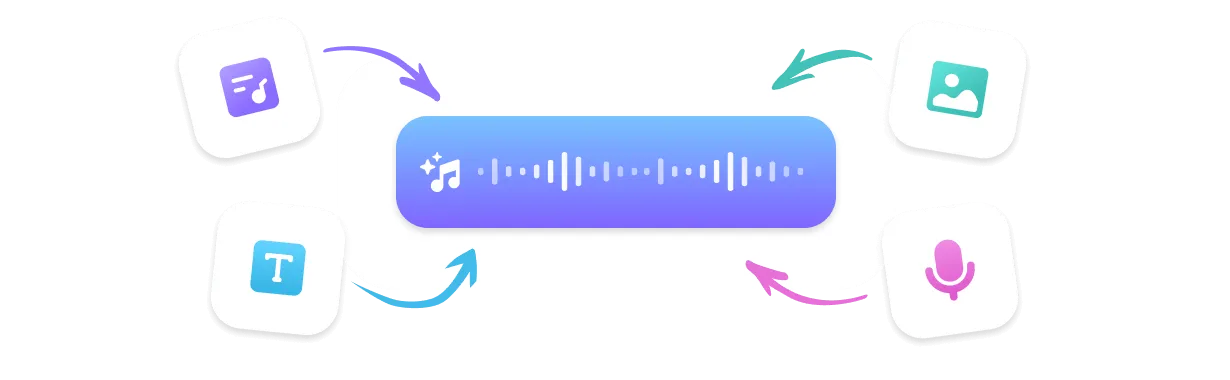
Flexible Creation Modes
Hum to song is just the start. You can also generate from lyrics, text prompts, uploaded audio, or even an image. Four input modes means you always have a way to capture the idea in your head before it fades.
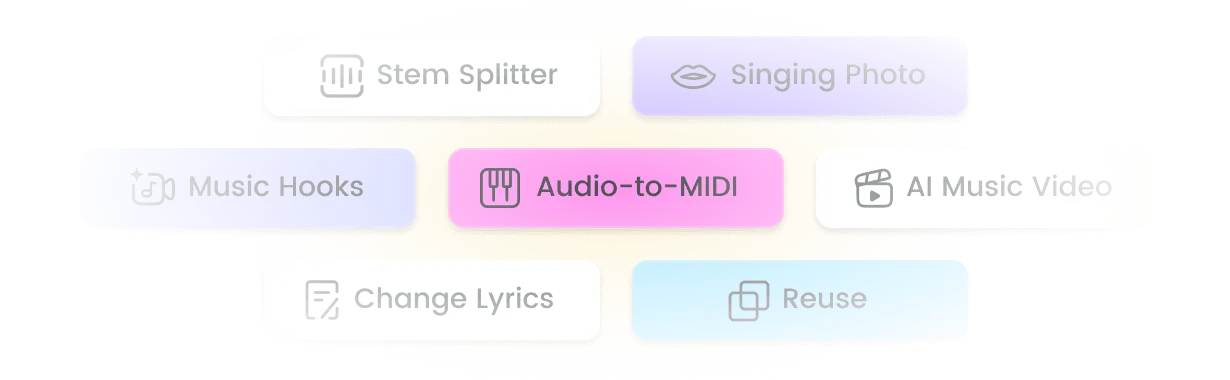
Remix Suite
Extend your hum-based track, mashup it with another song, or sample a section. Plus access Stem Splitter to isolate vocals, drums, and bass for deeper remixing and post-production in any DAW.
Top Use Cases for Hum to Song AI
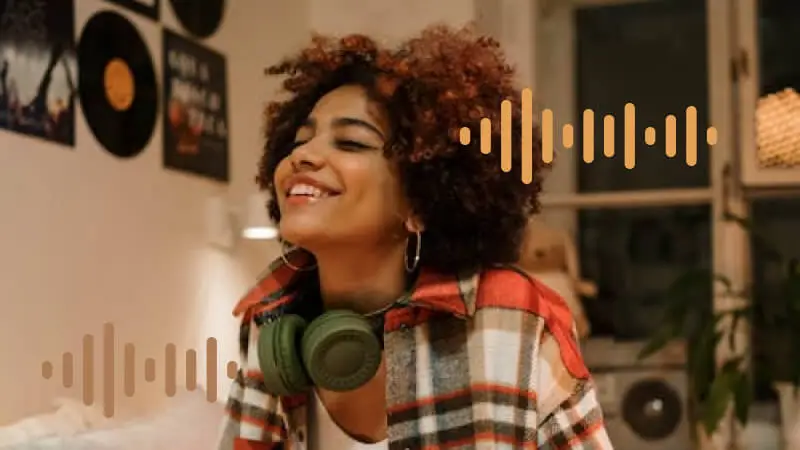
Songwriters Capturing Melody Ideas
Got a hook in your head but no guitar nearby? Hum it into TopMediai and get a structured demo with vocals and arrangement in seconds. Turn voice memos into shareable song drafts without opening a DAW.

Content Creators Needing Original Music
Generate royalty-free background tracks for YouTube videos, TikTok, and Instagram Reels by humming the vibe you want. No more searching through generic stock libraries for the right mood.
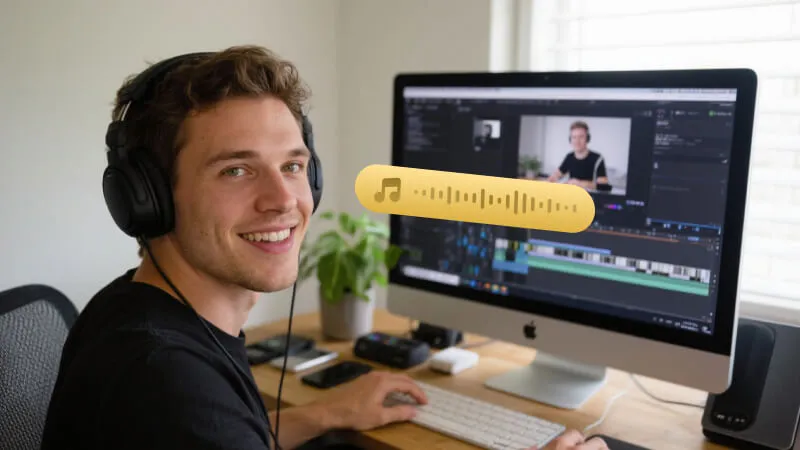
Music Beginners with No Instrument Skills
You don't need to play an instrument or read sheet music to make music from humming. If you can hum a tune, you can create a complete, professionally produced song with vocals and full arrangement.
What Creators Say About Our Hum to Song AI

I used to lose melody ideas because I couldn't get to a guitar fast enough. Now I hum into my phone, upload it, and have a full demo with vocals in under a minute. The V5.5 model nails the genre I pick every time.
Marcus Bell, Indie Songwriter
I hummed a simple tune for my channel intro and TopMediai turned it into a full track with drums and vocals. The royalty-free license means I never worry about copyright claims on my videos anymore.
Sofia Reyes, YouTube Creator
For my podcast I needed custom intro music with a specific mood. I hummed the melody I wanted, added some style tags, and got exactly what I needed. The stem splitter let me isolate the drums for transitions too.
James Okafor, Podcast Producer
I have zero music training but melodies pop into my head all the time. This is the first tool that actually turns my humming into something that sounds like a real song. The voice cloning feature blew my mind.
Aria Chen, Hobbyist Musician
I hum a vibe for each client video and get a custom track instead of digging through stock libraries. The remix suite means I can extend or mashup tracks when clients want variations. Saves me hours every week.
Daniel Foster, Video Editor
Top Features of TopMediai Hum to Song AI
Everything you need to turn a hummed melody into a complete, studio-quality song in one tool.

No Skills Needed
If you can hum a melody, you can make a song. No instrument skills, no music theory, no production experience required. The AI handles arrangement, instruments, and vocals automatically.

Music V5.5 - Latest AI Model
The V5.5 engine delivers natural dynamics, richer genre understanding, and emotionally expressive vocals. Your humming gets transformed into a production that sounds like it was made in a studio.

400+ Music Styles
Choose from over 400 style tags spanning pop, rock, electronic, jazz, classical, cinematic, and more. Guide the arrangement to match exactly the genre and mood you hear in your head.

Sing in Your Own Voice
Clone your voice once and use it to sing any song you generate from your humming. Your melody, your lyrics, your voice. Create a consistent vocal identity across all your tracks.

Multi-Format Download
Export your hum-to-song creations as MP3, WAV, MP4, or SRT. Download high-quality audio for streaming, stems for mixing, or video with synced lyrics for social media.

Fast Generation Speed
From hum to full song in under a minute. The AI processes your melody, builds the arrangement, and generates vocals almost instantly so you never lose creative momentum.

Reference Audio Upload
Upload a reference track alongside your humming to guide the AI's style and arrangement. Match the vibe of a song you love while keeping your original melody as the foundation.

Remix Suite: Extend, Mashup & Sample
Extend your hum-based track to full length, mashup it with another song, or sample a section. Plus access Stem Splitter to isolate vocals, drums, and bass for deeper remixing in any DAW.
Explore More Than Just Hum to Song
FAQs about Hum to Song AI Generator

Turn Your Humming Into a Song Right Now
Hum a melody and get a complete, royalty-free song with vocals and full arrangement in seconds. No instrument skills needed. Start free today.