


How to Create Orchestra Music with AI?
Start with a scene, original lyrics, reference audio or an image. Describe the ensemble and emotional arc, then preview how the arrangement develops.
Paste original lyrics and choose a vocal direction, such as an intimate solo voice above a small string ensemble. Use Prompt mode instead when you want an instrumental score.
Ask for sustained strings beneath the verses, woodwind responses and a fuller brass-supported chorus. State the language and pronunciation needed for the vocal.
Generate the song and listen for clear words, a supported melody and enough space around the singer. Adjust the brief if the arrangement becomes too dense.

Write a specific brief: a mountain crossing at 124 BPM, low strings at the start, a horn theme in the middle and a triumphant ending. Treat tempo and instrumentation as creative directions.
Switch on Instrumental for a score without sung words. For an orchestral song, add lyrics and choose the available singer settings.
Preview the track and listen for a clear theme, believable transitions and a useful ending. Revise the prompt or explore another version before placing it against your edit.

Add your own sketch or another authorized reference through the available audio workflow. A simple piano demo can communicate the mood and pacing you want to explore.
Describe how you want strings, brass, woodwinds and percussion to support the reference. The new result is guided by the input; it is not a guaranteed note-for-note orchestration.
Compare the output with your creative brief, then try the available Remix or Extend tools. Keep the version whose melody and dynamics best suit your scene.

Use a landscape, storyboard frame or other image you own or may use. A misty valley and a crowded celebration suggest very different musical moods.
In the available Soundtrack workflow, add directions such as soft flute, slow strings and a gradual swell. The image supplies visual inspiration while your brief narrows the sound.
Preview the score beside your image or sequence. Refine the mood and instrumentation, and trim or arrange the result in an editor when exact cue timing matters.

Why Use TopMediai as Your Orchestra Music Creator?
Royalty-Free Licensing for Eligible Tracks
Create orchestral cues for films, games and branded videos with the commercial rights included in eligible paid plans. Download the track license certificate before commercial use; free-plan tracks are for personal, non-commercial projects.

Three Music V6 Models to Explore
Choose v6 Pro for refined results, v6-wild Pro for experimental ideas or v6-mini for efficient generation. Model access and credit costs depend on your plan, so compare the available options for each orchestral brief.
An Orchestra Maker Built Around Your Brief
Start from prompts, lyrics, authorized audio or images, then describe the instrumental balance and emotional arc. The orchestra music maker guide explains the instrument families behind these creative choices.

Remix Tools for Developing Your Score
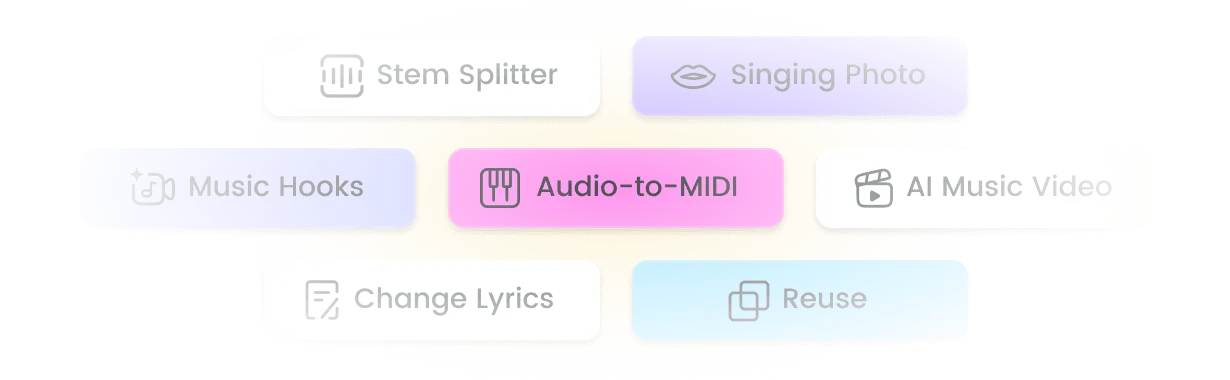
Use Extend to develop additional sections for dramatic orchestral soundtracks, Mashup to combine ideas or Sample to explore new material through the available Remix Suite. Continue with Stem Splitter or Audio to MIDI when your project needs further arranging and mixing.
Top Use Cases for an AI Orchestra
Short Films and Documentary Scenes
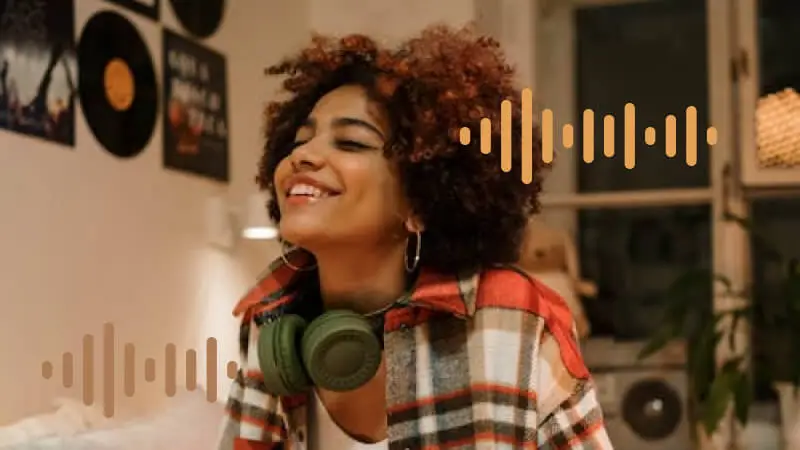
Build a restrained string cue beneath dialogue or request a gradual brass-led reveal. Compare the music against the scene and adjust the edit so the emotional peak lands where you need it.

Fantasy Games and Story Worlds
Explore woodwind-led discovery themes, low-string suspense and full-orchestra battle ideas. Prepare and test loop points in your audio editor before using a cue as repeating game music.
Trailers, Ceremonies and Brand Films
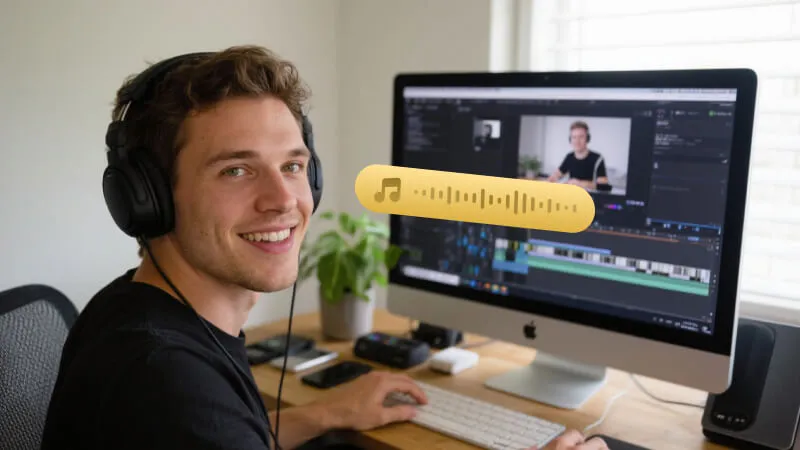
Create an orchestral direction that moves from a simple motif to a broader finish. Choose eligible commercial licensing for client work and review the final mix against voiceover and picture.
Orchestral Briefs for Different Creators

Try a reunion cue that begins with solo oboe over muted strings. Ask for a modest swell and a quiet ending so the dialogue remains central.
Short Film Editor
Develop a discovery theme with flute, harp and light strings. Test the arrangement under gameplay, then prepare suitable loop points in your editor.
Indie Game Developer
Explore a horn-led motif that gains weight through low strings and timpani. Leave room between accents for title cards and dialogue.
Trailer Producer
Pair original English lyrics with a gentle orchestral accompaniment. Use an authorized custom singer voice when that feature is available to your account.
Songwriter
Compare a chamber-style brief with a fuller symphonic version of the same idea. Listen for changes in texture and melodic balance as part of your own study.
Music Student
Top Features of the Orchestra Music Creator
Create, compare and develop AI orchestra ideas with multiple input modes, vocal options and tools for the next stage of your production.

Create Orchestra Music Without Reading a Score
Describe the scene, mood and instruments in ordinary language. To make orchestral music for a short film, start with the emotional change you want the audience to feel.

Music V6 Models for Different Directions
Explore v6 Pro, v6-wild Pro and v6-mini for refined, experimental or efficient generation. Preview the results rather than assuming one model will suit every orchestra maker brief.

400+ Genres and Moods to Explore
The broader platform covers 400+ genres and moods. Within an orchestral brief, explore chamber textures, pastoral woodwinds, cinematic brass or a restrained string-led background.

Sing in Your Own Voice
Use an authorized custom singer voice for an orchestral vocal song when your account supports it. Keep Instrumental enabled when the scene calls for an ensemble without singing.

Formats for Audio and Video Workflows
Available exports include MP3 and WAV audio, MP4 video and subtitle files such as SRT, depending on the feature and plan. Subtitle files contain text timing, not orchestral audio.

Compare New Score Ideas Quickly
Generate alternative arrangements without programming every instrument part by hand. Preview the strings, brass entrances and ending; generation time varies with the model and request.

Use an Authorized Audio Reference
Guide a new orchestral arrangement with a supported audio reference. Describe the ensemble you want, and expect an inspired new result rather than exact transcription or isolated instrument control.

Remix Suite: Extend, Mashup and Sample
Develop AI orchestra music for games or films through the available Extend, Mashup and Sample options. Use a separate editor when you need exact cuts, stems arranged on a timeline or reliable loop points.
Explore More Than Orchestra Music
FAQs About the Orchestra Music Creator

Create Orchestral Music for Films and Games
Turn a scene into an orchestral cue. Explore royalty-free music for films and games, with commercial use available on eligible paid plans.