


 Join our Discord!
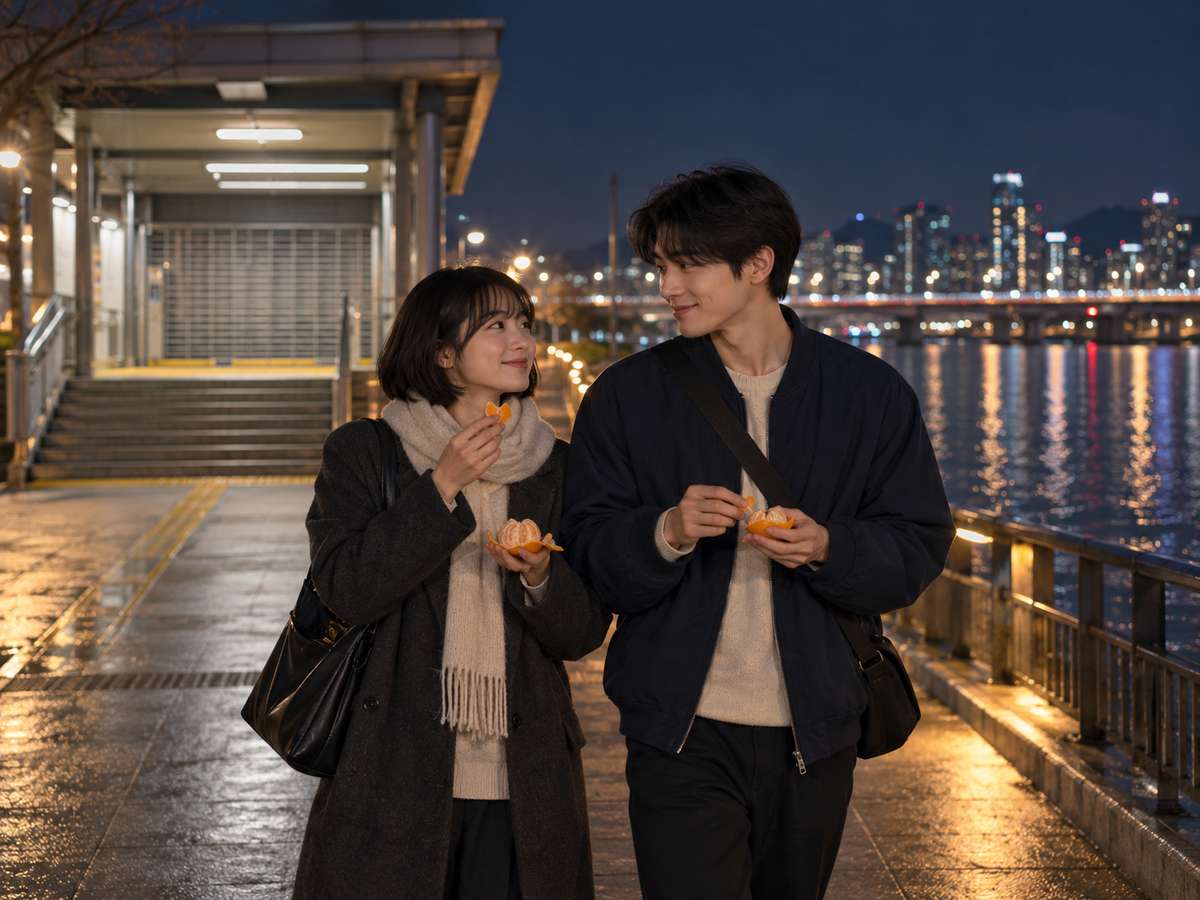
BRIGHT FIRST CRUSH
Turn a missed train into a hook
Write a playful first-date song with a riverside walk, two tangerines and a chorus about staying a little longer.
Listen to This SongCreate a K-pop song from your concept or lyrics. Shape the hook, rap break and vocals, then explore bright pop, bold dance tracks or a softer ballad.


Start with a story and give it a sound: a bright first crush, a confident dance track, a midnight ballad or a thank-you to the crowd. Each concept below has its own original song brief.
Write a playful first-date song with a riverside walk, two tangerines and a chorus about staying a little longer.
Listen to This Song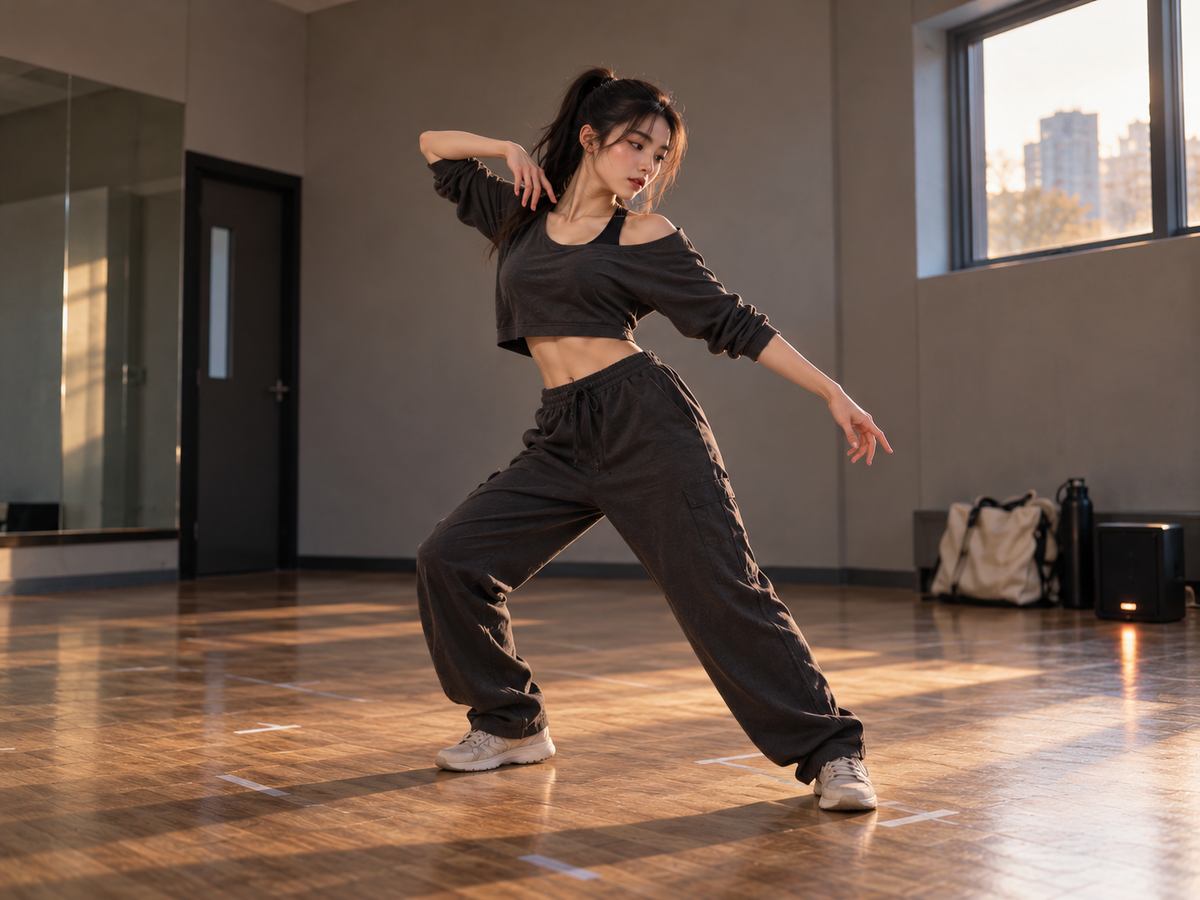
Give a dancer a crisp rap passage, a chantable chorus and room for a rehearsal-floor dance break.
Listen to This Song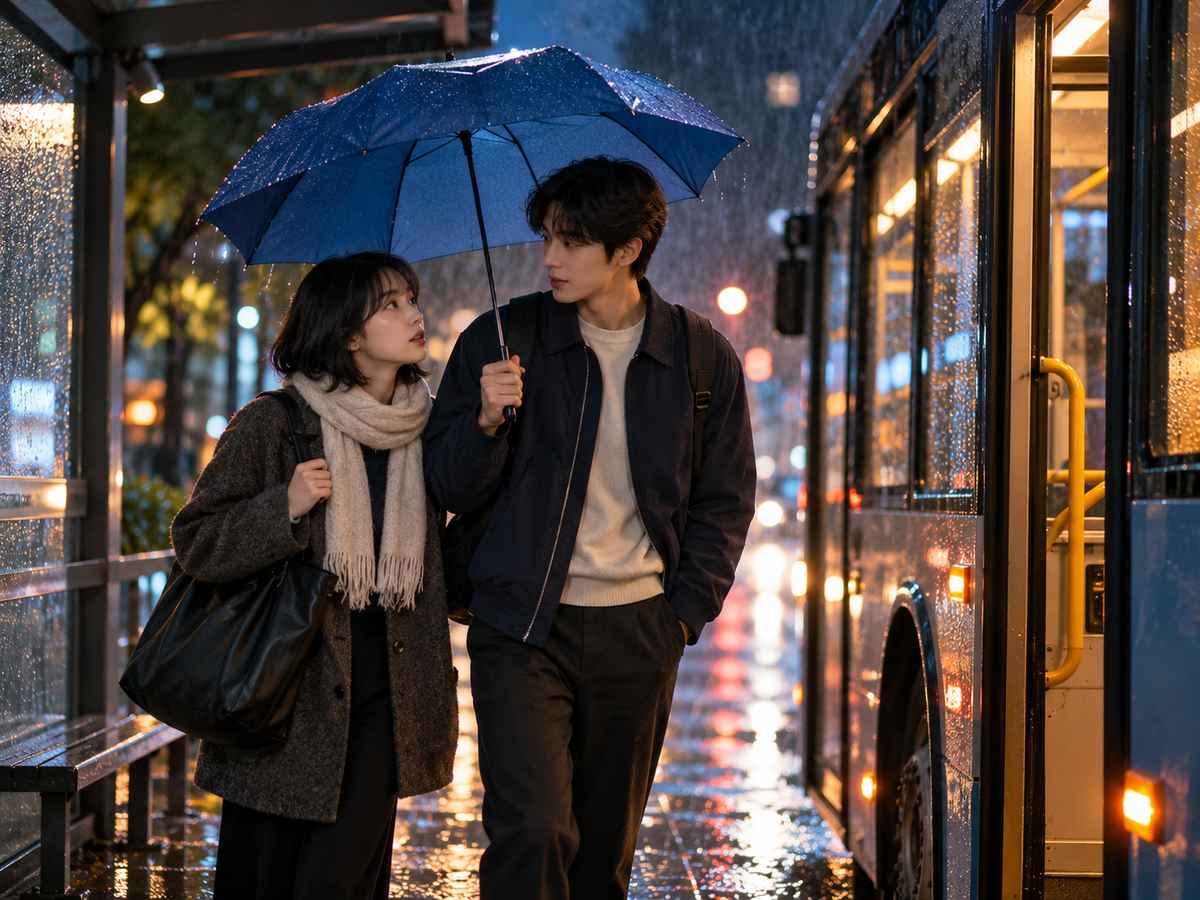
Use a rainy bus stop, a blue umbrella and an unsent message to shape a restrained piano-led ballad.
Listen to This Song
Turn a small venue, a paper star and a shared refrain into a warm thank-you after the encore.
Listen to This SongUse Custom mode for your own words, Easy mode for a concept, or Soundtrack mode for visual inspiration. Describe the sound you want and listen before refining it.
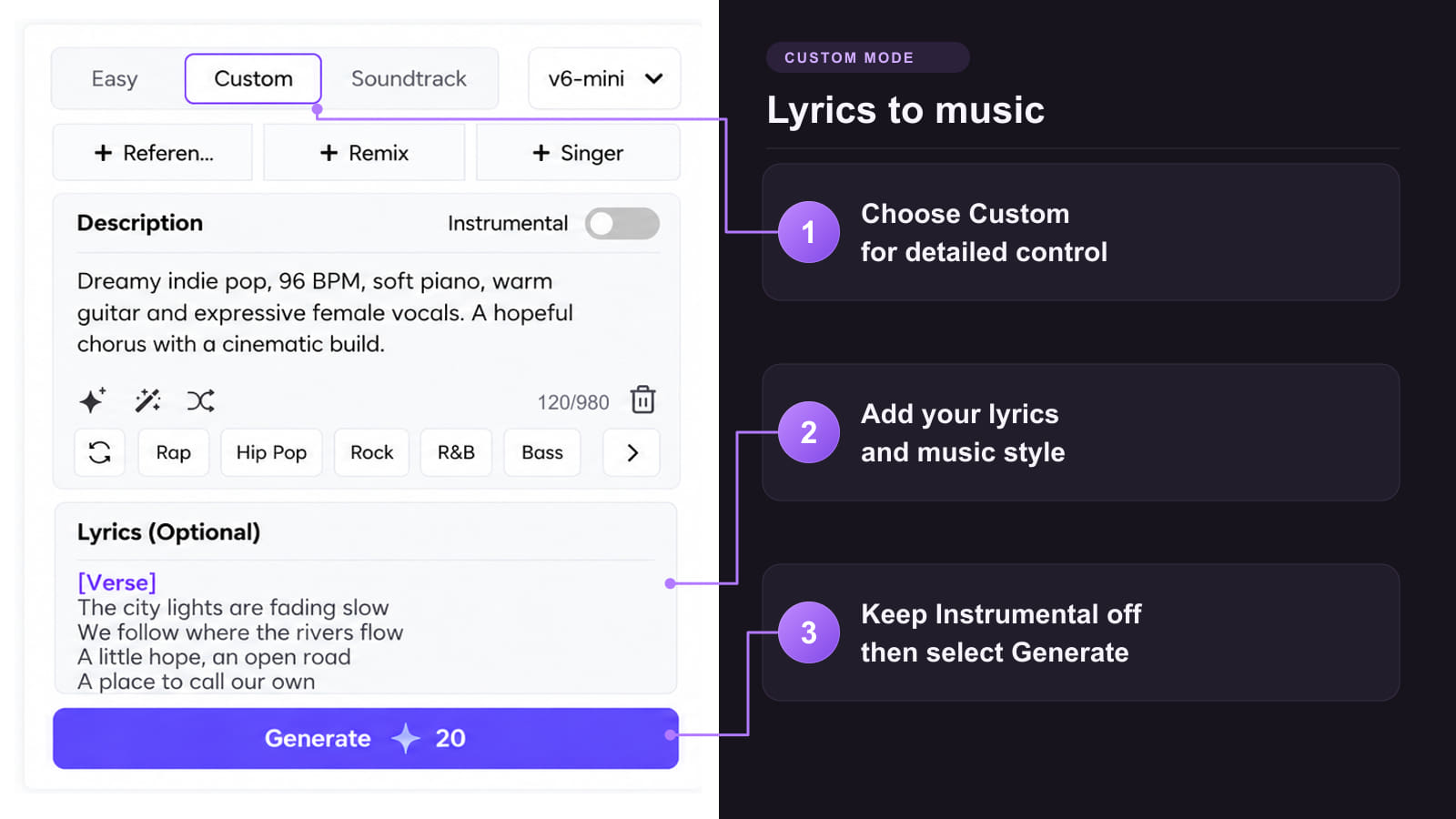
Method 1: Turn your K-pop lyrics into a song
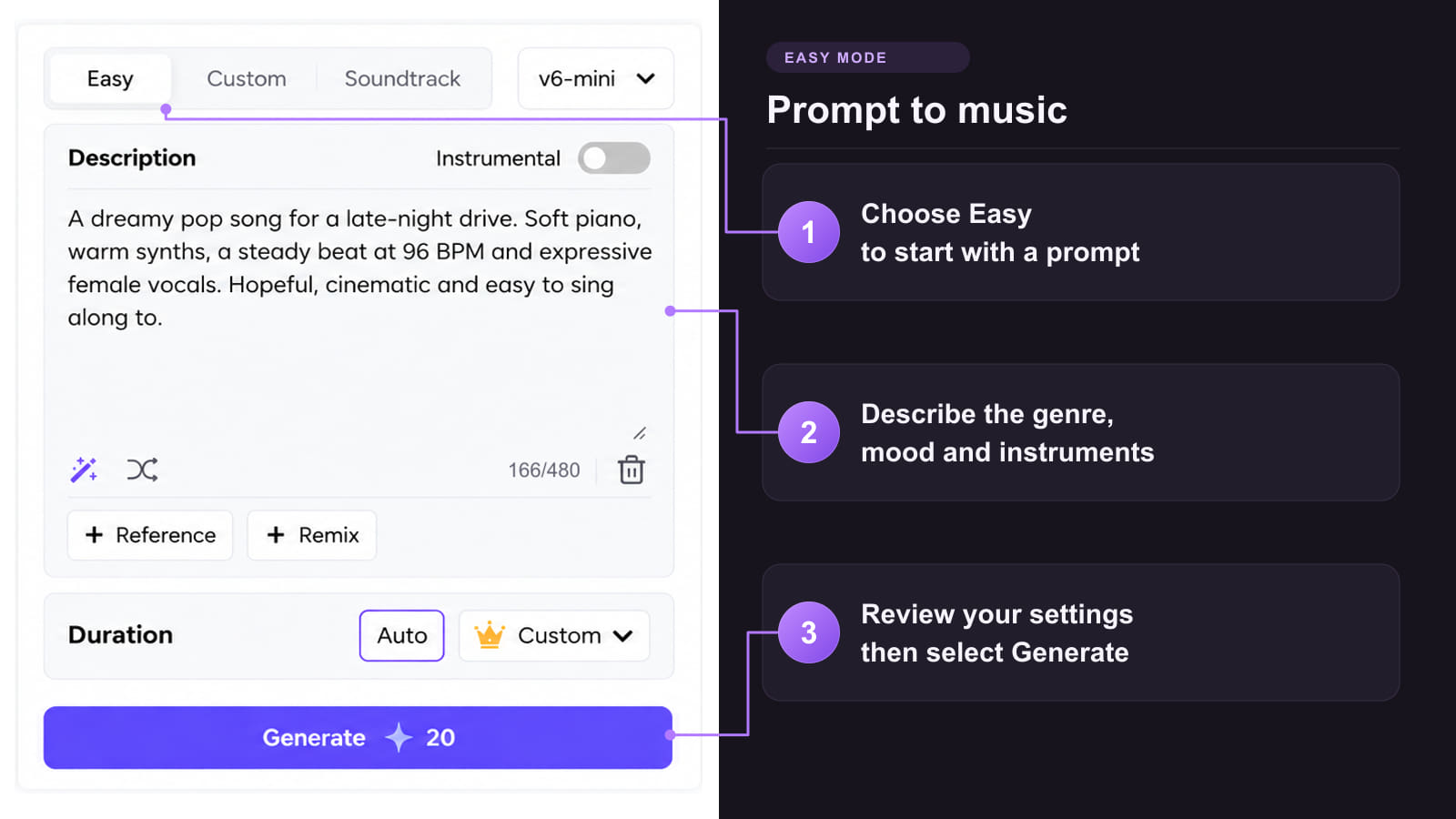
Method 2: Describe the concept and sound
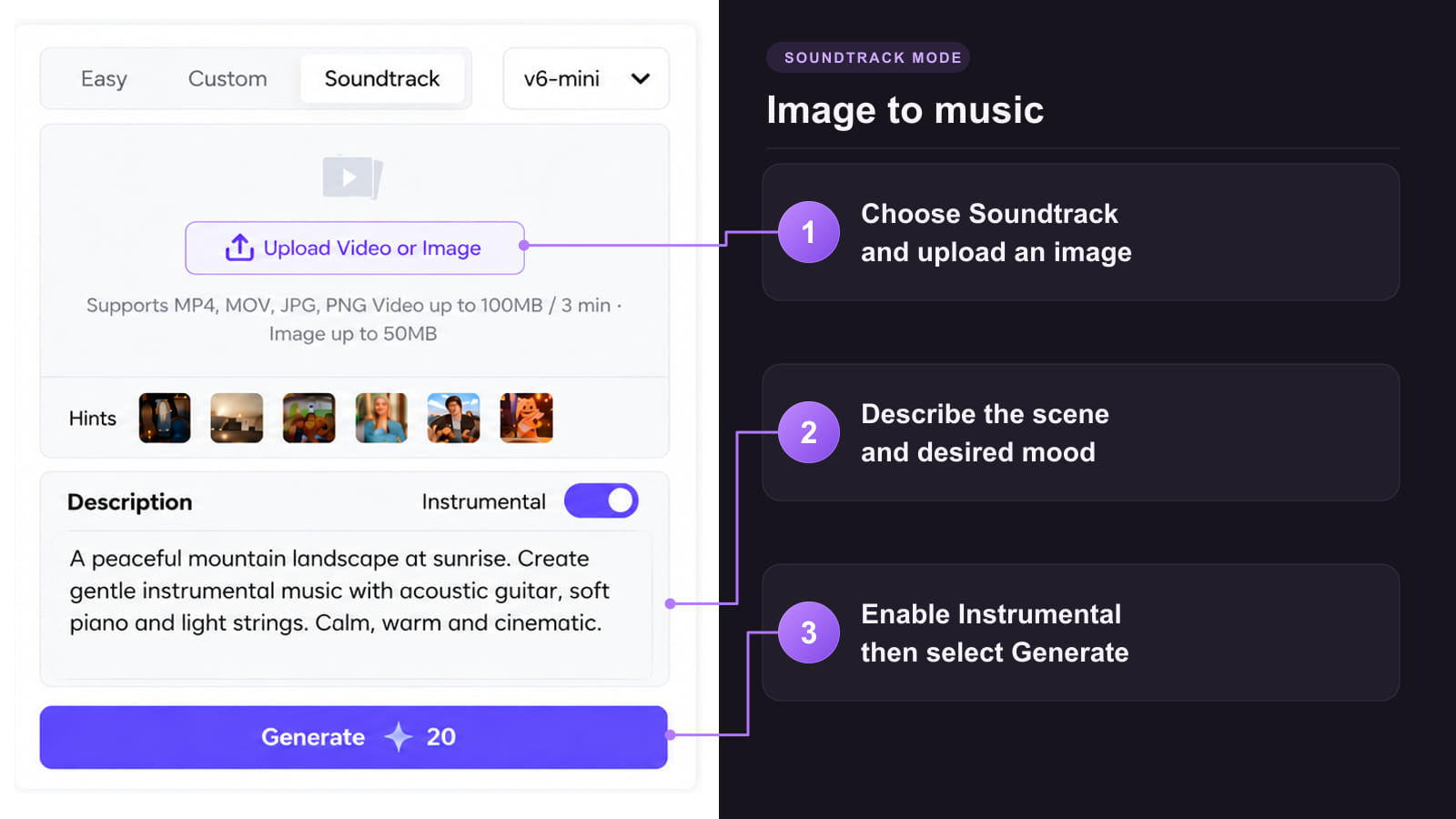
Method 3: Use concept artwork as inspiration

A strong concept gives the verse somewhere to go. A short hook gives listeners something to remember. Decide what each section should do before adding more instruments.
 From a private demo to a release
Try a private demo first. Commercial use of an eligible track requires the applicable paid-plan license; keep its certificate before publishing.
 One concept, different arrangements
Try a bouncy bassline for a first-crush story, clipped percussion for a confidence anthem, or open piano chords for a late-night confession.
 More ways to finish the song
Where available, use Extend to continue a track or Remix to explore another arrangement. Check the feature cost before generating.
 Let the words guide the phrasing
Keep the chorus compact. Give a rap passage shorter, rhythmically clear lines, and leave the bridge room for a change of perspective.
 Compare the hook before the polish
Ask whether the central phrase still works without the full beat. If it needs too many words, rewrite the chorus before generating another arrangement.
Build visuals around the concept or prepare audio for further editing. Each tool has its own inputs, access requirements and credit costs.
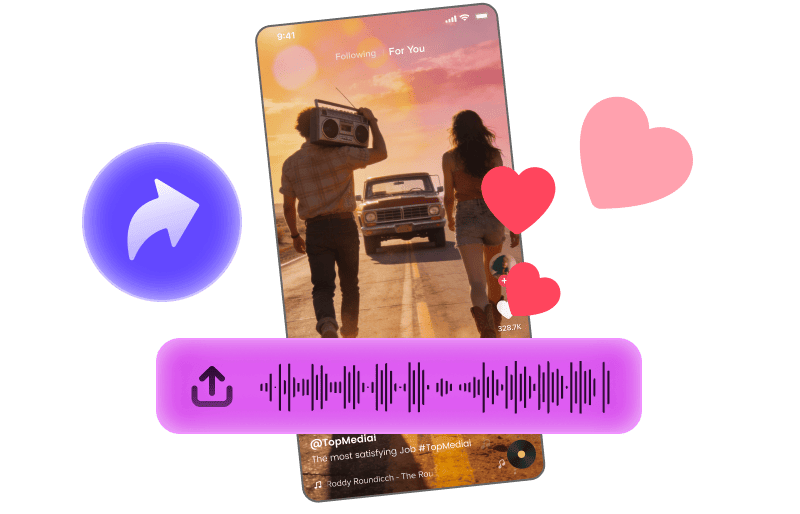
Explore a short visual treatment for your chorus.
Explore Tool
Build a music video around your track's concept and story.
Explore Tool
Convert audio into MIDI for further arrangement.
Explore Tool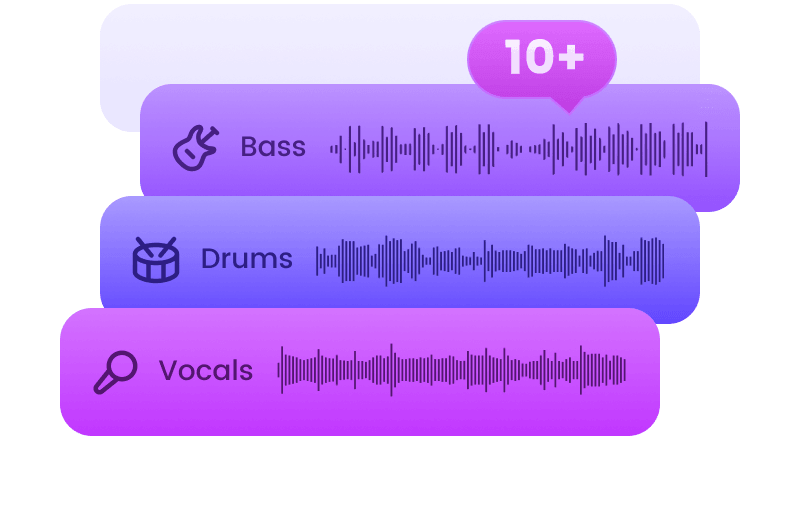
Separate your track for further mixing and editing.
Explore Tool
Explore a singing portrait with an authorized character image.
Explore Tool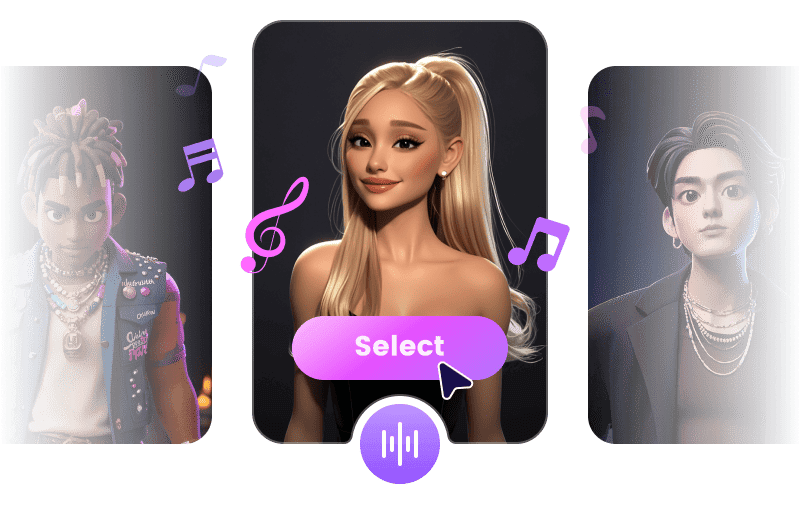
Explore another vocal interpretation using voices and audio you have permission to use.
Explore ToolDevelop a rap passage, write a stronger love-song story or learn how to describe an arrangement. These guides cover the next step.
Practical answers about bilingual lyrics, pronunciation, rap and dance breaks, group vocals and release conditions.
Make a K-Pop SongYes. Describe a concept in Easy mode, or bring original lyrics to Custom mode. For example, ask for a playful first-date song with a rising pre-chorus and a short hook about missing the last train. Review the lyric draft before generating the sung version.
You can write both languages in the lyric field and describe where the switch should happen. Put each language on its own line when that makes the phrasing clearer. Keep both lines comfortable to sing at the chosen tempo, then check that the generated take preserves the words and rhythm.
Start with Hangul for the Korean lines and keep a translation separately for review. If one word is unclear, compare a second take with only that word or line changed. Romanization is an experiment rather than a guaranteed fix; ask a fluent Korean speaker to check the wording and sung result.
Shorten the troublesome line, remove crowded syllables and listen to it in context. Compare one change at a time, such as a simpler phrase or an isolated phonetic spelling. If repeated takes still sound wrong, rewrite the line or choose another take. These are troubleshooting suggestions, not a promise of accurate Korean pronunciation.
Label the passage as a rap verse and describe a clipped, rhythmic delivery in the song brief. Use short lines with a clear spoken cadence, then give the chorus a contrasting melodic role. These cues can guide the arrangement, but the generated performance may still sing the passage; revise and compare takes.
Yes, you can request one in the arrangement brief and mark a dance-break section without sung words in the lyrics. Keep Instrumental off for the full song, since you still want vocals elsewhere. Listen for the break in the generated take; a precise bar count or silent vocal track is not guaranteed.
You can describe contrasting vocal roles as a creative direction, but that does not guarantee a fixed singer for every line. TopMediai offers vocal selection where available; the official page does not establish a precise multi-member line-assignment control. Review the take as a demo and use further production if exact roles are essential.
A limited trial is available, while credits and downloads depend on your account and plan. Check the options shown for the finished track before assuming a free MP3 export is included.
Eligible tracks generated during a paid TopMediai membership include a commercial license; free-plan tracks are for personal, non-commercial use. Keep the track's license certificate. If the track was created before upgrading, confirm its eligibility with TopMediai rather than assuming a later subscription changes its rights.