

 Up to 76% off with code


 Join our Discord!

VOCAL HOOKS
Give your chorus a brighter rush
Pair a high-register vocal with sparkling synths and a quick dance pulse. Keep the lyric short enough to catch on the first listen.
Last Train, First LightCreate nightcore-style music with bright vocals, fast beats and your own lyrics. Use TopMediai online to generate a new song or explore an AI remix of your track.


Find the sound you want before you write a prompt: a bright vocal hook, a gaming instrumental, a steady workout beat or an emotional dance track. These AI-generated demos explore nightcore-inspired styles.
Pair a high-register vocal with sparkling synths and a quick dance pulse. Keep the lyric short enough to catch on the first listen.
Last Train, First Light
Try a crisp instrumental with bright arpeggios and clear downbeats. Leave room for game audio and choose the section that fits your edit.
One More Respawn
Start with a steady dance beat and an uplifting synth hook. A focused arrangement can keep the energy moving without a crowded vocal.
Run Past Midnight
Combine a bittersweet lyric with piano, bright synths and a dance beat. Let the chorus carry the emotion instead of pushing the vocal higher and higher.
The Rooftop We KeptUse this nightcore creator to shape a new song from lyrics, a prompt or visual inspiration. AI generation creates a new performance; exact speed and pitch conversion requires an audio editor.
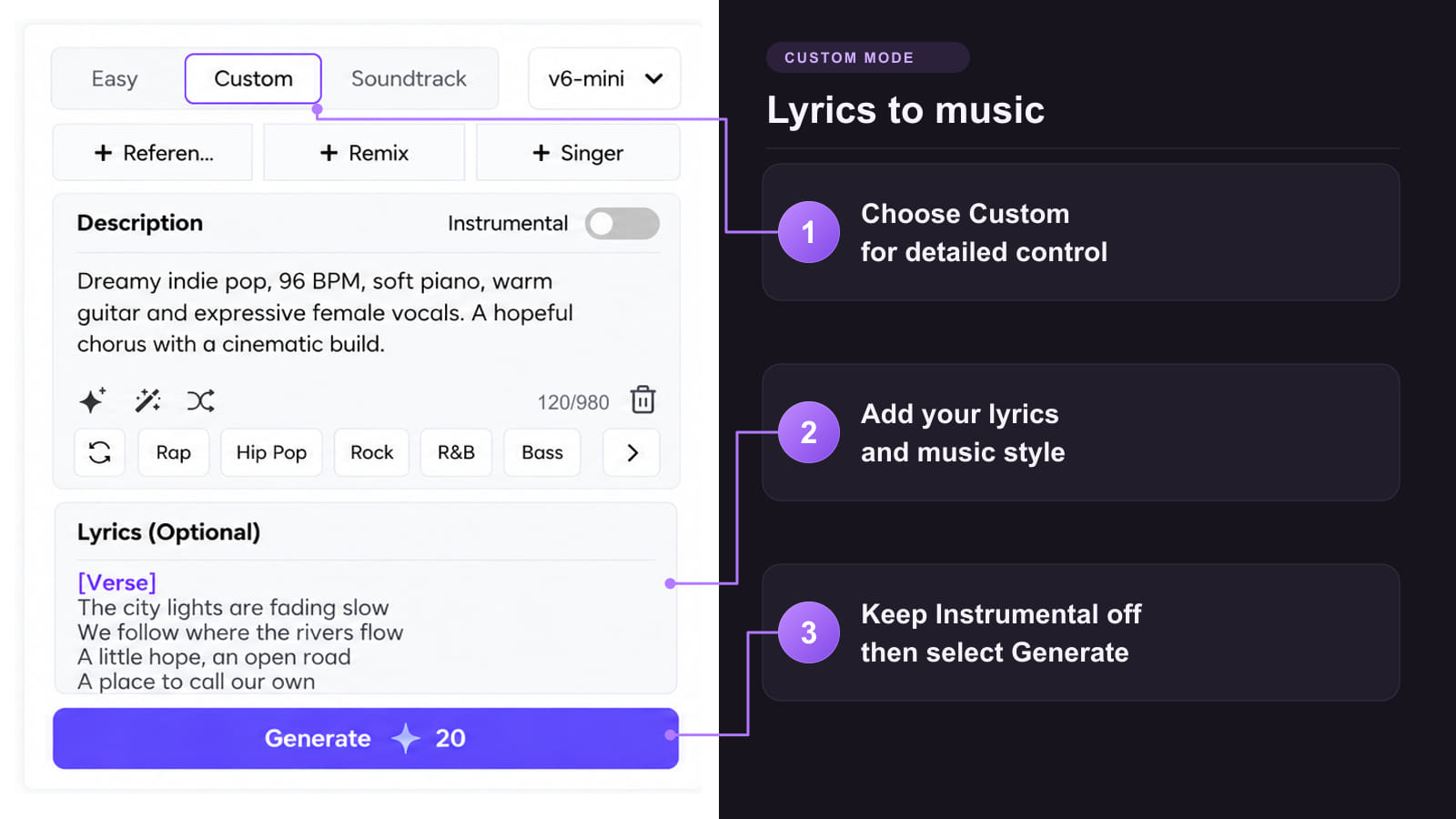
Method 1: Build a vocal track from your lyrics
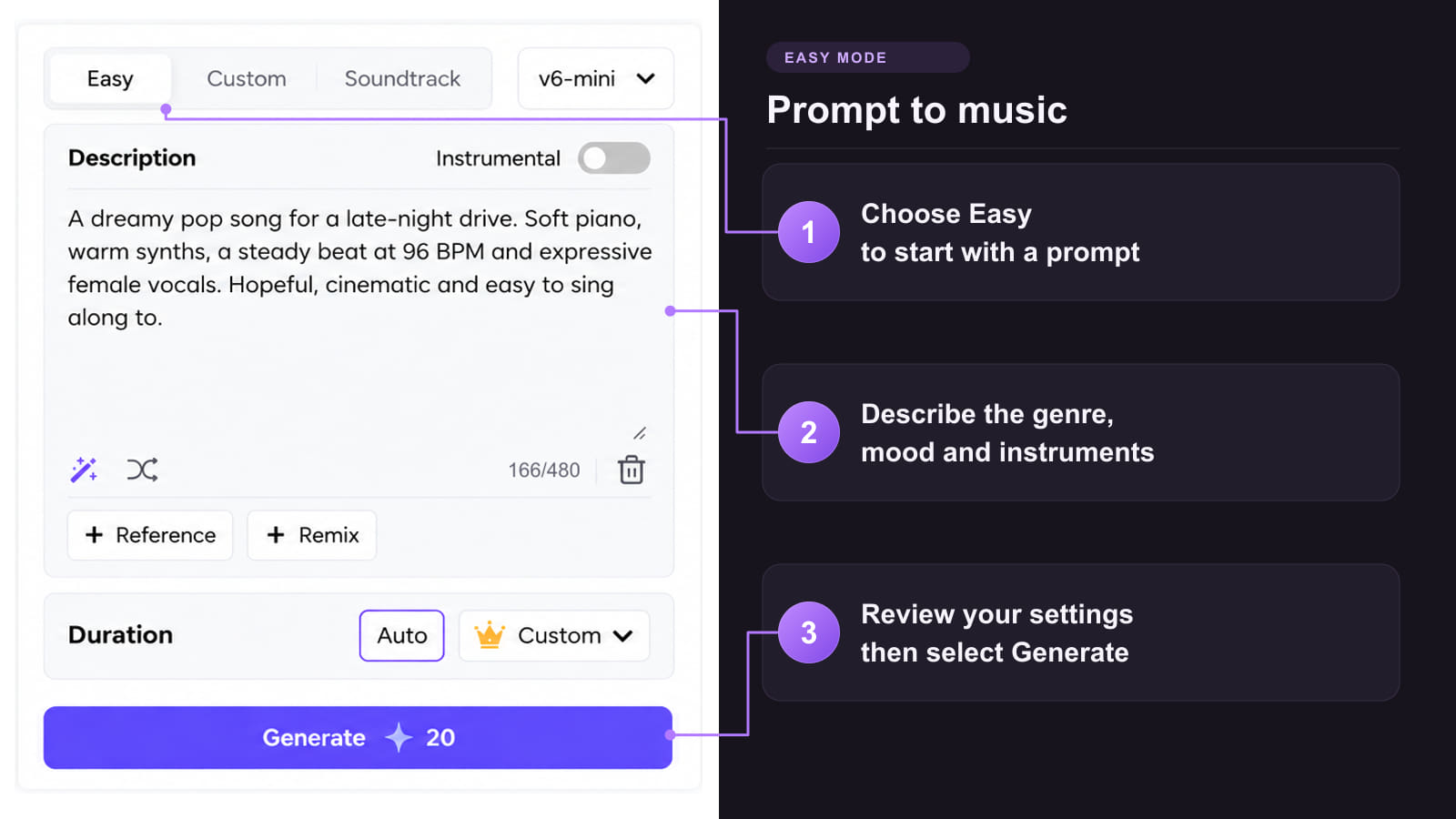
Method 2: Describe the nightcore sound you want
Method 3: Turn a visual mood into a soundtrack
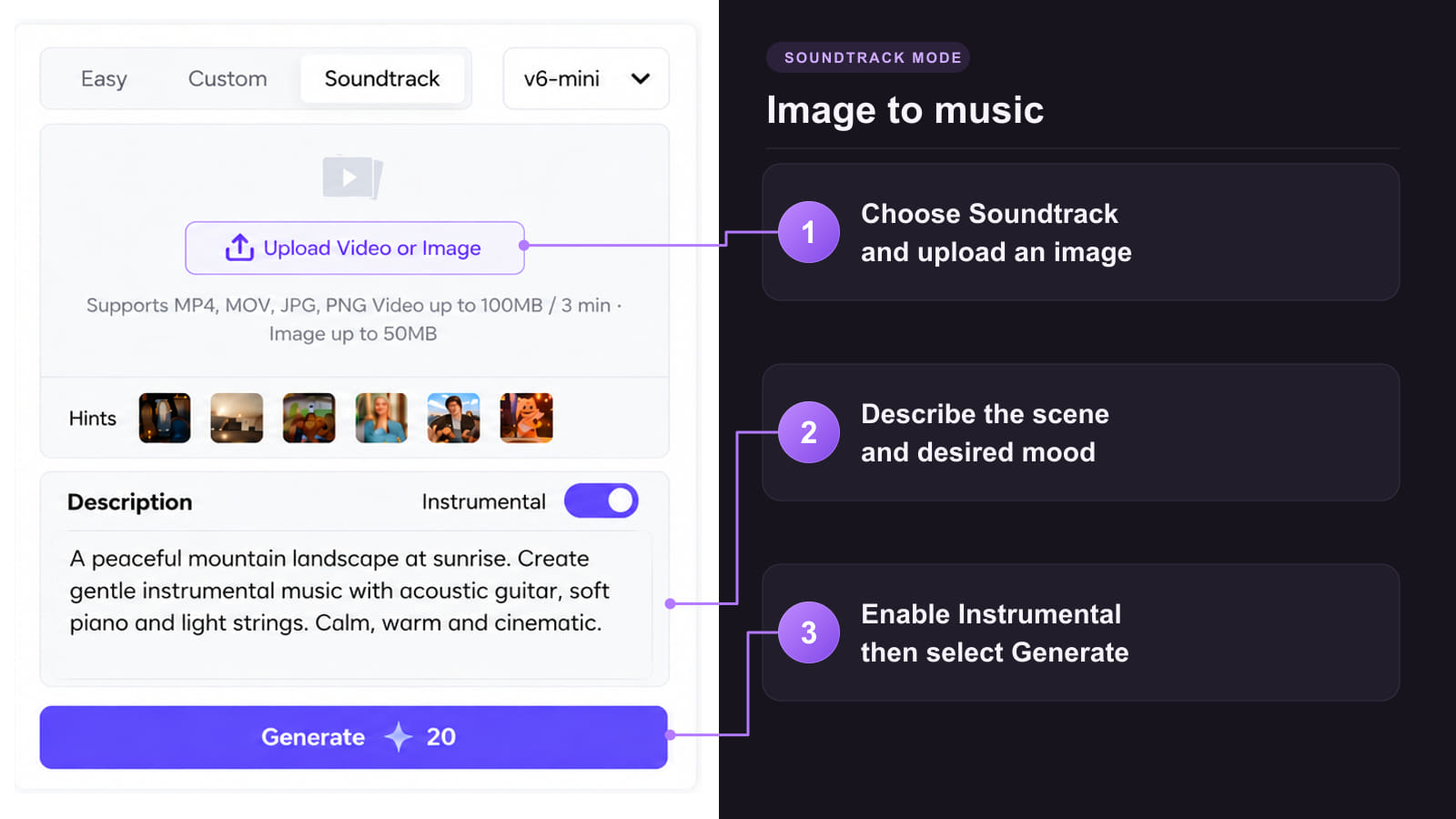

A faster song needs a melody worth replaying. Build the hook, vocal character and rhythm together, then listen for the balance.
 Rights that match your project
Free-plan tracks are for personal, non-commercial use. Eligible paid-plan tracks include a commercial license. A remix still requires rights to its source audio.
 Describe the energy you want
Ask for bright synths, clear high vocals and a driving dance beat. A target BPM guides generation, so listen to the result rather than assuming an exact tempo.
 Take an idea further
Use the available Remix and Extend options to explore another arrangement or continue an idea. Feature access and credit costs vary.
 Lyrics, prompts and visuals
Write the chorus yourself, describe a sound in plain language or use a visual for inspiration. Choose Instrumental when the beat should lead.
 Choose an available V6 model
TopMediai offers v6 Pro, v6-wild Pro and v6-mini. The 3,000-Credit weekly plan costs USD 9.99 for the first week, then USD 15.99/week. Check the current checkout terms before subscribing.
Build a visual edit, prepare stems or explore another vocal direction. Each tool has its own settings, access requirements and credit costs.
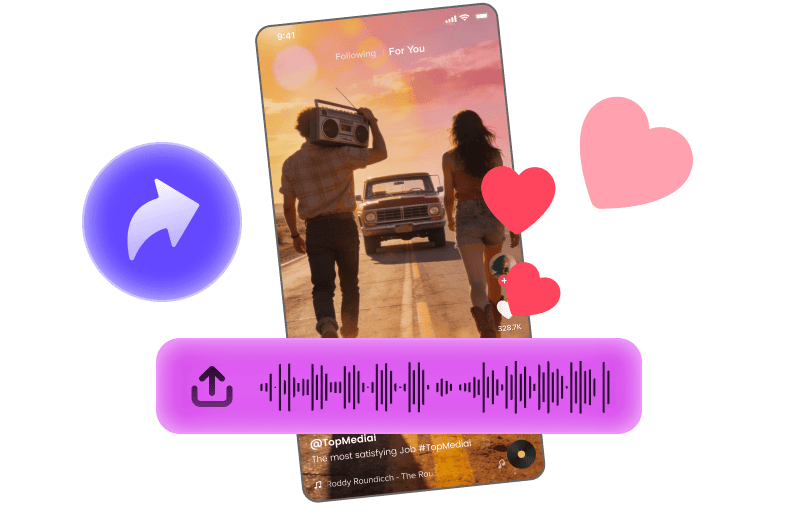
Turn a catchy section into a short visual hook for your social edit.
Explore Tool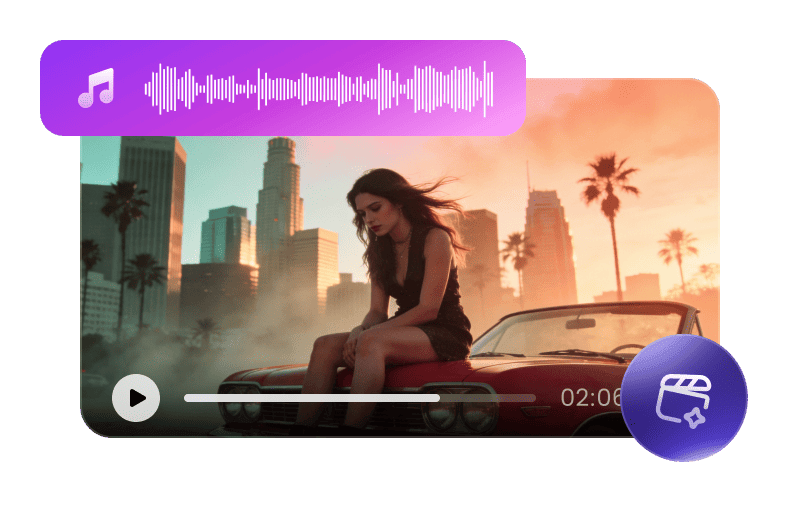
Pair a finished track with a visual story that follows its mood.
Explore Tool
Convert supported audio into editable MIDI for further arranging.
Explore Tool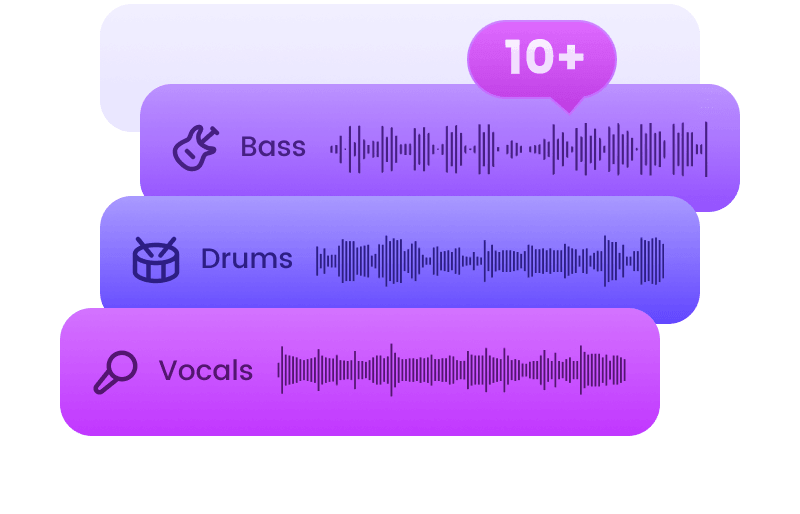
Separate vocals and instruments for your next mixing session.
Explore Tool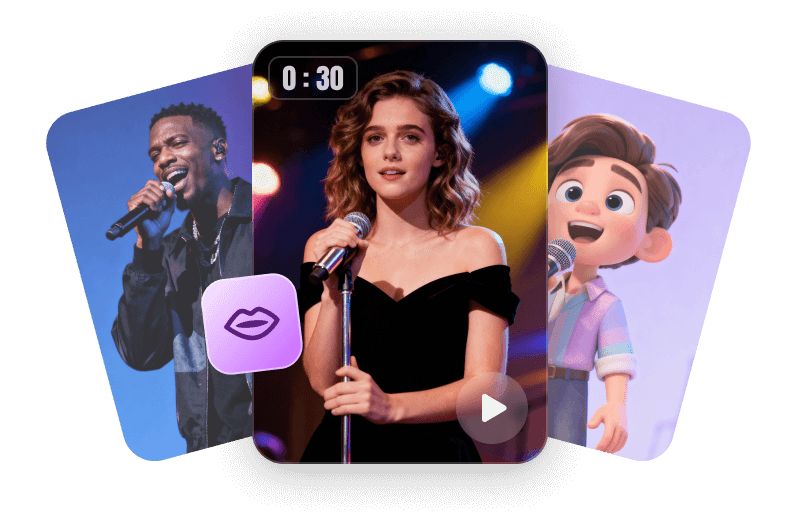
Animate an authorized portrait or character image with a song.
Explore Tool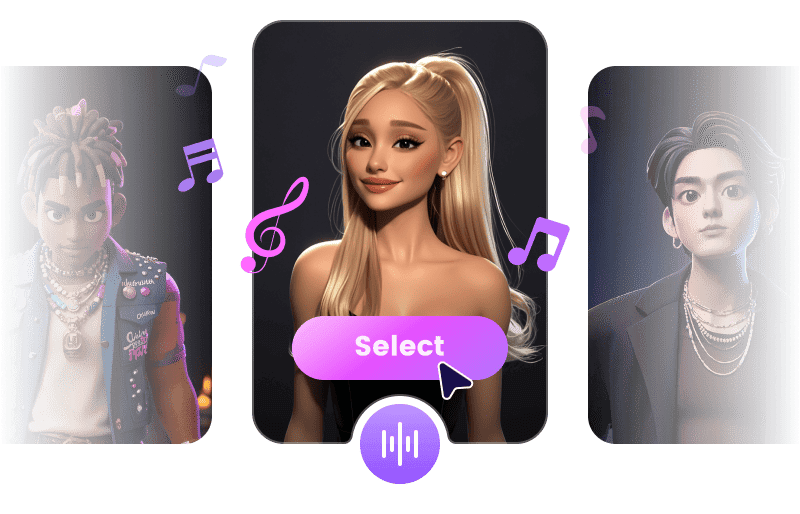
Explore another vocal interpretation using audio and voices you have permission to use.
Explore ToolBuild a melody, try another arrangement or learn to describe the electronic sound you want.
Practical answers about nightcore online, MP3 conversion, speed, pitch and publishing.
Start Creating MusicA night core maker traditionally speeds up an existing recording and raises its pitch. TopMediai provides an AI creation route: describe a bright, fast nightcore-style sound or add your own lyrics to generate a new song. The demos here are generated performances, not speed-adjusted copies of existing recordings.
Start in Easy mode with a clear sound description, or use Custom mode for your own lyrics. Ask for a fast dance beat, bright synths and clear high-register vocals. Generate and preview the song, then adjust the brief if the result needs a stronger hook or a more balanced vocal.
TopMediai supports audio references and AI remix workflows, which create a new interpretation or arrangement. That differs from applying a precise speed multiplier to the original MP3. For a traditional conversion that retains the recording, use an editor with linked speed and pitch controls.
For a traditional edit, try a modest linked speed increase and compare the chorus with the original. A 1.25x rate is one common starting point, not a required setting. In AI generation, describe a target tempo and vocal register instead; these are creative instructions rather than exact conversion controls.
A large linked speed increase also pushes the voice higher. Try a smaller increase and compare the loudest chorus, not just the intro. For an AI-generated track, ask for clear high-register vocals without exaggerated formants and a softer synth lead. These are listening and prompt suggestions, not guaranteed fixes.
The terms overlap, but classic nightcore raises both speed and pitch. A sped-up edit can also preserve the original key through time stretching. If you want the familiar bright vocal lift, make sure your audio-editing workflow changes pitch along with speed.
You can use TopMediai's music generator in a web browser without installing a separate nightcore app. Sign in and check the credits, models and features available to your account. Browser access does not mean unlimited generation or offline processing.
TopMediai supports MP3 downloads for generated songs through the available track download options. Preview the selected version before exporting and check the formats and access shown for your account. An MP3 download does not by itself grant rights to third-party audio or lyrics.
Check the rights to every part of the video, including its music, lyrics and artwork. Speeding up someone else's song does not remove the need for the relevant permission or license. Free-plan TopMediai tracks are for personal, non-commercial use; eligible paid-plan tracks include a commercial license subject to the applicable terms.