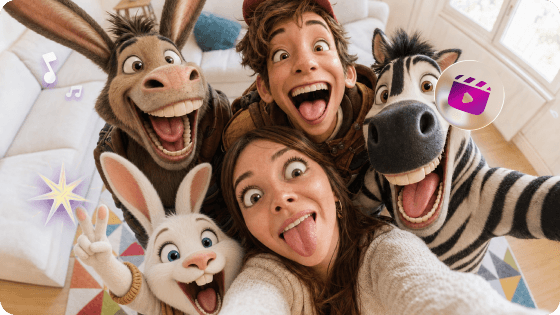
🚀 Seedance 2.5 is Coming Turn ideas into cinematic 30s 4K videos with BGM, voiceovers. Try Now >
TopMediai

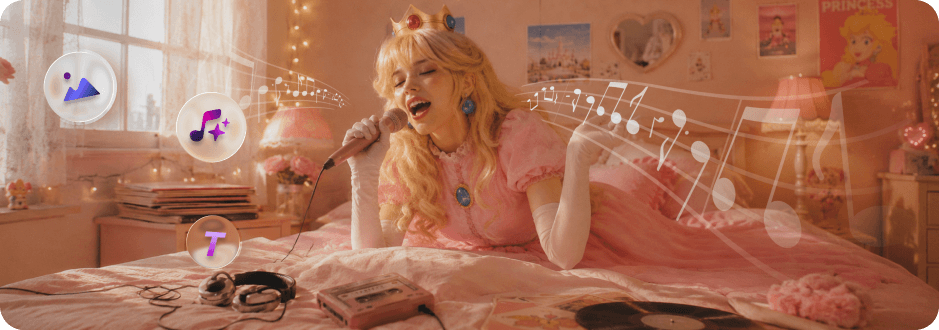
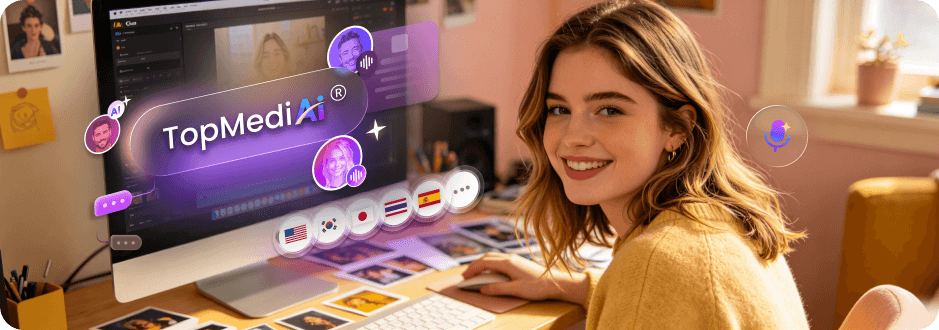
AI Studio for Creators Who Need  Music, Visuals, and Voice

TopMediai user

10M+ AI videos created · 8M+ Voices generated · 3M+ Songs made · 190+ Countries

Media Image Media Image Media Image Media Image Media Image Media Image Media Image Media Image Media Image Media Image Media Image Media Image Media Image Media Image Media Image Media Image

Start with Ready-to-Create Video, Music, and Audio Ideas

Not sure where to begin? Pick an idea and start creating faster.

NBA Highlights Create Video
Match Day Energy Create Video
Zombie Showdown Create Video
Bee Ride Escape Create Video
F1 Driver POV Create Video
World Cup Vlog Create Video
Street Skating Create Video
Sakura Warrior Create Video
Music album cover inset Vinyl record player background Play Country Music
Summer Music Create Music
Music player background Play music preview
The Owl and the Pussy-Cat cover image Kids Music Create Music
Music player background Play music preview
Lato, lato cover image Country Music Create Music
Music album cover inset Vinyl record player background Play Country Music
Character Music Create Music
Music player background Play music preview
Corgi's Car Nap cover image Lofi Music Create Music
Music player background Play music preview
Spain World Cup Fan Song cover image Football Music Create Music
Microphone icon

Create Your Voice

Create Voice
Celebrity Voice
Celebrity Voice
Knightley
Cinematic Voice
Knightley
Male Voice
Knightley
Female Voice

Transform Single Ideas into Ready-to-Publish Content

Turn Any Idea into Visuals

Bring your ideas to life instantly with Text-to-Video, Image-to-Video, and stylized Music Video tools.

Create Video

Make Music for Every Scene

Add music to capture the heart. Effortlessly generate soundtrack, cinematic music, or dramatic hooks.

Create Song

Give Your Video a Voice

Turn scripts into AI narration or character voices that keep the story clear and viewers engaged.

Create Voiceover

Finish It in One Studio

Create visuals, music, and voice together, then turn separate clips into a publish-ready video.
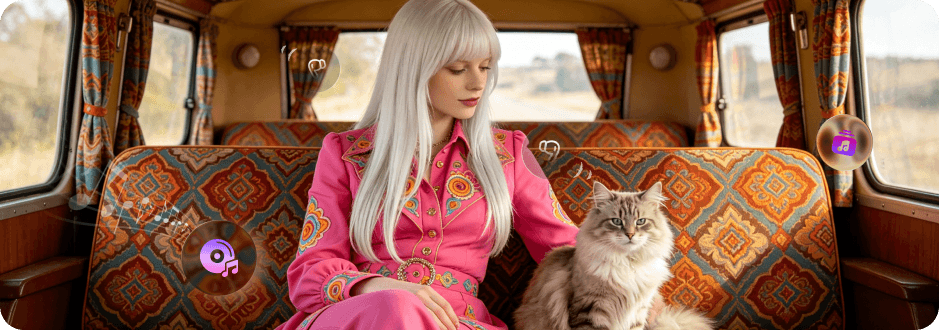
Explore Workflow

How to Create AI Music, Videos and Voiceovers in TopMediai

1

Create AI Music & Soundtracks

2

Generate AI Videos

3

Add AI Voiceovers & Dubbing

4

Polish & Share Your AI Content

Create AI Music & Soundtracks
Generate original songs, song covers, background music, hooks, and soundtracks. Use them on their own or build videos and other content around them.
Create AI Music & Soundtracks
ai-music-generator
AI Music Generator
Create original songs, loops, and soundtrack ideas from prompts.
Try it arrow-right
ai-cover
AI Cover
Reimagine songs with new vocal styles and creative directions.
Try it arrow-right
singing-photo-maker
Singing Photo Maker
Turn portraits or character images into singing video moments.
Try it arrow-right
Generate AI Videos
Turn songs, scripts, images, or ideas into social clips, story videos, product visuals, and music videos with AI-generated scenes.
Generate AI Videos
image-to-video
Image to Video
Bring photos, product images, characters, and scenes to life.
Try it arrow-right
image-to-video
Text to Video
Turn scripts, prompts, and story ideas into AI video clips.
Try it arrow-right
image-to-video
AI Music Video Maker
Turn songs, lyrics, or music ideas into visual video content.
Try it arrow-right
Add AI Voiceovers & Dubbing
Add narration, character voices, multilingual dubbing, and localized dialogue so your visuals feel complete.
Add AI Voiceovers & Dubbing
text-to-speech
Text to Speech
Convert scripts into natural voiceovers for videos and ads.
Try it arrow-right
ai-voice-cloning
AI Voice Cloning
Create consistent voice styles for creators, brands, and characters.
Try it arrow-right
ai-video-translator
AI Video Translator
Translate and dub videos for multilingual audiences.
Try it arrow-right
Polish & Share Your AI Content
Refine lip sync, enhance video quality, organize creations, and prepare assets for social, ads, storytelling, or music content.
Polish & Share Your AI Content
ai-lip-sync
AI Lip Sync
Match mouth movement to dialogue, songs, or translated voiceovers.
Try it arrow-right
video-enhancer
Video Enhancer
Improve clarity and polish before publishing or sharing.
Try it arrow-right
creation-hub
Creation Hub
Keep generated videos, voices, music, and projects together.
Try it arrow-right

What Can You Create with TopMediai?

Original Songs & Music Videos

Generate original songs from lyrics, ideas, or music styles, then turn them into lyric videos, visualizers, character performances, and dynamic music videos.
independent artists
AI music creators
fan communities
Create Music & Video
Original Songs & Music Videos

Social Videos Powered by Original Music

Create Shorts, Reels, TikToks, and social posts with original music made for your content. Match visuals to the track’s mood and rhythm, then add AI voice when needed.
social creators
affiliate marketers
niche growth teams
Create Social Content
Social Videos Powered by Original Music

Product Promos with Branded Music

Turn product images, scripts, or selling points into promotional videos with original background music, AI voiceovers, and dynamic visuals built around your brand.
e-commerce sellers
dropshippers
small marketing teams
Create Product Promo
Product Promos with Branded Music

Story Videos with Custom Soundtracks

Turn web novels, scripts, horror stories, or fanfiction into cinematic videos with custom background music, multi-character AI voices, and scene-based visuals.
storytellers
fiction authors
video creators
Create Story Video
Story Videos with Custom Soundtracks

Hear from Creators using TopMediai

YouTube thumbnail YouTube Play Button

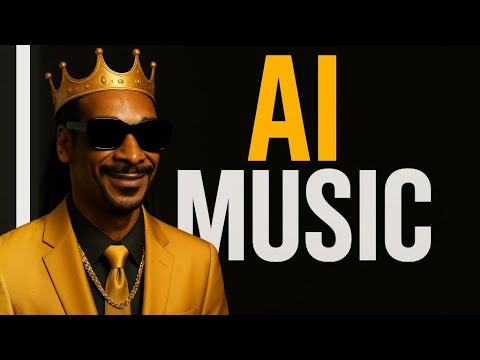
New Viral Music Generator!? | TopMediai AI Music Review + 80% OFF + 2 FREE Accounts!
YouTube thumbnail YouTube Play Button

This AI Creates Music With ZERO Copyright Issues (TopMediai Review)
YouTube thumbnail YouTube Play Button

TopMediai AI Video Generator: Text & Image to Video Made Easy

YouTube thumbnail YouTube Play Button

How To Make AI Cover Songs [Tutorial + Fully Automated Workflow]
YouTube thumbnail YouTube Play Button

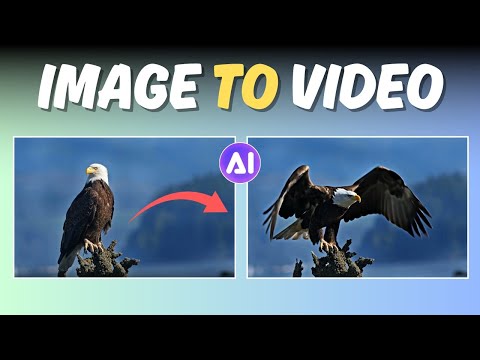
TopMediai: Create Stunning Image-to-Video Content in Seconds

trustpilot
Topmediai.com
Reviews 636
4.6
Try it Now
I wanted to make a birthday video with a personal song and visuals. TopMedia generated the music and matched it with beautiful scenes automatically. It looked professionally edited, but I didn't touch any editing tools.
stars
user-1
Sophia Bennett
Feb 10, 2026
I usually struggle with recording voiceovers and editing visuals. With TopMedia, I just uploaded my script, and it generated voice, visuals, and subtitles together. It cut my production time by at least 70%.
stars
user-2
Jason Lee
Feb 21, 2026
We produce daily Shorts, and background music plus voiceovers used to slow us down. Now we generate both instantly and everything stays in sync. Our content output tripled.
stars
user-3
Marcus Chen
Mar 17, 2026

Why Creators Choose TopMediai Over Other AI Generators

why-creators-1

Complete Videos, Not Just Clips

Create visuals, voiceovers, music, and finishing touches in one connected workflow.
Complete Output
why-creators-2

Lower Cost for Content Creators

Replace scattered production tools with one AI studio for video, music, and voice creation.
Up to 70% lower costs
why-creators-3

Turn One Idea into More Content

Reuse songs, prompts, voices, and visual assets across Shorts, promos, music videos, and more.
Up to 8x faster
why-creators-4

More Formats, One Workflow

Produce music, social clips, product promos, story videos, voiceovers, and dubbed content without switching tools.
3x more content

FAQs About TopMediai AI Video Studio

Q1: What is TopMediai?

TopMediai is an all-in-one AI content creation studio for video, music, and voice production. Instead of using separate tools for visuals, voiceovers, background music, dubbing, and audio creation, TopMediai brings them into one connected workflow.

Q2: Can I combine AI video, music, and voiceovers into one project?

Yes. TopMediai is designed for creators who need more than a single AI output. You can create video scenes, generate realistic AI voiceovers from scripts, and add custom music to build more complete content.

Q3: Is TopMediai suitable for social channels and commercial promos?

Yes. TopMediai is especially useful for faceless creators, marketers, and social media teams who want to produce content without filming themselves or recording their own voice.

Q4: How many languages and vocal styles does TopMediai support?

TopMediai supports a large AI voice library with 190+ languages and global accents, making it easier to create localized videos, multilingual narration, and character voices.

Q5: What are the audio export and production workflow options?

TopMediai supports flexible audio creation and export options for different production needs. You can create voiceovers, songs, hooks, background music, and soundtrack-style audio with common export formats.

Q6: Is TopMediai free to try?

TopMediai offers ways to try selected AI tools before upgrading. Free trials, credits, available models, and export options may vary by tool, plan, or usage type.

Start Creating Complete Content Today

Create visuals, music, voiceovers, and share-ready content from one idea — all in one AI creative studio.