AI Voice Cloning: Create Realistic Voices in Seconds

Free AI Voice Cloning - Clone Your Own Voice | TopMediai

TopMediai AI Voice Cloning is an online voice cloning tool for creating natural AI voices from your own audio files or recordings. With Instant and High-Precision cloning, plus custom voice creation and prompt-based voice design, it brings familiar voices and new characters to videos, podcasts, lessons, and creative projects.

  • yesRealistic voice clones with the distinctive character of your voice
  • yesFlexible voice options, from audio-based cloning to custom voice design
  • yesNatural AI voices for videos, podcasts, education, and content creation
Free AI Voice Cloning - Clone Your Own Voice | TopMediai

TopMediai AI Voice Cloning Use Cases

News Reporting

News Reporting

Create consistent narration for news summaries, updates, and informational programs.

Movie Dubbing

Movie Dubbing

Generate dialogue and narration for video scenes using voices you are authorized to use.

Game Commentary

Game Commentary

Prepare intros, recaps, and scripted commentary for gaming videos in a consistent voice.

Audiobooks

Audiobooks

Create audiobook and long-form narration with a familiar voice. Preview a passage before producing the full script.

Fun Content

Fun Content

Create entertaining voice messages, character lines, and short spoken clips for social media.

Customer Service

Customer Service

Prepare consistent voice prompts for greetings, IVR menus, and customer support messages.
Realistic, Expressive AI Voice Cloning in Multiple Languages

  • Ultra-Realistic Voice Cloning

    Ultra-Realistic Voice Cloning

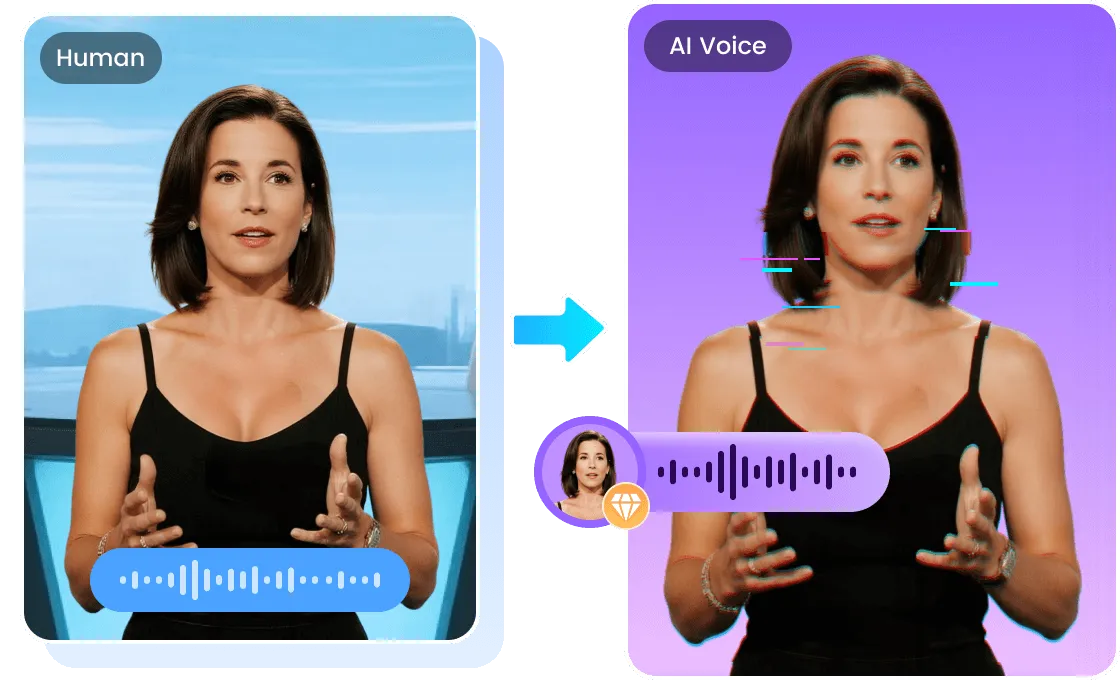
    Recreate the tone, rhythm, and character of a recorded voice for narration, brand content, and creative projects. A clear source sample helps the cloned voice sound more natural and recognizable.

  • Voice Cloning with Emotional Expression

    Voice Cloning with Emotional Expression

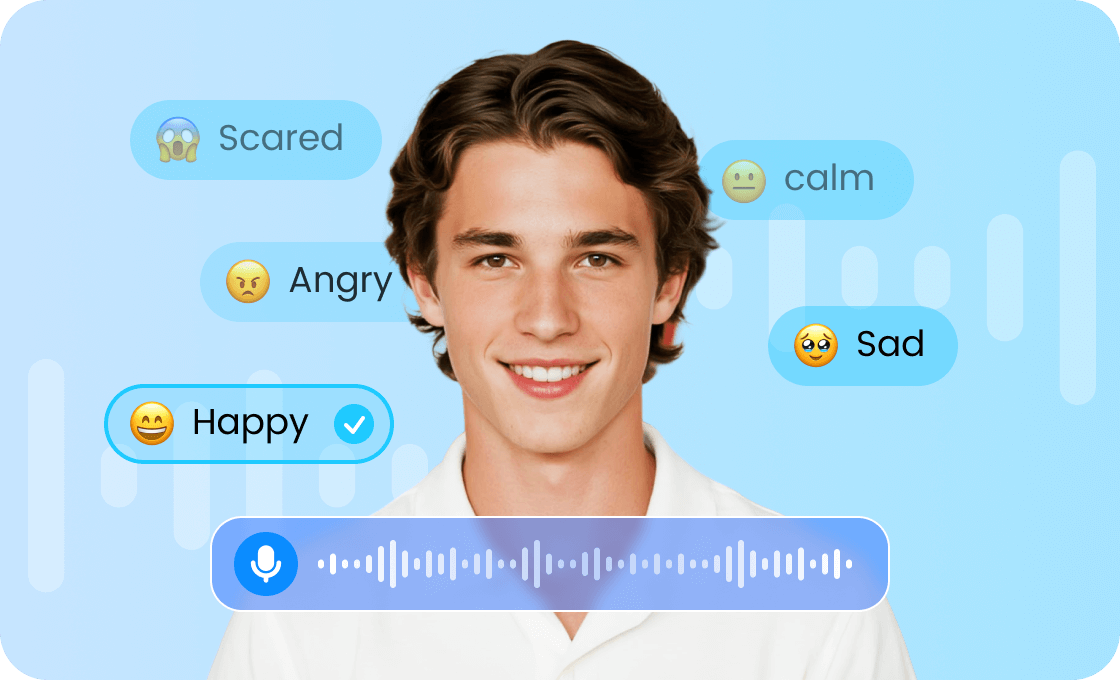
    Explore emotions such as happiness, sadness, anger, or calmness with supported voices and modes. Expressive delivery helps narration fit the mood of a scene, story, or message.

  • Multilingual Voice Cloning with Accent Support

    Multilingual Voice Cloning with Accent Support

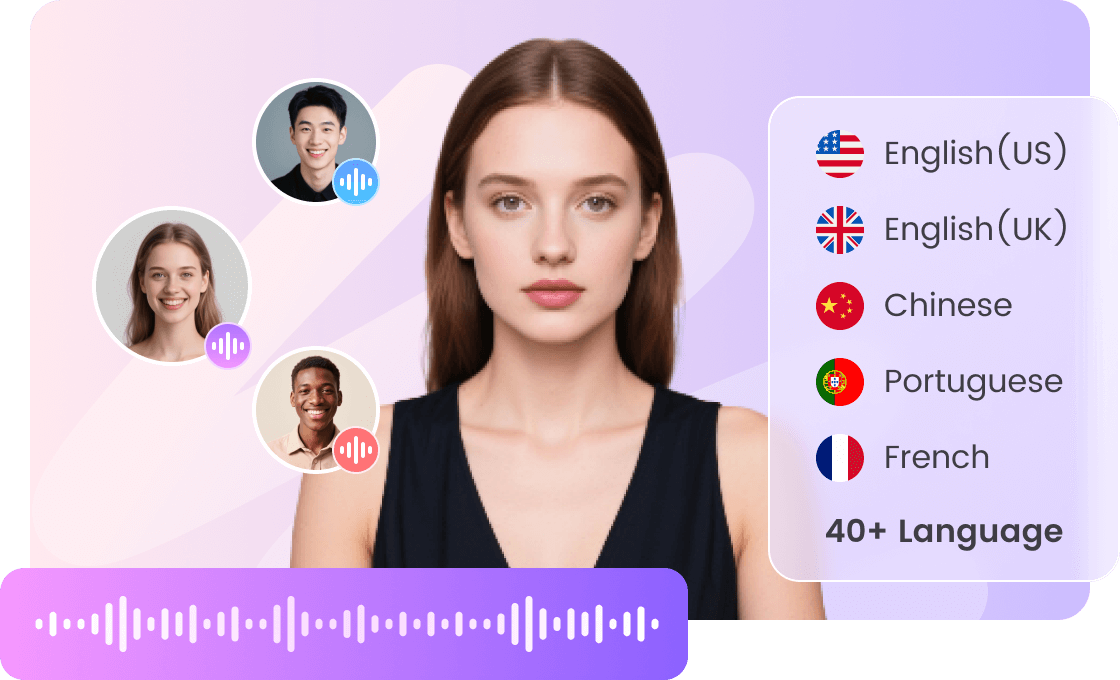
    Create speech in the languages supported by your selected voice and cloning mode. Multilingual voice options help you reach different audiences; preview each language to check pronunciation and voice similarity.

Ultra-Realistic Voice Cloning

Ultra-Realistic Voice Cloning

Recreate the tone, rhythm, and character of a recorded voice for narration, brand content, and creative projects. A clear source sample helps the cloned voice sound more natural and recognizable.

Voice Cloning with Emotional Expression

Voice Cloning with Emotional Expression

Explore emotions such as happiness, sadness, anger, or calmness with supported voices and modes. Expressive delivery helps narration fit the mood of a scene, story, or message.

Multilingual Voice Cloning with Accent Support

Multilingual Voice Cloning with Accent Support

Create speech in the languages supported by your selected voice and cloning mode. Multilingual voice options help you reach different audiences; preview each language to check pronunciation and voice similarity.

Which Voice Mode Is Right for You?

Instant Voice Cloning

Instant Voice Cloning

  • Start with a short sample of about 30-60 seconds of clear speech. A practical option for testing a voice before preparing a longer script.
  • Upload audio or record directly through the guided online workflow. No voice model training experience is needed.

High-Precision Voice Cloning

High-Precision Voice Cloning

  • Choose this mode when you have a longer, high-quality recording and want to capture more vocal detail. More than 3 minutes of clear speech is recommended.
  • Prioritize clean audio over extra length, then compare a short generated passage with your original recording.

Custom and Prompt-Based Voices

Custom and Prompt-Based Voices

  • Create a new voice from selected characteristics or a written description when you do not have a reference recording. Available on PC only.
  • These modes design a new voice rather than clone a recorded speaker. Explore the settings provided for your chosen mode.

How to Use TopMediai AI Voice Cloning and Voice Creation

Choose Instant or High-Precision Voice Cloning to recreate a voice from audio. Custom Voice Creation and prompt-based voice design offer two more ways to create a new AI voice.

Instant Voice CloningInstantHigh-Precision Voice CloningHigh-PrecisionCustom Voice CreationCustomCreate a Voice from a PromptPrompt
Step 1:

Upload an audio file or record your voice directly. Clear audio of about 30-60 seconds is recommended.

Step 2:

Click "Start Cloning" and the system will analyze the audio and generate a cloned voice based on its vocal characteristics.

Step 3:

Preview the cloned voice and choose the one you like. You can then select it in Text to Speech to generate speech from your script.

Instant Voice Cloning
Step 1:

Upload high-quality audio or record directly. Ideally, use more than 3 minutes of audio, but audio quality matters more than length.

Step 2:

Click "Start Cloning" and the system will analyze the audio in detail, capturing nuances in speaking style, emotion, and rhythm.

Step 3:

Preview the generated voice clones, choose the one you prefer, and test it with a short script before creating longer narration.

High-Precision Voice Cloning
Step 1:

Fine-tune age, accent, gender, pitch, intonation, tone, speed, and emotion to create your ideal voice.

Step 2:

Click "Create" to generate an AI voice based on your settings.

Step 3:

Preview the generated voices, then select and use the one you like.

Available on PC Only

Custom Voice Creation
Step 1:

Enter a prompt describing the voice you want to create. If you are unsure, you can also use a random voice prompt.

Step 2:

Click "Create" and the system will analyze your input.

Step 3:

Preview the generated voices, then select and use the one you like.

Available on PC Only

Create a Voice from a Prompt

Who Is AI Voice Cloning For?

Everyday Users

Everyday Users

Create fun voice messages for friends, personal voice albums, or meaningful recordings using your own voice or another voice you have permission to use.
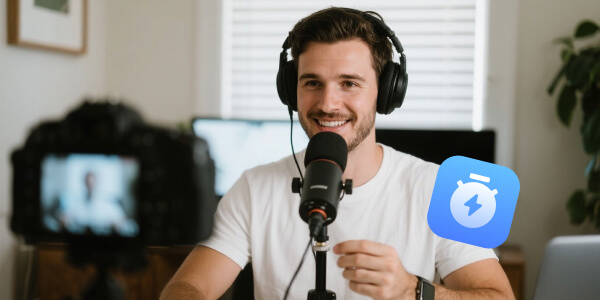
Content Creators & Streamers

Content Creators & Streamers

Create narration, intros, and updates for YouTube, TikTok, and streaming content without recording every new line. Keep a recognizable voice across your videos.

Teachers & Online Instructors

Teachers & Online Instructors

Keep lessons and learning materials consistent in your own voice. Update explanations from a written script when course content changes.
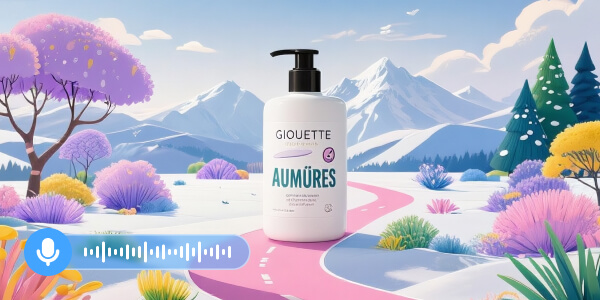
Marketers & Business Owners

Marketers & Business Owners

Use a consistent brand voice for ads, customer support, IVR, and social videos, subject to your plan terms and the necessary voice permissions.
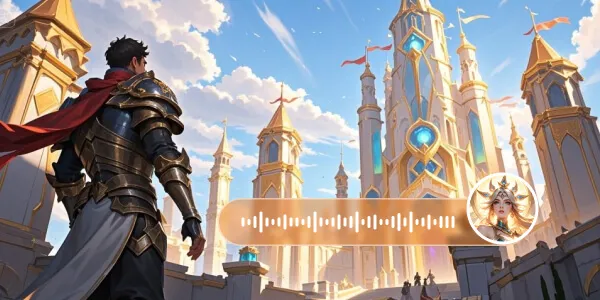
Game Developers & App Creators

Game Developers & App Creators

Give characters, NPCs, and app experiences distinctive voices, with expression and accent options available in supported voice creation modes.
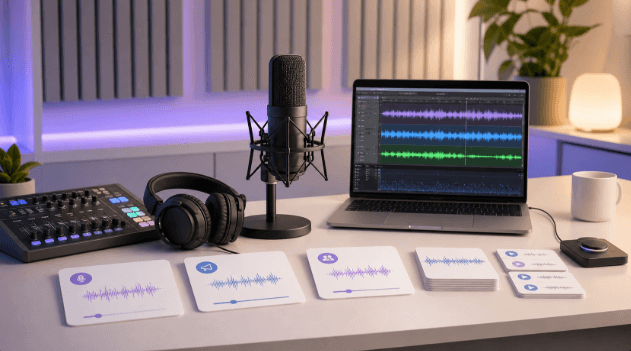
Podcasters & Audio Creators

Podcasters & Audio Creators

Create show intros, announcements, sponsor reads, and short additional clips in a voice that sounds like you. It is also useful when you need to add a line after recording.

Why Choose TopMediai Voice Cloning

Expressive Voices for Your Content

Expressive Voices for Your Content

  • Use supported emotion controls to shape the delivery of stories, character dialogue, and narration. Available options depend on the selected voice and mode.
  • Pitch, tone, speed, and expression settings are available where supported, helping narration fit your script and project.

A Simple Workflow for Repeat Projects

A Simple Workflow for Repeat Projects

  • No technical expertise required. Audio uploads, direct recording, and guided voice creation make the tool approachable for first-time users.
  • Create a reusable voice for new scripts and narration updates, reducing the need to record the same voice for every project. Processing time varies by mode and source audio.

Security and Privacy Protection

Security and Privacy Protection

  • TopMediai uses security measures to help protect user information. Its Privacy Policy explains how information is collected, used, and handled, including available privacy requests.

Frequently Asked Questions About AI Voice Cloning

Yes. TopMediai offers a free trial of AI voice cloning. Check the trial access and credit requirement shown for your selected mode before generating. Paid plans provide additional usage; a free trial does not mean unlimited cloning or downloads.

Start AI Voice Cloning Now

Create realistic, expressive AI voices for your next video, podcast, or lesson. Explore TopMediai AI Voice Cloning with a free trial.