


 Join our Discord!
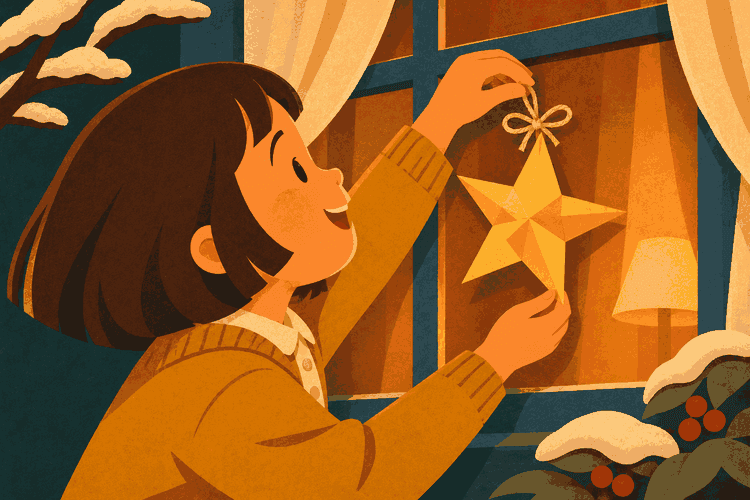
A SONG FOR A CHILD
Dedicate the star song to them
Replace Lucia’s star with a drawing or decoration your little one will recognize.
Listen and make a similar song
Imagine Santa singing to Lucia about the star she made for the tree. Choose a name and a detail only your family knows, and turn them into a Christmas song in English.
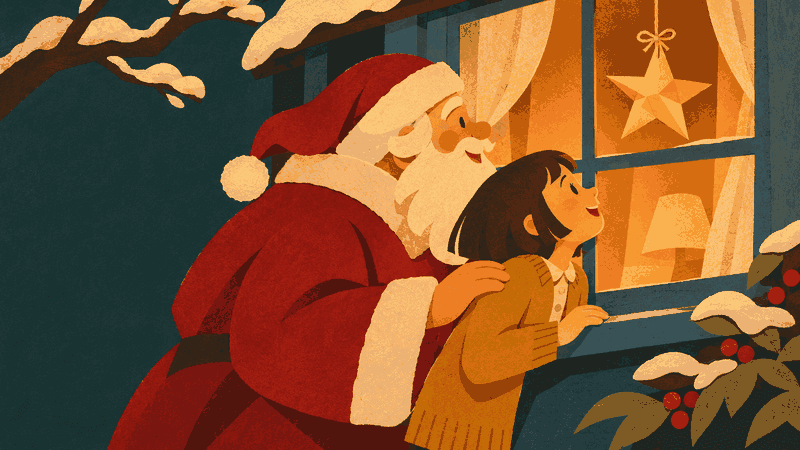

Listen to the full song and find its lyrics and prompt on the song page. Use “Make a similar song” to try a different name, another story or your class name.
Replace Lucia’s star with a drawing or decoration your little one will recognize.
Listen and make a similar song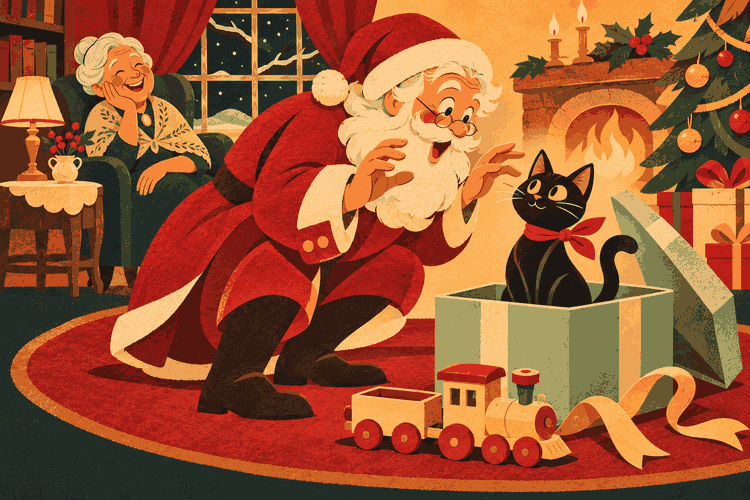
Santa looks for a present and finds Bruno in the box. Use your pet’s name and save the punchline for dinner.
Listen and make a similar song
Replace “Teo” with your name and follow Santa with a hat in hand. Each vocal beat cues a move.
Listen and make a similar song
Santa sings a question and the Sunshine class answers together. Change the group name for your celebration.
Listen and make a similar songCopy a complete structure or load it above and change the details. The usable lyrics stay white and are never treated as placeholder text.
Sing it as you light up the tree
[Verse 1]
Lucia, you folded a paper of gold,
one little point had a crooked fold.
I saw it from my sleigh passing by,
just like the North Star up in the sky.
[Chorus]
Lucia, Lucia, I know where you are,
your crooked star guides me from afar.
Of all the lights I saw on my flight,
your window made me stop that night.
[Verse 2]
I had colored paper tucked in my sack,
I tried a star, but a flower looked back.
I’ll hang it beside yours before I go,
a little of Santa to keep and to know.
[Outro]
Lucia, tomorrow when you wake up,
look for my flower by your star above.
Dance with a hat · A 15–30-second edit
[Chorus]
Hats up, Teo! Up, up high!
Pull it to your eyes, let your nose peek by.
Spin with your hat, Santa follows along.
Catch the pom-pom! One clap… and on!
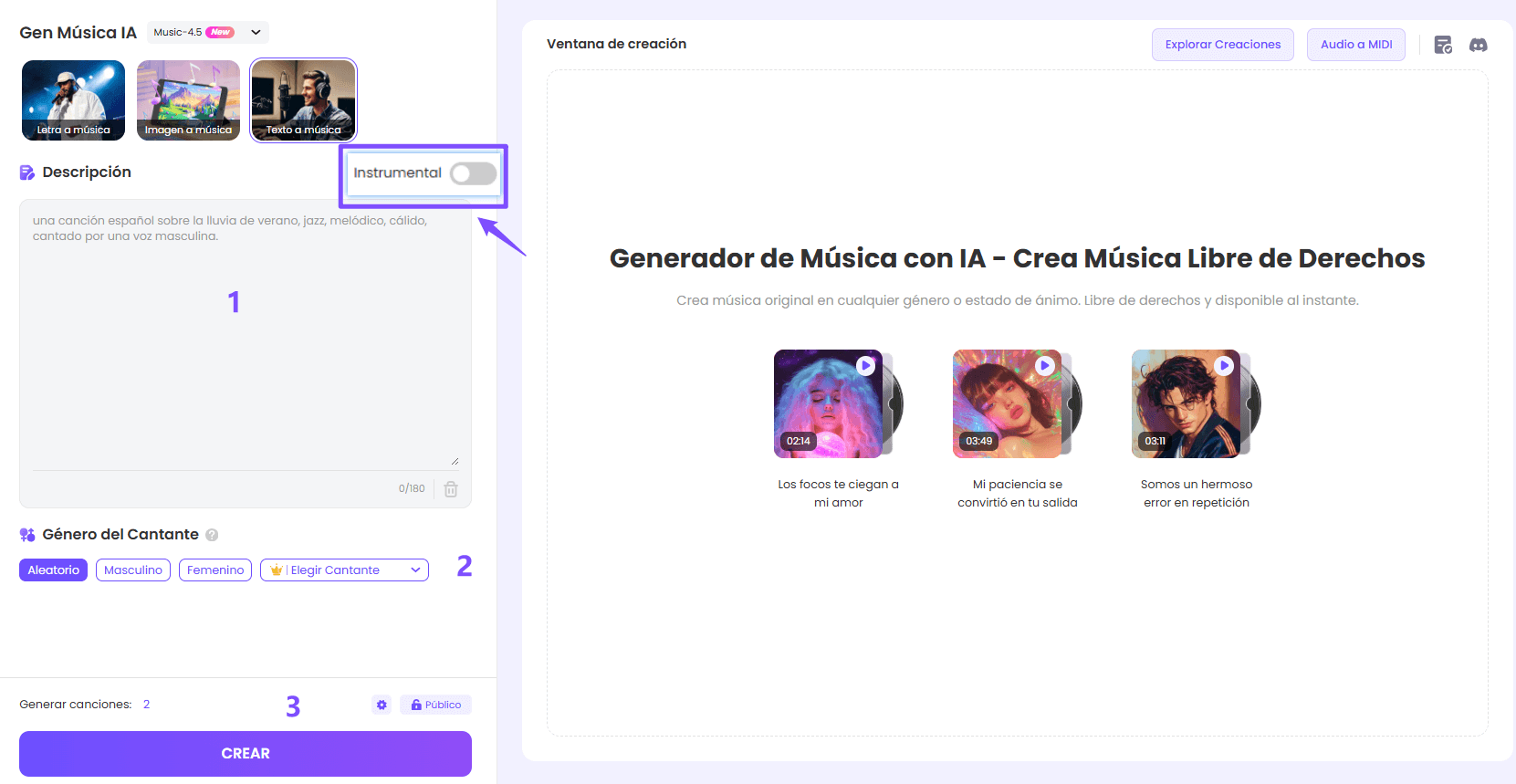
Start with a single sentence. If you already have a hummed melody or a Christmas photo, choose the matching option.
Option 1: Write a Santa song from an idea or lyrics
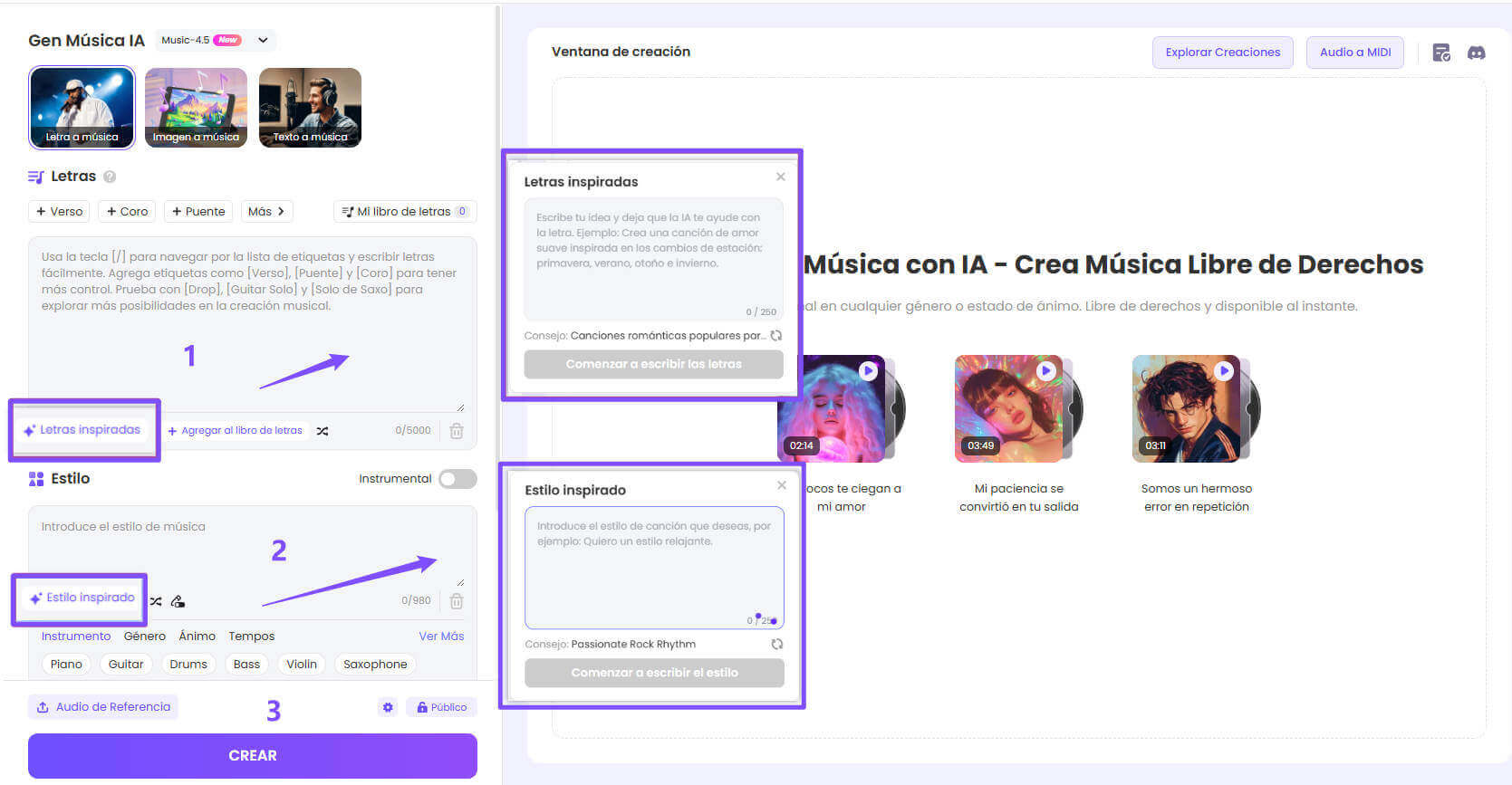
Option 2: Use your humming as reference audio
Option 3: Create music from an image

How you sing a name, tell a joke or cue the choir changes the result. Try these directions in your style description.
 Make “Lucia” clear
Ask for the voice to sing the name alone. A pause after “Lucia” lets all three syllables come through before the sleigh bells return.
 Make Santa sound warm and close
A soft baritone, almost a whisper, suits a personal dedication. Save “ho, ho, ho” for the end if you want Santa to laugh.
 Time the punchline just right
Save the word that reveals the surprise for the end of the line. A pause before “meow” gives the family a moment to guess.
 Help everyone come in together
For a group song, give Santa a short question and leave a beat before the answer. That helps the class know when to join in.
 Match the move to the clap
Ask for a crisp beat on the dance’s final word. When editing, line it up with the moment Teo catches the hat.
Animate a Santa portrait, edit the hat dance or prepare backing music for your class to sing live.
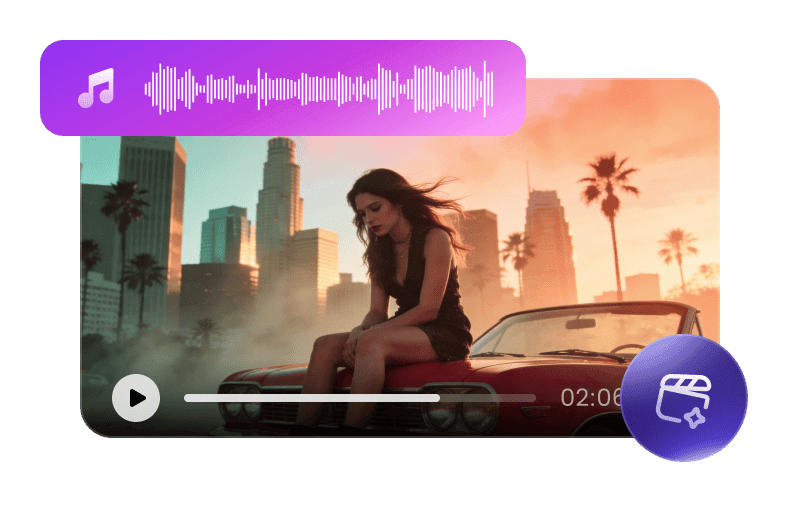
Create a music video from your song and describe the visual style you want.
Create a music video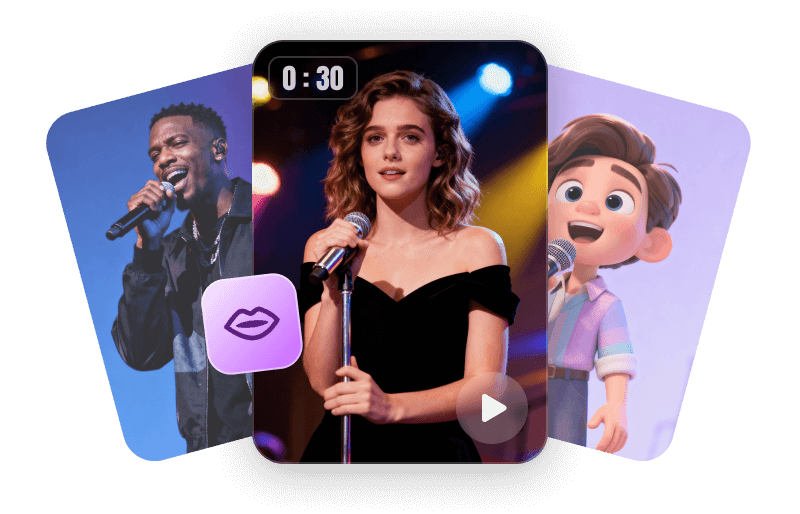
Animate your own Santa illustration so he sings your little one’s name.
Animate a photo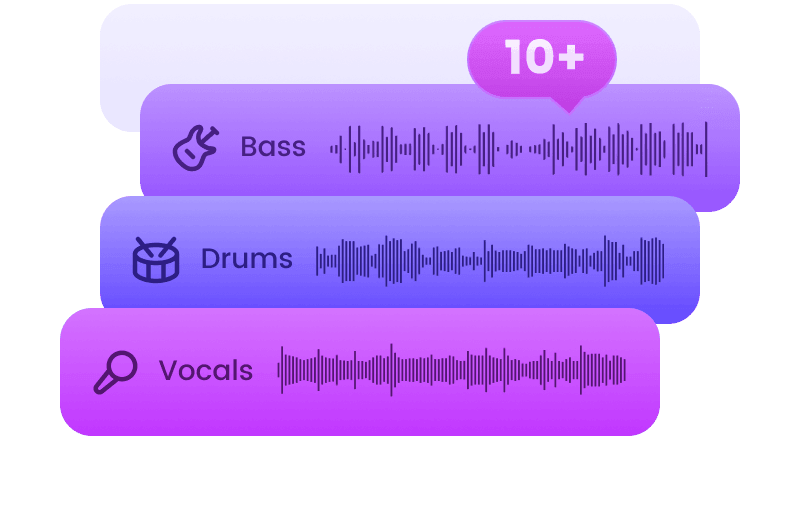
Extract the backing track so children can rehearse their response with the celebration’s music.
Separate tracks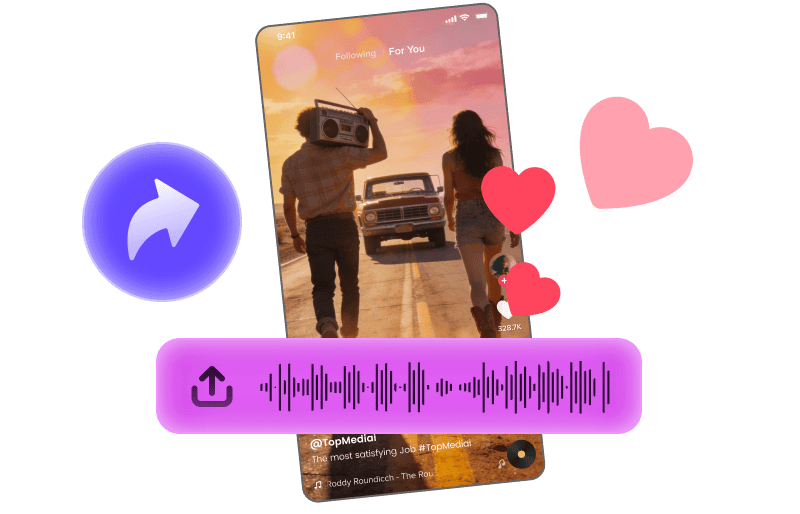
Combine the chorus with hat-dance footage to make a Reel or TikTok.
Explore Music Hooks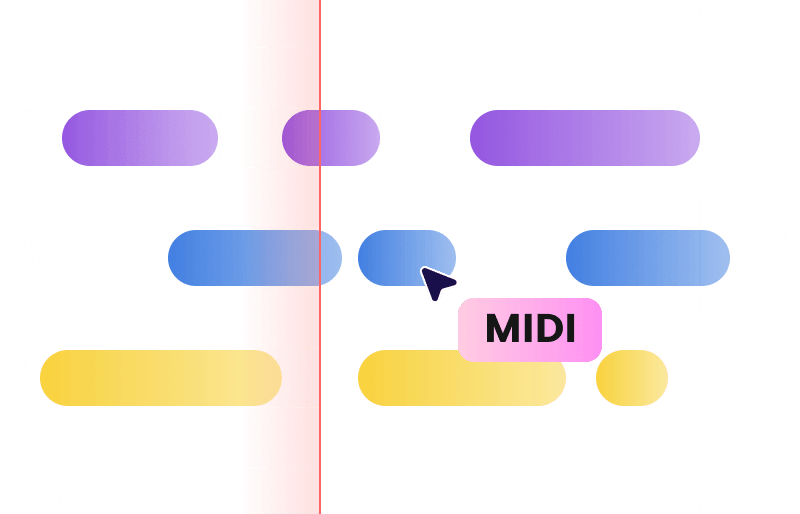
Convert the audio to MIDI to review the notes and try different instruments in a compatible editor.
Explore audio to MIDI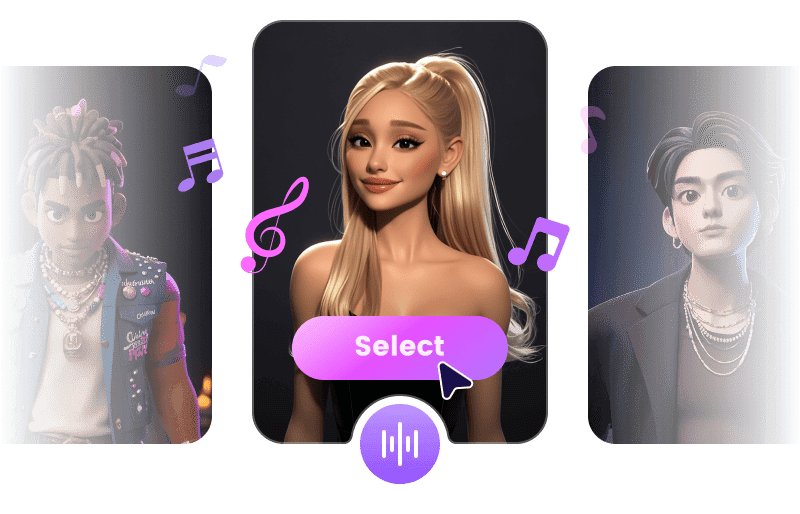
Try your own voice or an authorized voice to hear a different performance of your song.
Explore AI coversFind Christmas carol ideas or prepare a few words from Santa to introduce the song.
Two names in one song? A fifteen-second chorus? Here are some ideas to personalize your dedication.
Create my Santa songYes. Give each child a verse and bring both names together in the chorus. For example, Ines made the star and Leo chose where to hang it. Each child will have a moment they recognize.
Use the name your family knows. “I’m Santa” fits a short line. “I’m Santa Claus” needs a little more room, so try singing it before you generate the song.
A first name or nickname and one little story are enough. “Nico left a carrot for the reindeer” already gives you a whole verse. You can create the song using text alone.
Yes, as an editing target. At 120 beats per minute, eight bars of four beats last about 16 seconds. Choose one full chorus and trim it from the first word to the final clap.
Yes. Write the name as your class says it. If it is long, split it into two responses. For “Second grade”, try “Who’s here? Second! Second what? Second grade!”
Save your favorite version and send the audio to your family chat just before opening presents. To keep the joke a surprise, choose a filename that does not give away the ending.
Prepare the spoken greeting as a separate voice track. Let “I have something for you, Lucia” finish, then bring in the guitar right after it when editing the dedication.
You receive trial credits when you sign up. Free downloads are limited. Check your account balance and available options before making several dedications.