 Join our Discord!
AI Band Logo Generator for Metal & Rock Bands - Try Free
Create a logo that fits your sound with an AI band logo maker. Explore metal lettering, rock emblems and indie symbols for merch, album art and profiles online.


Find a Band Logo Style That Fits Your Sound
Start with your genre, then choose a wordmark, an emblem or a symbol. These creative examples show different directions for a music band logo generator, from sharp metal lettering to stripped-back indie marks. Change the name, palette and motif to make the brief your own.
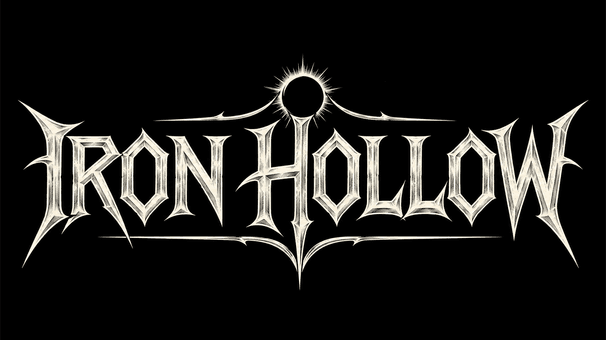
Metal Band Logo: Thorn Lettering
Create an original metal band logo reading "IRON HOLLOW" in sharp ivory lettering on black. Add symmetrical thorn terminals and a small eclipse emblem. Keep the name readable with generous margins.
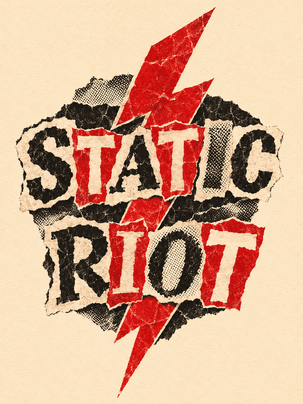
Punk Band Emblem: Cutout Type
Design a punk band emblem reading "STATIC RIOT" with torn paper letters, a red lightning bolt and photocopied texture. Use black and red on cream, with a centered vertical composition and clear lettering.
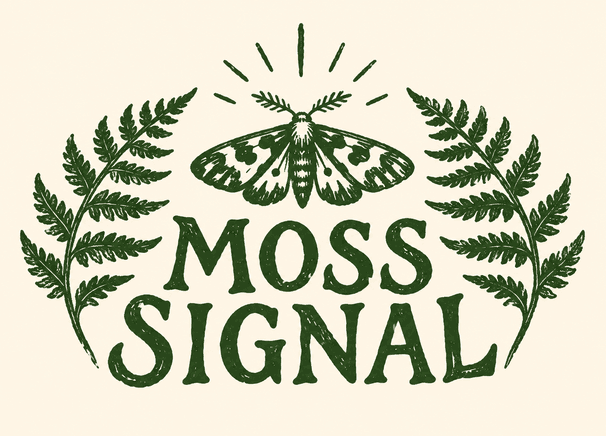
Indie Band Logo: Botanical Print
Create an indie folk band logo reading "MOSS SIGNAL" beneath a linocut moth framed by fern fronds. Use forest green ink on cream, hand-carved details and a balanced horizontal badge with open margins.
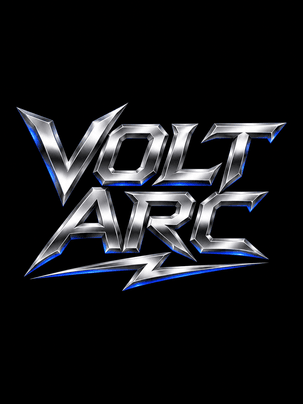
Heavy Metal Logo: Chrome Lettering
Design a hard rock wordmark reading "VOLT ARC" in sculptural chrome lettering. Add one angular lightning underline and subtle cobalt reflections on black. Keep the two-line name compact and clearly separated.
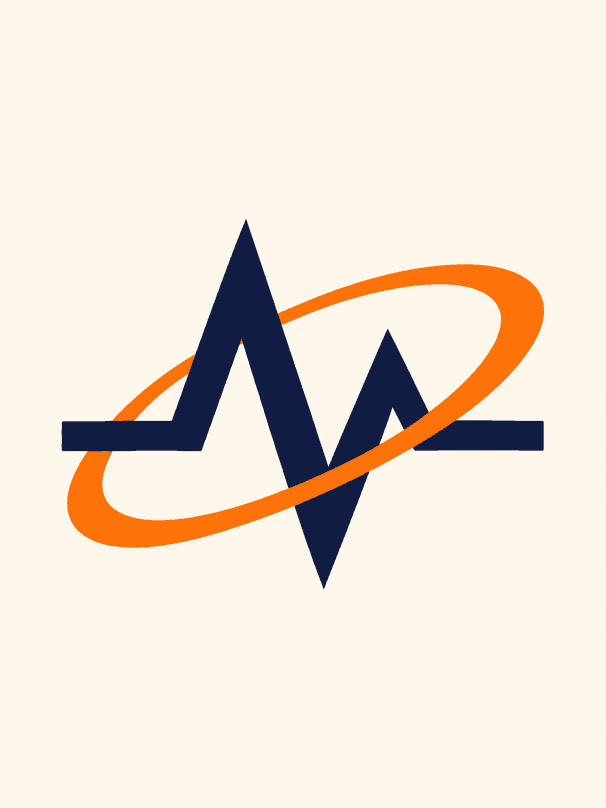
Band Symbol: Minimal Orbit
Create a text-free electronic band symbol with one orange orbital ring crossing an angular navy wave. Use a warm ivory background, crisp geometric edges and generous negative space around the centered mark.
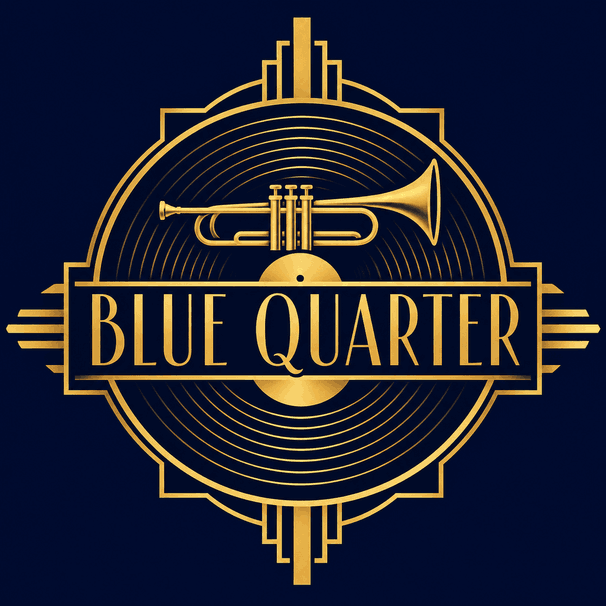
Jazz Band Logo: Art Deco
Design a jazz band logo reading "BLUE QUARTER" with narrow gold Art Deco lettering, a stylized brass instrument and concentric record grooves. Use a deep navy field and a balanced square badge.
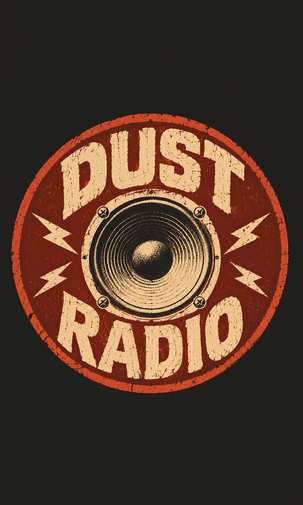
Garage Rock Logo: Screenprint Badge
Create a garage rock badge reading "DUST RADIO" around a vintage speaker cone. Use distressed cream and rust-red screenprint textures on charcoal, bold block lettering and an uncluttered centered circular design.
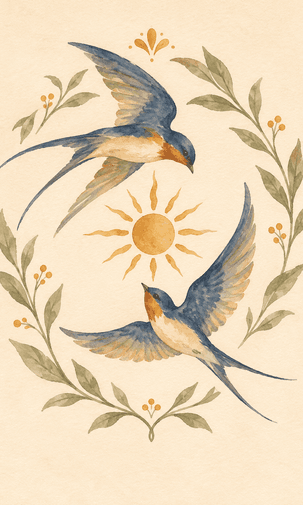
Folk Band Emblem: Watercolor Birds
Paint a text-free folk band emblem of two swallows circling a golden sun. Add restrained sage leaves, muted blue wings and loose watercolor edges on ivory. Keep the compact crest airy and recognizable.
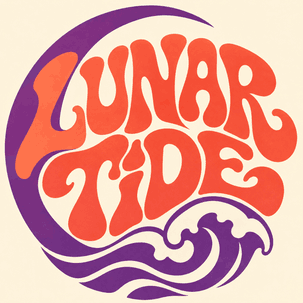
Psychedelic Band Logo: Flowing Type
Create a psychedelic rock logo reading "LUNAR TIDE" with flowing hand-drawn lettering, a crescent and a wave. Use coral and violet inks on cream, rounded contours and a balanced square composition.
Put Your Band Logo to Work
Gig Posters and Stage Backdrops
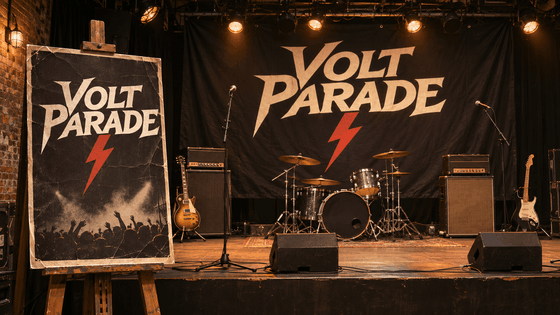
Make your band's name easy to spot before the first note. Use the metal band logo generator to explore a strong wordmark, then carry it onto a gig poster and stage backdrop. Keep the name clear at a distance and leave separate space for the venue, date and supporting acts.
Single and Album Cover Artwork
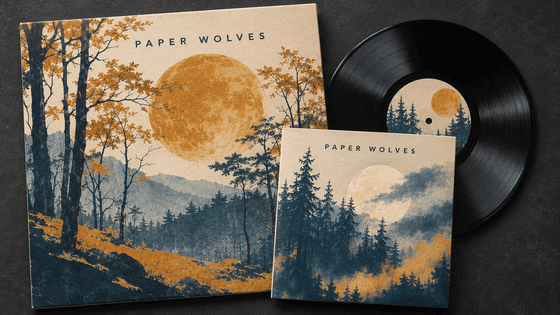
Give a single, EP and album a recognizable family identity. Use the band logo creator to explore one wordmark, then let the cover artwork change with each release. Keep the logo away from busy detail and check it at thumbnail size. The sleeve mockups show how one band name connects different covers.
Band Avatars and Channel Banners
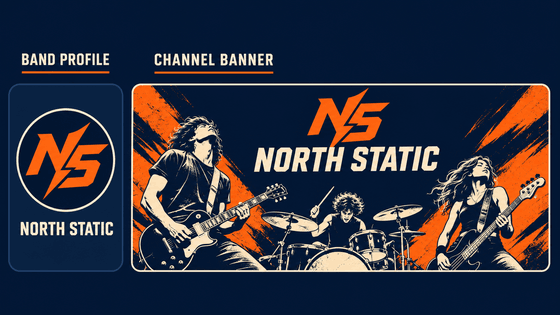
Use a band symbol generator to explore a compact mark for your avatar, then pair it with the full band name in wider channel artwork. Check the circular crop and leave generous space around the lettering. The profile and banner mockups show two formats for the same identity, without squeezing one layout into both.
T-Shirts, Tote Bags and Embroidered Patches
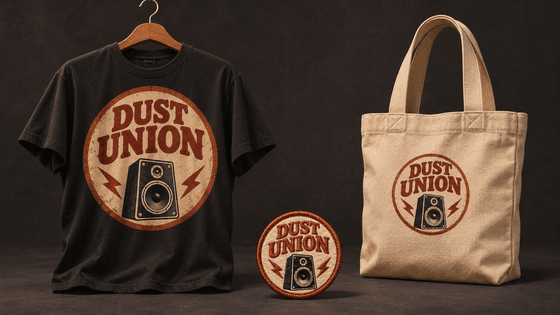
Explore a badge with the band emblem maker, then preview how it looks on a shirt, tote bag and patch. A large print can carry more detail than a small stitched emblem. Keep a simpler version for compact uses, and ask your supplier for production requirements before treating an AI mockup as finished print artwork.
Music Videos and Short Release Teasers
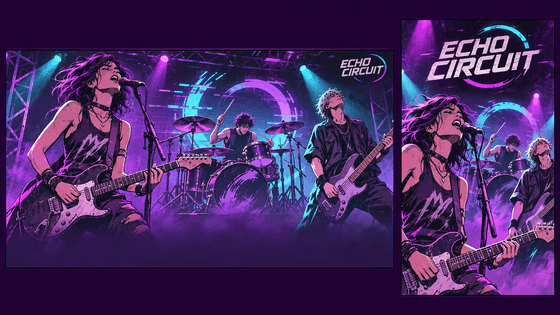
Carry the same band wordmark from a landscape music video into a vertical release teaser. Place it where it stays readable without covering the performance or lyric area. Generate the visual concept first, then place your approved logo in the final edit when exact consistency matters. The illustrated frames show both formats in use.
Build a Music Release Around Your Band Identity
The logo is one part of a release. Explore matching music, short visual clips and spoken announcements with TopMediai. Use each tool for its own task, and review the available settings and credits before generating.


How to Create a Band Logo With AI
Start with your band name, genre and intended use. A heavy metal band logo generator brief might call for angular lettering and high contrast; an indie brief can favor looser, hand-drawn details. Generate a direction, inspect the spelling and silhouette, then prepare it for the format you need.
Choose an available image model and a format for your logo. A square canvas suits a compact badge or profile mark; a wide canvas gives a band wordmark more room. Check the current settings and credit cost before you generate.
Describe the lettering, motif, palette and background. For example: "IRON HOLLOW, angular metal wordmark, ivory on black, small eclipse, generous letter spacing." State the name once and omit unrelated scene details.
Choose an available model and aspect ratio, review the credits and generate. Check every letter and test the design at profile-picture size. Refine the brief, then download the direction you prefer.

Choose an available image model and a format for your logo. A square canvas suits a compact badge or profile mark; a wide canvas gives a band wordmark more room. Check the current settings and credit cost before you generate.

Describe the lettering, motif, palette and background. For example: "IRON HOLLOW, angular metal wordmark, ivory on black, small eclipse, generous letter spacing." State the name once and omit unrelated scene details.

Choose an available model and aspect ratio, review the credits and generate. Check every letter and test the design at profile-picture size. Refine the brief, then download the direction you prefer.
Select an image model that accepts reference images. Prepare a clear sketch or an existing logo you own, with visible shapes and enough detail to guide the new direction. Avoid using another band's mark as a design to copy.
Upload your sketch and describe the features to retain, such as the eclipse symbol or the overall silhouette. Then request a specific change: simplify the border, try a single-color treatment or explore a different lettering style.
Compare the result with your reference. Check the name, proportions and details you wanted to retain. Image generation can change these elements, so refine the prompt or finish precise adjustments in a separate design tool.

Select an image model that accepts reference images. Prepare a clear sketch or an existing logo you own, with visible shapes and enough detail to guide the new direction. Avoid using another band's mark as a design to copy.

Upload your sketch and describe the features to retain, such as the eclipse symbol or the overall silhouette. Then request a specific change: simplify the border, try a single-color treatment or explore a different lettering style.

Compare the result with your reference. Check the name, proportions and details you wanted to retain. Image generation can change these elements, so refine the prompt or finish precise adjustments in a separate design tool.
Explore AI Image Models
Explore the AI models available on TopMediai for portraits, illustrations, typography and other visual directions. Review the example images and prompts below, then choose a model for your next creation.


A close-up portrait of an adult woman with wet brown hair, a black "VANS" cap, and a transparent raincoat. Water splashes, overhead cables, pink "SURF STYLE" neon, cool blue evening light, realistic photography.
Try This ModelAn adult woman surfs blue ocean waves in a pink dress, purple boots, and sunglasses, holding pink flowers and spraying champagne from a green bottle. Sunny skies, crisp splashes, playful editorial photography.
Try This ModelThe pro-tier model emphasizing structural accuracy and photorealism. Delivers superior material detail, lighting, and overall consistency - ideal for high-quality AI imaging, commercial design, and scenarios requiring fine-grained control.
Try This ModelA model with advanced semantic understanding that interprets complex prompts with precision. Ideal for creative exploration, concept visualization, and cross-style blending - giving your AI image generation greater flexibility.
Try This ModelKnown for stable output and photorealistic style, this model renders nuanced lighting and material effects. Perfect for product shots, portraits, and e-commerce assets - making your AI-generated images look more real and commercially viable.
Try This ModelA model focused on design sensibility and structural control - excelling at layout, poster design, and informational visuals. Supports multi-image reference and style transfer, balancing precision, cost, and efficiency.
Try This Model
A close-up portrait of an adult woman with wet brown hair, a black "VANS" cap, and a transparent raincoat. Water splashes, overhead cables, pink "SURF STYLE" neon, cool blue evening light, realistic photography.

An adult woman surfs blue ocean waves in a pink dress, purple boots, and sunglasses, holding pink flowers and spraying champagne from a green bottle. Sunny skies, crisp splashes, playful editorial photography.

The pro-tier model emphasizing structural accuracy and photorealism. Delivers superior material detail, lighting, and overall consistency - ideal for high-quality AI imaging, commercial design, and scenarios requiring fine-grained control.

A model with advanced semantic understanding that interprets complex prompts with precision. Ideal for creative exploration, concept visualization, and cross-style blending - giving your AI image generation greater flexibility.

Known for stable output and photorealistic style, this model renders nuanced lighting and material effects. Perfect for product shots, portraits, and e-commerce assets - making your AI-generated images look more real and commercially viable.

A model focused on design sensibility and structural control - excelling at layout, poster design, and informational visuals. Supports multi-image reference and style transfer, balancing precision, cost, and efficiency.
Why Use TopMediai as Your AI Band Logo Generator?
Explore different visual directions from the same band brief. Start with a name and genre, compare a few carefully chosen variations and choose a concept that still makes sense when the decorative effects are removed.

A Look That Fits Your Sound
Tell the band logo maker whether your sound is heavy, raw, warm or minimal. Describe the lettering and motif instead of asking it to copy a famous act.

Text or Your Own Sketch
Begin with a written brief or an image you own. Upload your sketch and describe changes recognizable when exploring a new treatment, then compare the result with your starting point.

Compare Available Models
Try the same brief with different image models. Compare the name, silhouette and texture, and check the current settings and credit cost before generating.

Plan for More Than One Format
Think about the square profile image, wide banner and small patch. Check a simpler single-color version before adding texture or preparing a full release design.

Examples You Can Adapt
Use the gallery briefs to name a style and composition. Replace the example name and motif with your own; the result is a starting concept for review.

Connect Artwork and Music
Develop the sound behind the artwork with the AI rock music guide, or continue a release idea with the connected creative tools.
Keep Your Band Ideas Moving
Explore TopMediai on mobile or return to the web image generator to develop your next logo concept. Save a short brief with your band name, genre and visual direction so you can compare ideas consistently. Available features can differ between web and app.

Band Logo Generator FAQs
-
1. Can I try the band logo generator for free?
Yes. New TopMediai users receive free points after registration to try image generation. The number of band logo concepts you can create depends on the selected model and settings. Check the credit cost before generating; free trial points do not mean unlimited free logos.
-
2. How do I make a metal band logo readable?
For a metal band logo maker brief, ask for distinct letter shapes, open counters and enough space between letters. Keep spikes outside the main lettering and compare the result at thumbnail size. If the name is misspelled or difficult to decipher, simplify the design or add precise lettering separately in a design tool.
-
3. How can I avoid a generic AI band logo?
Build the brief around something specific to your band: a lyric, a recurring image or an original sketch. Specify the lettering structure and one distinctive motif instead of only asking for a metal style. Compare several directions with your bandmates and refine the strongest concept; generation alone does not guarantee a distinctive identity.
-
4. Should my band logo use a symbol or the full name?
Use the full name when listeners still need to learn it. A symbol can support the name, but it should have a clear connection to your music rather than add unrelated decoration. Test a simple name-only version and a compact emblem before choosing. Keep elaborate illustrations for uses where their detail remains visible.
-
5. Can I download my band logo with a transparent background?
Transparency depends on the generated result and available download options. Inspect the exported image on a contrasting background; a PNG file can still contain a solid white background. If needed, remove that background in a separate design tool, then check the edges against both light and dark colors before placing the logo on merchandise.
-
6. Can I get an SVG band logo for T-shirts and patches?
The image generator produces logo artwork; editable SVG output is not confirmed. Ask your printer which format and level of detail they require. If they need vector paths, redraw or clean up the selected design in a vector tool. Check lettering, thin lines and color separation at the intended print or patch size.
-
7. How do I keep my existing logo unchanged on album art?
For exact consistency, place the approved logo over the finished cover in a design tool. Asking an image generator to redraw it can change the lettering, proportions or small details, even when you upload a reference. Generate the background separately, leave clear space for the mark and reuse the same master logo file.
-
8. Can AI replace a professional band logo designer?
AI can help your band explore visual directions and prepare a brief, but choosing the final identity still needs judgment. If you need custom lettering, editable artwork or a polished merch system, a designer can develop the selected direction further. Discuss the approach with your bandmates and consider how your audience responds before committing.

Give Your Band a Mark Worth Remembering
Turn a band name, a sound and one visual idea into a logo direction. Explore the first concept, check the lettering and refine the version that feels like your music.