


 Join our Discord!
PODCAST INTRO
Make Intro Music for an Interview Podcast
Change the tempo and instruments to match your show, then bring the host in after the opening motif.
Listen and make a similar song
Create podcast intro music, background beds, and outros with AI. Add a spoken intro with music. Eligible paid-plan tracks include a royalty-free license.

Choose the cue your episode needs, from the first few seconds to the final sign-off.
Change the tempo and instruments to match your show, then bring the host in after the opening motif.
Listen and make a similar song
Choose the mood of your episode and use the steady, sparse bed underneath the narration in your edit.
Listen and make a similar song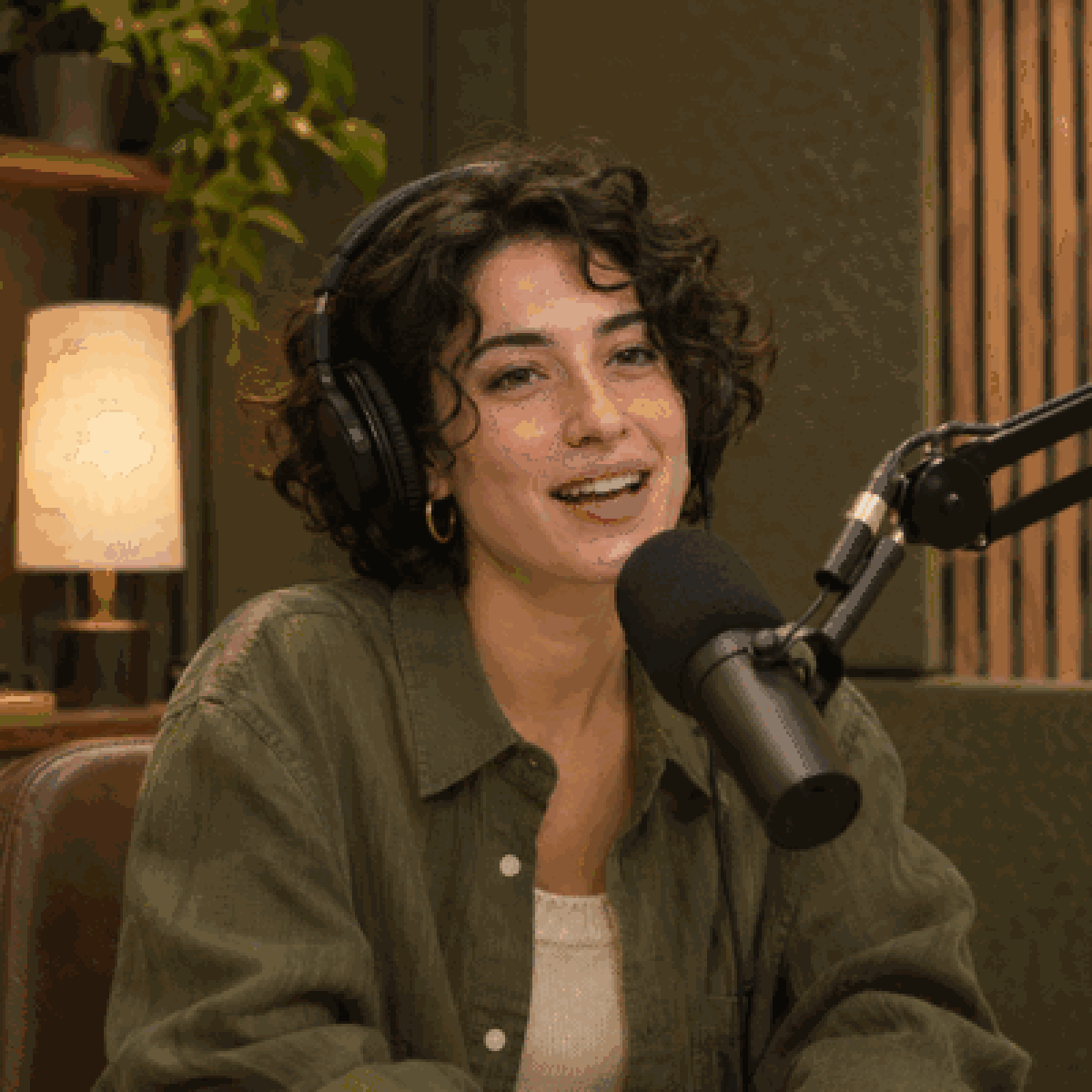
Swap in your show's name and episode hook, then use the spoken welcome before your first segment.
Listen and make a similar song
Use a mellow groove under your final thanks, then let the last chord finish after your sign-off.
Listen and make a similar songStart with a music-only cue or add a spoken welcome. Both examples load the matching settings into Custom.
Adjust the mood, instruments and pace to fit your show.
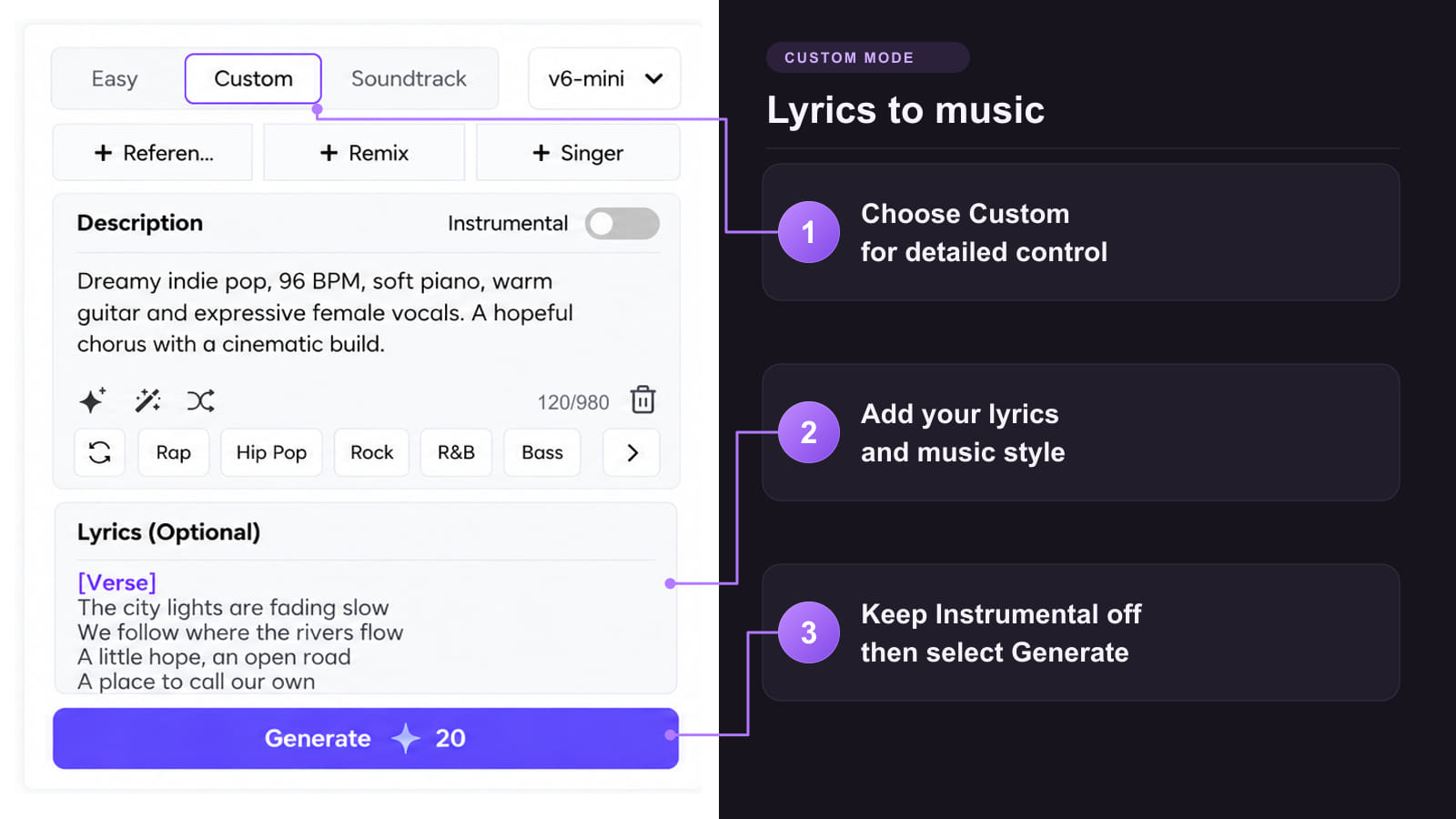
Instrumental podcast intro for a curious, conversational interview show. Upbeat funk at 106 BPM, muted electric bass, dry drums, and warm electric piano. Open immediately with a distinctive four-note motif. Play it once, strip back the beat to leave room for the host, then land on a clean edit point. Target a 15-second usable cue. No vocals, chants, risers, or long fade.
Replace the show name, host name and episode hook with your own.
Welcome to The Small Hours, a show about the things we notice when the city gets quiet.
Tonight, we're following the bakers who start work before sunrise.
I'm Nina. Let's go inside.
Start with a written brief, an audio reference or the artwork for your show.
Method 1: Create from a prompt or spoken script
Method 2: Use an audio reference to guide your theme

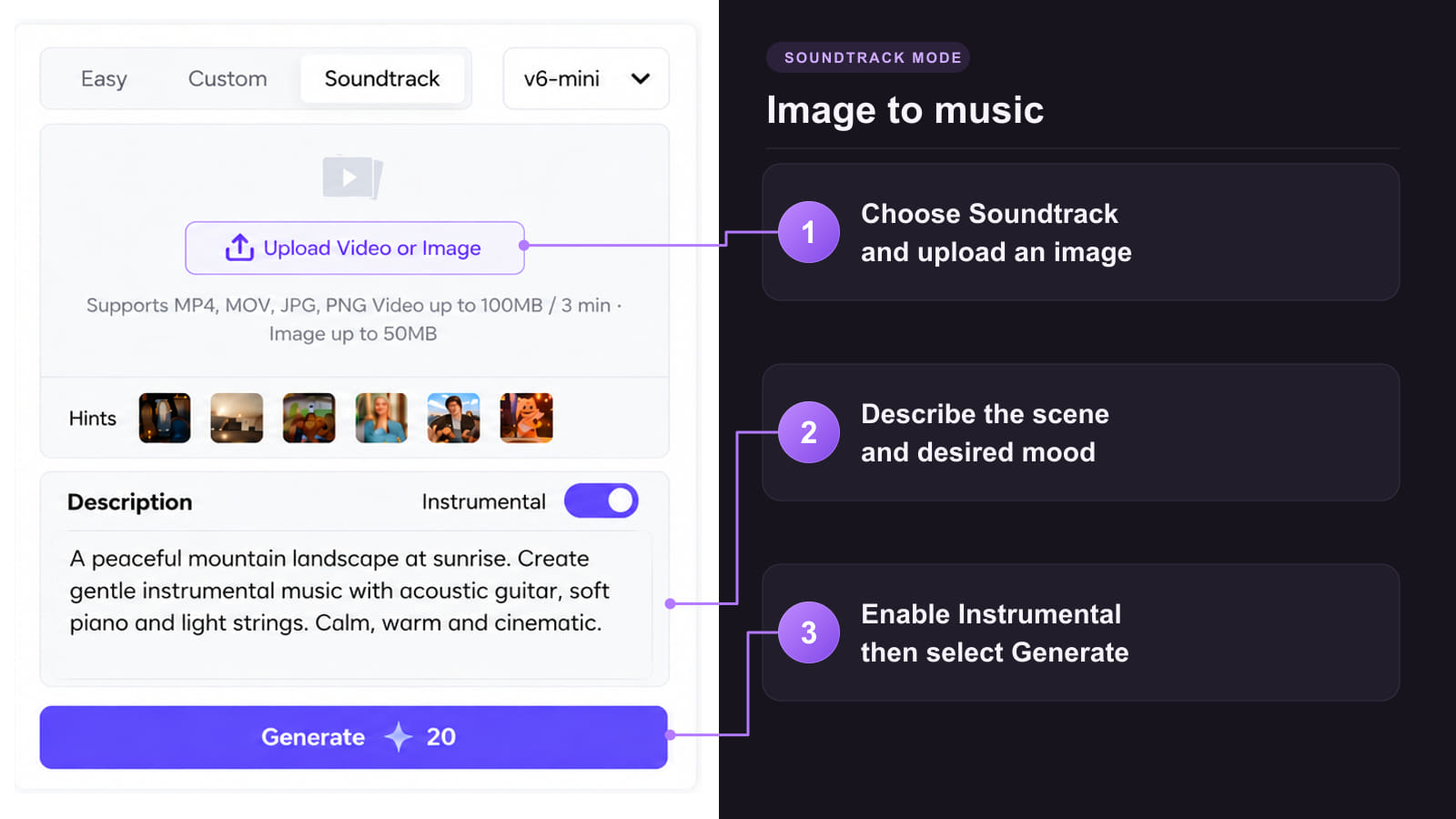
Method 3: Create music from your podcast cover art

Give each cue a clear job and make it fit the pace of the episode.
 Give your show a recurring theme
Keep the same short opening motif across episodes so returning listeners know what show they are hearing.
 Match the tone of the episode
Try punchy bass for a lively interview or soft keys for a quiet story. Pick instrumentation that feels right next to the host.
 Leave space for the next line
Ask for a clear edit point at the end of the phrase, so you can bring in the host without cutting through a busy beat.
 Prepare variations for different moments
Use a fuller arrangement for an episode trailer and a sparse version under dialogue. Keep one musical detail in common.
 Preview the cue in your episode
Try it under the real recording before choosing a version. Listen for how the music enters, sits under the words and exits.
Create a signature opening you can use under the commercial license for an eligible paid-plan track.
Tracks generated during a paid TopMediai membership can qualify for commercial use in podcasts. Under the applicable royalty-free license, covered uses do not require recurring royalty payments.
Download the PDF license certificate for the track you select. Keep it with your project files so you can identify the version you used.
Prepare alternate mixes or pair your music with visuals for an episode promo.
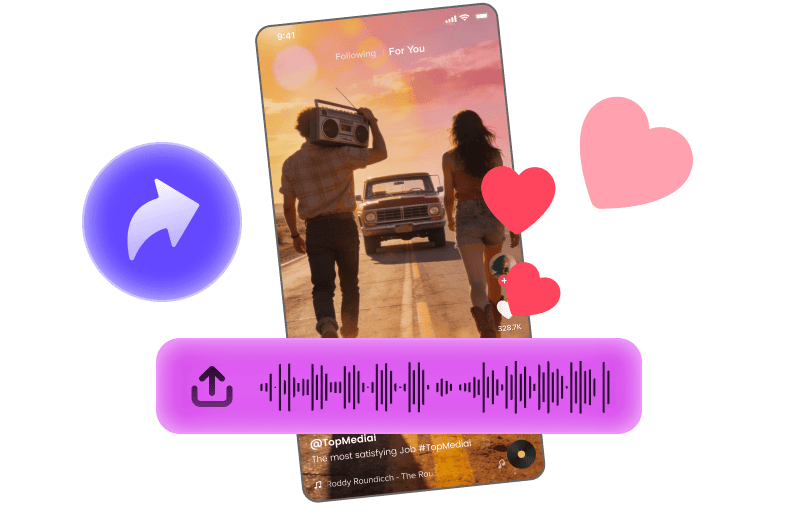
Pair a short cue with footage for a social clip announcing the episode.
Explore Tool
Build a visual teaser around a full music track or a trailer cue.
Explore Tool
Turn supported audio into MIDI for further arrangement.
Explore Tool
Split a music track into stems for a different instrumental balance.
Explore Tool
Animate a portrait for a promo with a sung hook.
Explore Tool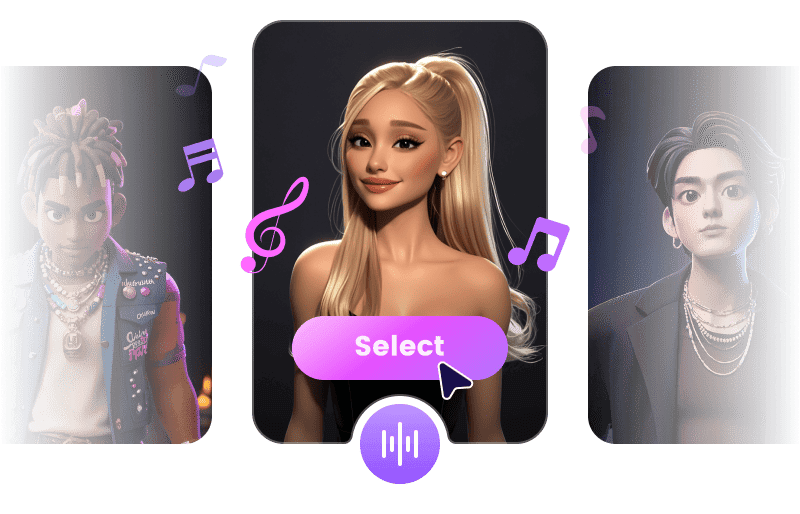
Try a different singing voice for a vocal jingle using authorized audio.
Explore ToolFind a tool for your next cue or a guide to writing and shaping a podcast intro.
Answers about intro length, music under speech, and downloading a cue for your edit.
Try the Podcast Music GeneratorTry a 5 to 15 second opening, then adjust it around the first line of your episode. Let the theme play for a few seconds, bring in the host, and fade under the first sentence. Trim the generated track in your editor if you need an exact cut.
You can try TopMediai with its available free trial. Check your account for the current generation credits and download options. Free-plan tracks are for personal, non-commercial use.
Use an instrumental with few changes and little activity in the same range as the voice. Lower the music while people talk, and check the mix on headphones and a phone speaker before exporting.
A shared theme can make both ends of the episode recognizable. Try a short, clear hook for the opening and a quieter passage or a resolved ending for the closing credits.
Yes. Download an instrumental and import it on a separate track from your recorded voice in your audio editor. You can then set the music level and fades around the words independently.
Use Custom's Reference Audio option with a recording you own or have permission to use. Pick a reference that captures the instrumentation or feel you want, then describe how the new cue should fit your show.
TopMediai offers MP3 and WAV downloads through supported features. Check the options shown for your track and plan. If both are available, WAV is a practical choice for further editing and MP3 is convenient for a smaller audio file.
TopMediai says eligible paid-plan tracks may be used in monetized YouTube videos, but cannot be registered in Content ID as original compositions. Save the license PDF for the specific track you use.
Use music where it helps the listener follow the show, such as at the opening, a segment change or the close. For an interview or a dense explanation, try leaving the main conversation unscored and listen back before deciding.