


 Join our Discord!
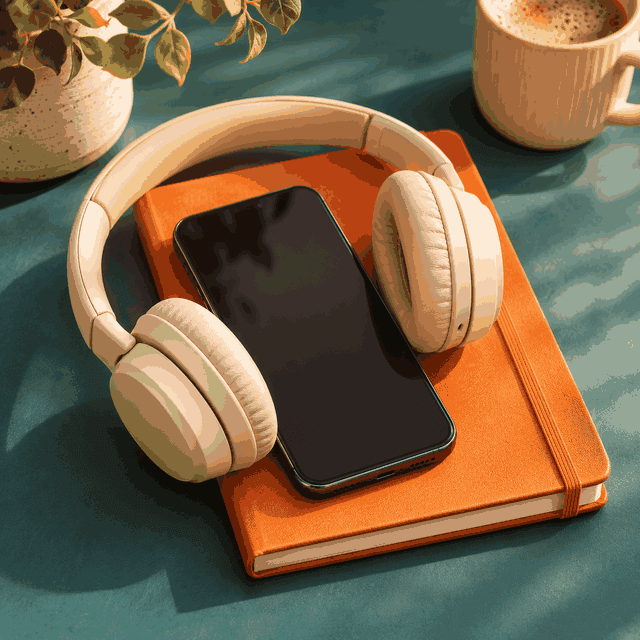
STREAMING AUDIO
Make a Streaming Audio Ad for an App
Lead with the problem your app solves. Give listeners a simple next step they can remember with their phone in their pocket.
Listen to the streaming ad
 20% off
Create a spoken audio ad with background music for streaming, radio, or podcasts. Start with your product, one benefit, an offer, and a call to action.
Start with a fictional brand brief. Change the offer, read the call to action aloud, and plan the music around the words.
Lead with the problem your app solves. Give listeners a simple next step they can remember with their phone in their pocket.
Listen to the streaming ad
Name the business, use a landmark listeners already know, and keep the offer simple enough to catch while driving.
Listen to the radio ad
Open with the sponsor, make the benefit fit the show, and slow down at the code. Use a generic announcer or your own authorized recording.
Listen to the podcast ad
Reuse the Daymark Loop script and mix. Pair the final track with a still image or simple animation for an audio-first video.
See the video workflowStart with the short streaming script or the local radio offer. Select the podcast preset above to load its complete sponsor script.
Replace the app name and trial offer with one benefit and one memorable action.
Too many tabs, too little focus? With Daymark Loop, pick one task and start a twenty-five-minute focus timer. Try your first session free. Search Daymark Loop in your app store.
Swap the store name, landmark, offer, and deadline. Read the location aloud before recording.
On your way to work? Juniper Bell Coffee is just across from Maple Station. Stop in for a fresh brew and a warm pastry you can take with you. This week, get a free pastry with any large coffee before ten in the morning. Juniper Bell Coffee, across from Maple Station. Stop in on your way.
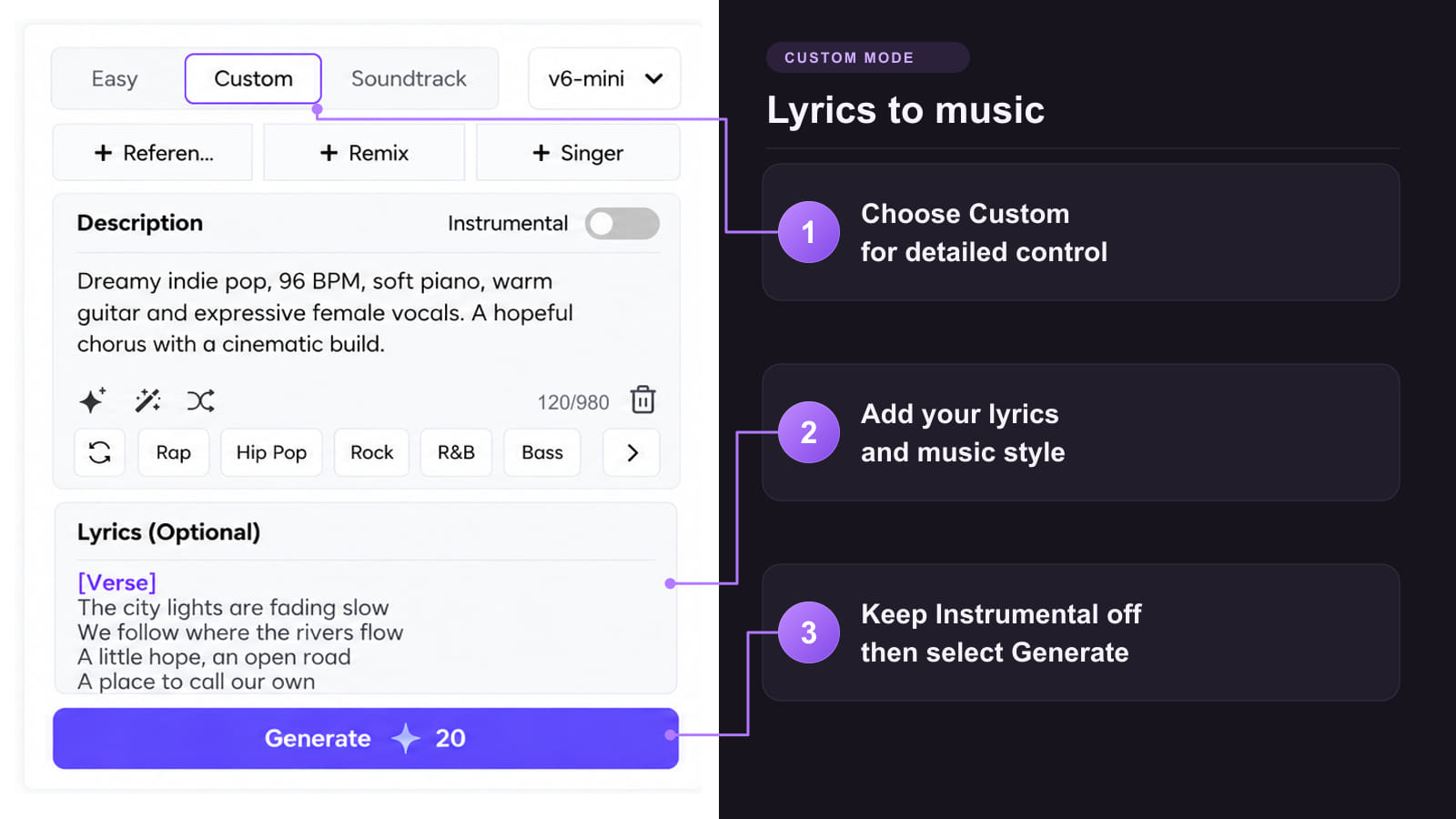
Start with a script. Use an instrumental or existing audio reference when you need more control over the mix.
Method 1: Draft spoken delivery and music together
Method 2: Build a bed from an audio reference

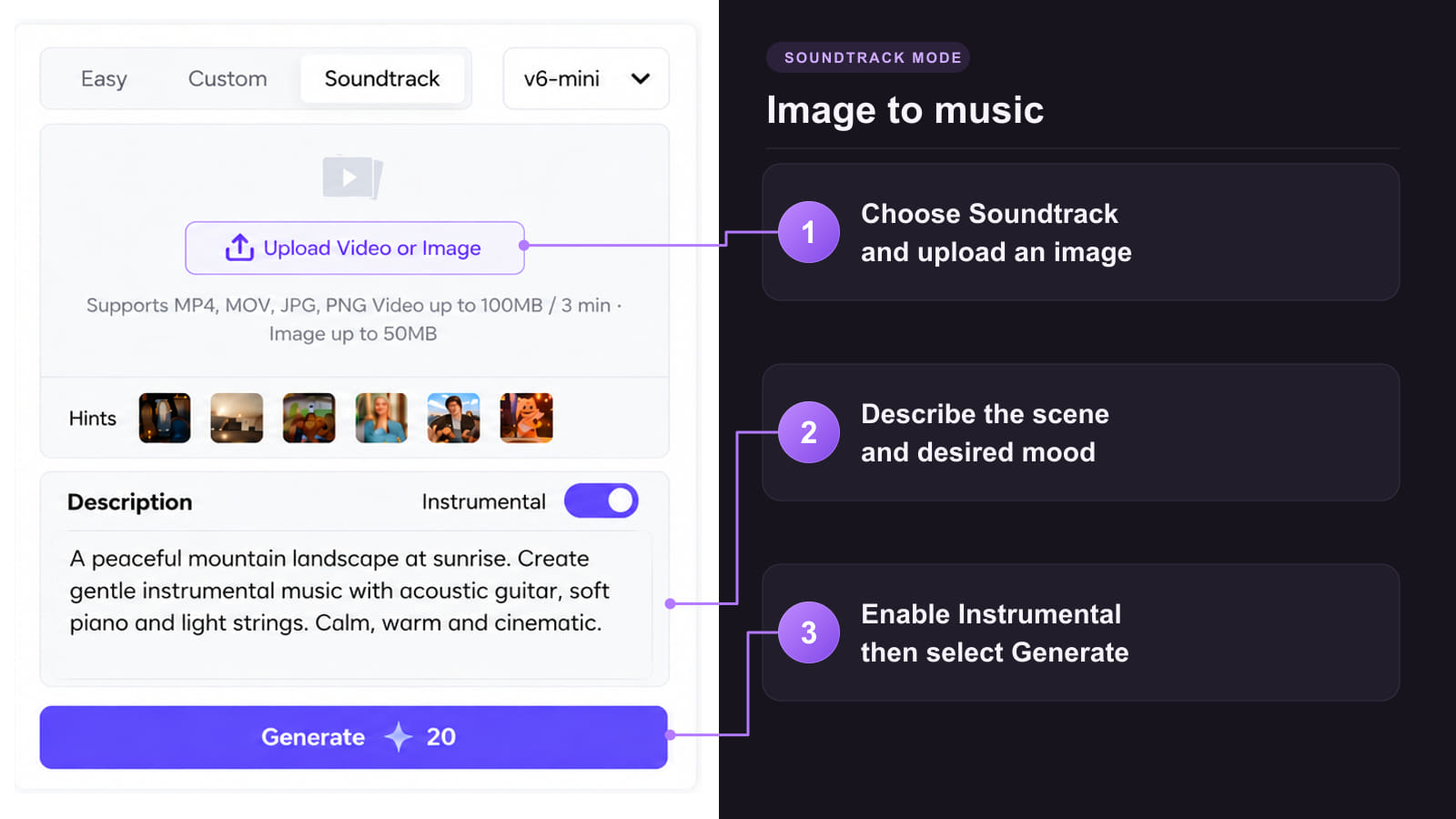
Method 3: Score campaign artwork or a rough cut

Keep the offer easy to understand the first time someone hears it.
 Put the brand name near the opening
Say the name where it sounds natural. Use the closing line to reinforce the action you want the listener to take.
 Choose music that leaves room for speech
Keep the backing instrumental and simple. Listen to the offer over the parts where the arrangement is busiest.
 Keep the offer easy to repeat
Use one benefit and a short deadline or code. If listeners need to look up a term to understand the ad, simplify the line.
 Write for the placement
A radio listener can remember a landmark. Someone on a smart speaker needs a spoken next step they can use without tapping.
 Measure the actual export
Time the finished voice and music together. Shorten the copy if the last line sounds rushed or spills past the slot.
Choose the placement first. It determines how much you can say, how listeners can respond, and what to export.
| Placement | Practical starting cut | Best input and delivery check |
|---|---|---|
| Spotify streaming audio ad | Start with a 15- or 30-second voiceover and a simple, quiet bed. | Prepare the audio mix and companion art where required. Standard Spotify Ads Manager music ads are up to 30 seconds. |
| Local radio commercial | Start with a 30-second local offer or the slot the station booked. | Give the announcer a landmark, offer terms, and one spoken action. Ask the station for file and loudness specs. |
| Produced podcast sponsor spot | Start with a short conversational announcer read. Check the booked pre-roll or mid-roll length. | Use a clear sponsor opening and a promo code. Use a host's actual authorized recording if the campaign calls for a host-read ad. |
| Amazon standard audio ad | Draft a 10- to 30-second spot for Amazon's standard format. | Use a screen-free spoken CTA. Prepare the companion banner. Confirm eligibility separately for interactive Alexa ads. |
| YouTube audio ad | Use a 15-second cut when targeting the shorter Audio Reach format. | Pair the finished mix with a still image or simple animation. Google Ads requires a YouTube video link for the creative. |
Start with the mix you already like. Keep the sound recognizable as you adapt the offer or the placement.
Keep the Daymark Loop backing track and record or regenerate just the offer and CTA in Text to Speech. If you only have a mixed take, try Stem Splitter to recover a usable bed and listen for artifacts. Pair the separate voice and bed in an editor, then verify the new wording and final duration.
Use the finished Daymark Loop mix with a still image from AI Image Generator or animate the image with Image to Video. Add the original audio in the final edit, verify the message and CTA, and export a 16:9 video for YouTube. Upload the video before adding its link to Google Ads.
Choose the asset you need for the next cut of your campaign.
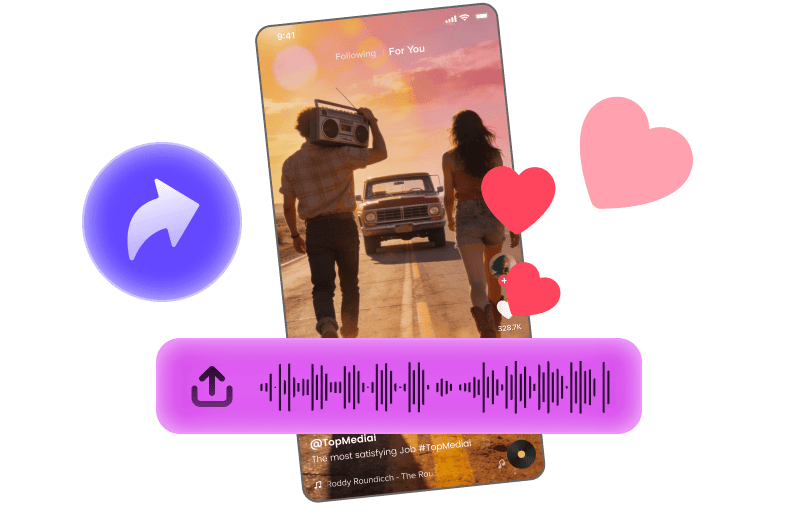
Pair a selected music hook with footage for a short social promo.
Explore Tool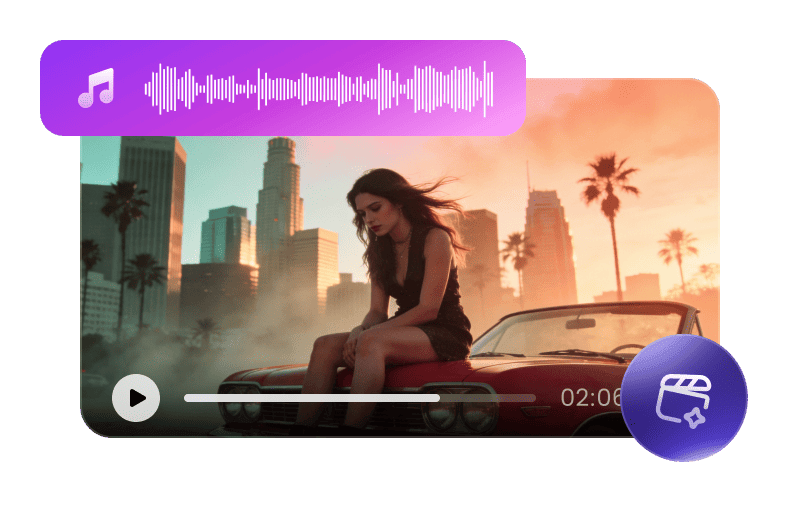
Use a sung brand jingle to guide a storyboard-led video.
Explore Tool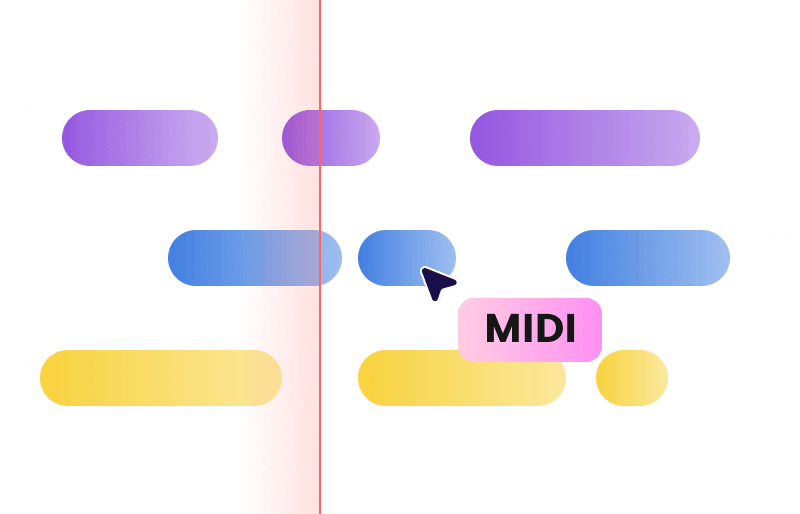
Transcribe a supported music bed to MIDI when you want to rearrange it.
Explore Tool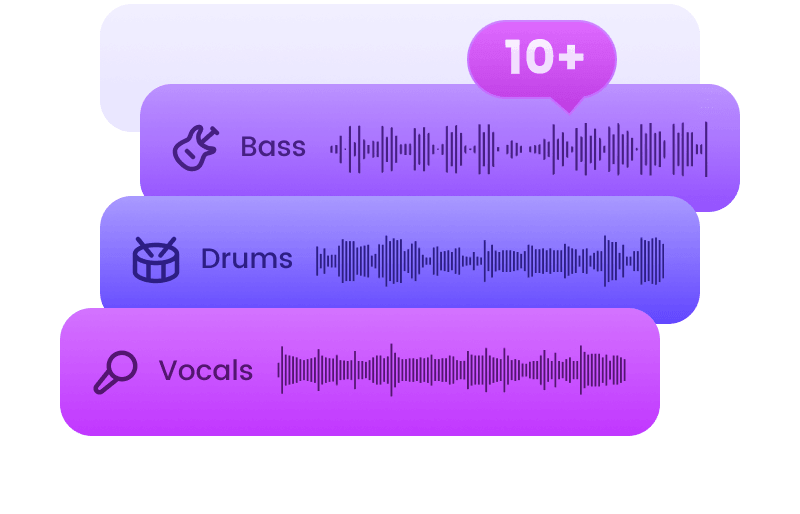
Extract a backing track from a mixed draft and check its clarity before reuse.
Explore Tool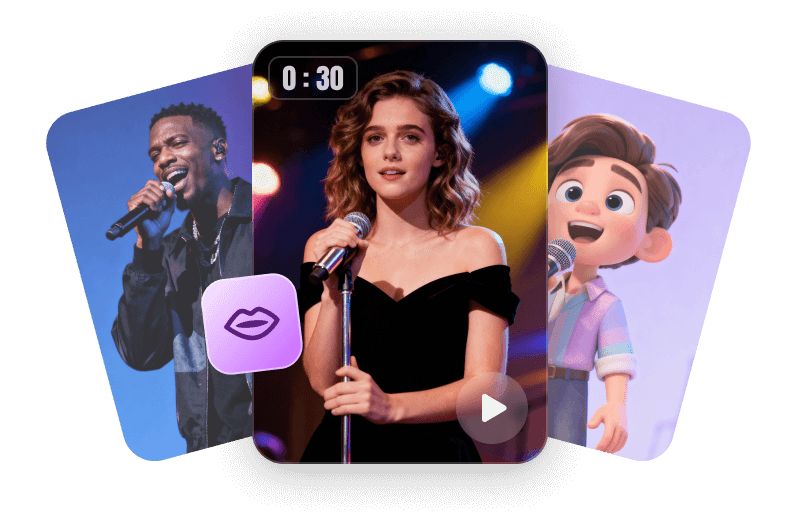
Pair a portrait with a sung jingle using visuals and audio you have permission to use.
Explore Tool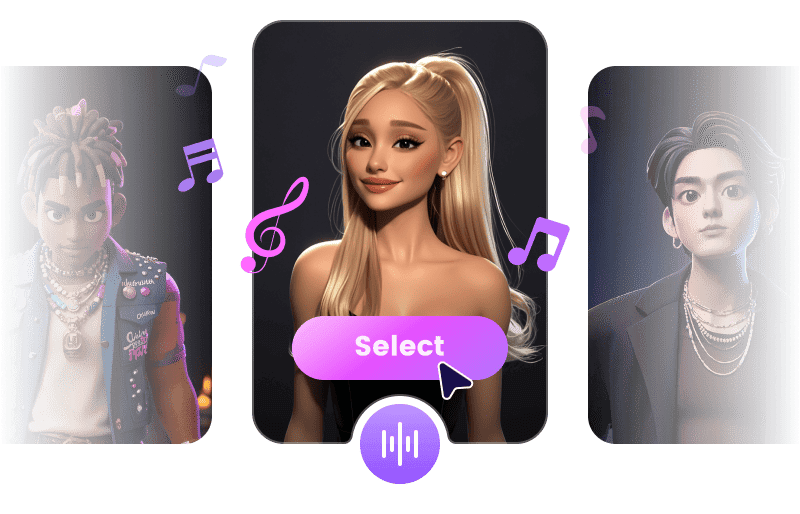
Try a different authorized singing voice on a jingle for a separate campaign cut.
Explore ToolCreate a dedicated backing track, a sonic logo, or visuals for the score.
Answers about scripts, spoken delivery, ad lengths, downloads, and using your finished mix.
Try AI MusicInclude the product, audience, one benefit, exact offer, and one call to action. Write the words you want spoken and note the placement, target length, and tone.
Try Custom with your script in Lyrics and a request for natural speech and a quiet score in Description. For exact wording, export a separate Text to Speech read and mix it with an instrumental bed.
Start with the booked slot. A 15- or 30-second cut can suit many streaming campaigns. Confirm the broadcaster or ad platform's requirements and time the finished export with its music.
Use a sparse instrumental bed and lower its level while the offer and CTA are spoken. Listen back on a phone speaker and headphones before you deliver the mix.
Use a produced announcer read when the campaign permits it. If the placement requires a host-read endorsement, use the host's approved recording and mix the music separately.
A short spot may suit both. Confirm the current specs, send the required companion visuals, and use a CTA that works without a screen if the ad will run on a smart speaker.
Create a video using the final mix and a still image or simple animation. Upload the video to YouTube and use its video link as your Google Ads creative.
Sign in to check available trial credits and the selected model's download options. Preview the result, then download an available format. Commercial rights depend on the plan and track eligibility.
Use an eligible track with a commercial license and save its certificate. Check the terms for the voice, backing music and any other assets before sending a campaign to a platform or broadcaster.