


 Join our Discord!

SOCCER HIGHLIGHTS
Soccer Crowd Chant for Highlight Reels
Put your club name in a two-to-four-word line and cut the first shout to the goal or the start of the replay.
Open the generator
 20% off
Turn your team name or rally line into a crowd chant for a highlight reel, game-day opener, or sports game. Start with a short phrase and give your crowd a rhythm.


Start with a scene. Then choose a line short enough to fit the cut, the entrance, or the repeat.
Put your club name in a two-to-four-word line and cut the first shout to the goal or the start of the replay.
Open the generator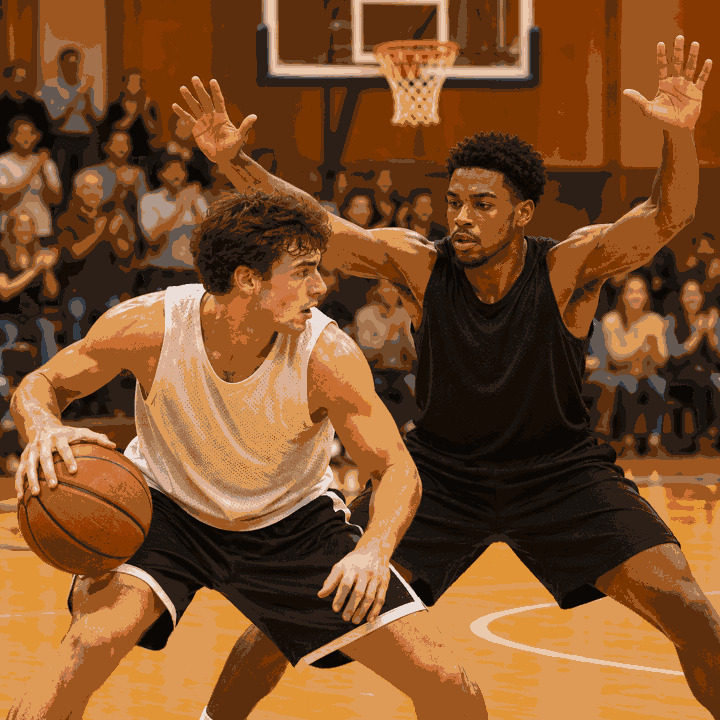
Cut a compact defense chant into a block, steal or other big defensive play. Choose the loudest clean response to hit the action.
Open the generator
Give your American football team reveal or pep-rally recap an opening call and a student-section response. Put the answer on the team reveal.
Open the generator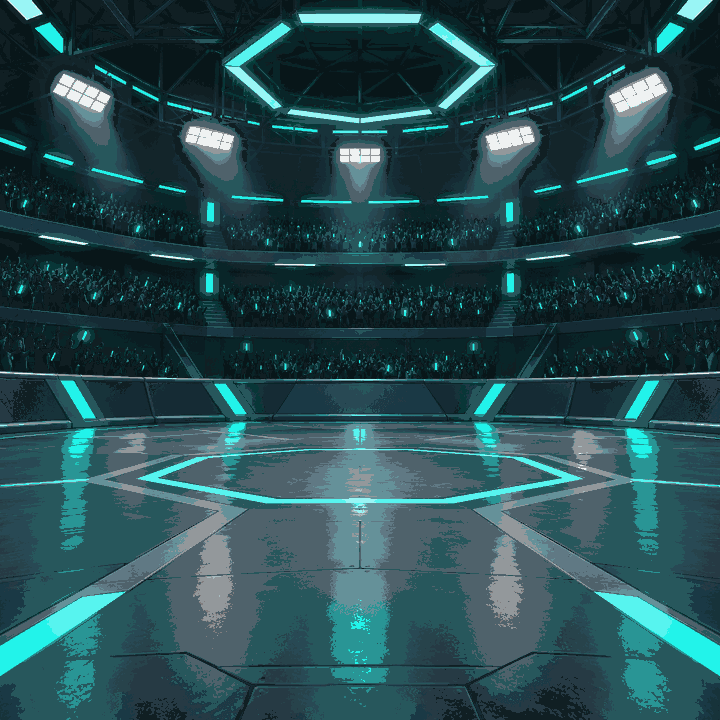
Layer a distant chant into a fictional game arena. Pick a steady stretch that can repeat under the announcer without masking the voice.
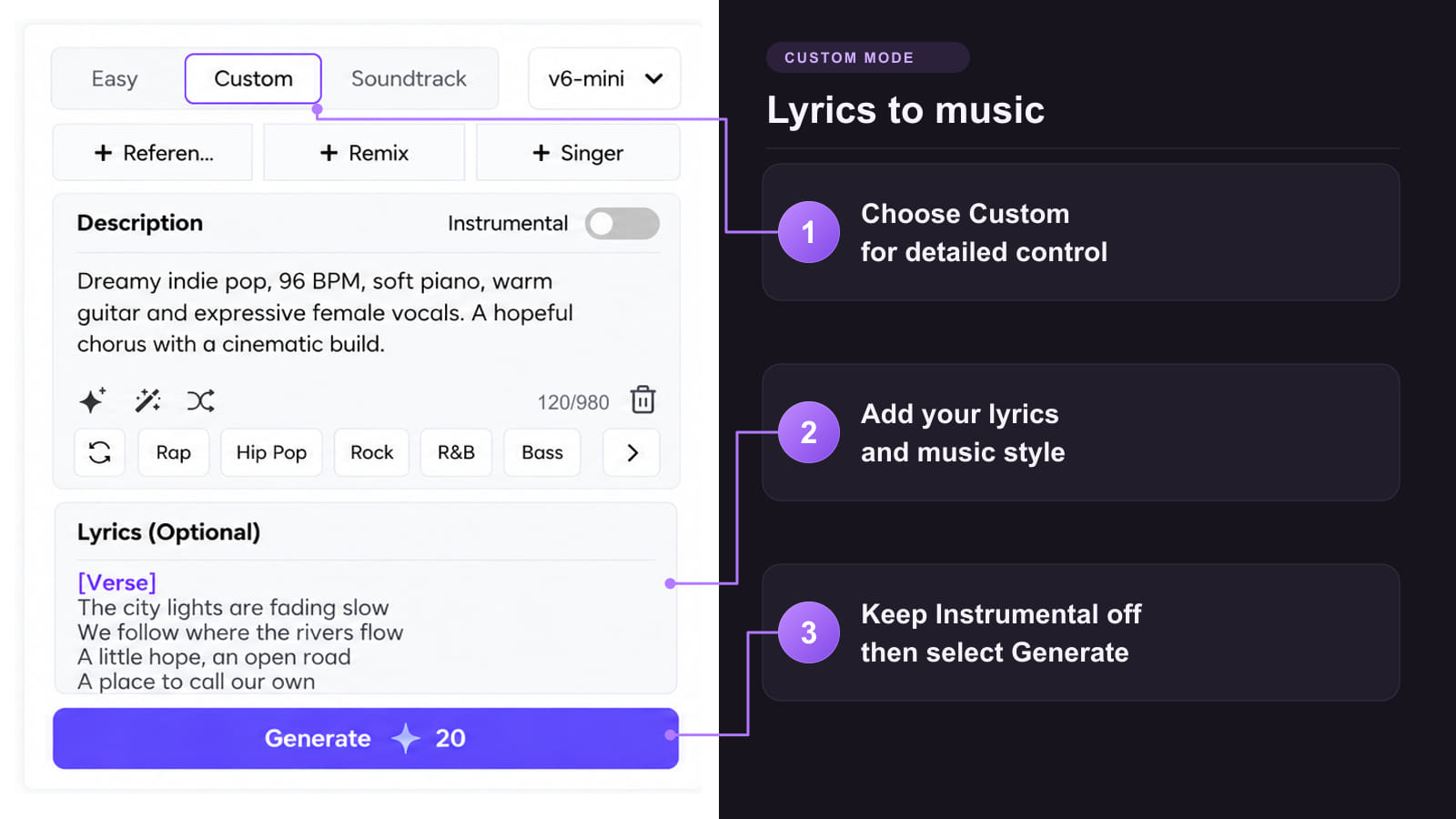
Open the generatorCopy an input or load the full preset into Custom. Change the line and use Description to shape the crowd and timing.
Start with “Go, Harbor Hawks!” in Lyrics. Replace Harbor Hawks with your own team name.
Short soccer stand chant in English, spoken in unison by a lively mixed crowd. Two sharp handclaps and one loud team shout on the beat. Keep the words clear and percussion light. Leave a clean cut point after each response.
Keep the two beats of De-fense, or swap in a short team call that fits your edit.
De-fense!
De-fense!
De-fense!
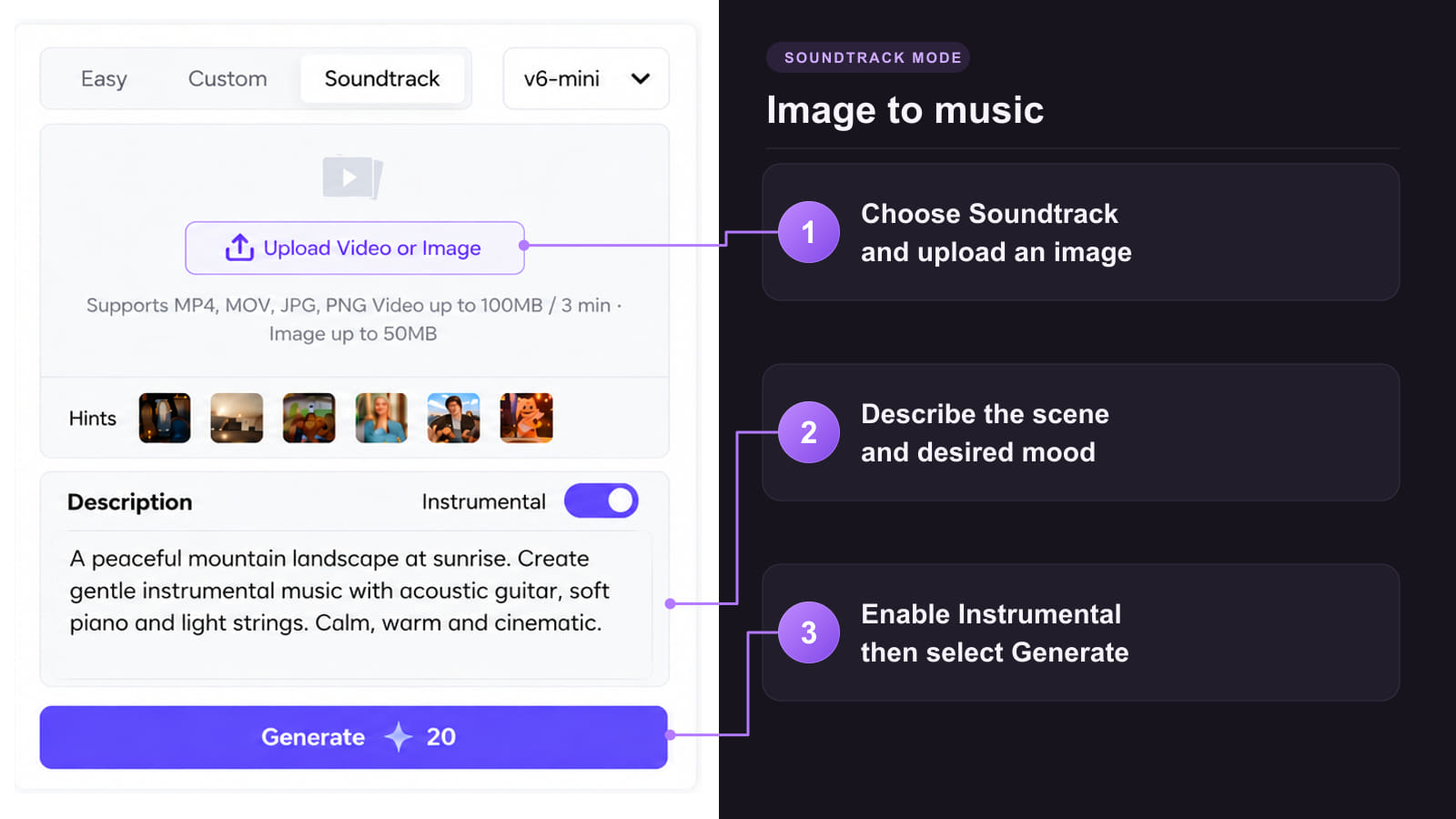
Start with your chant words, a recording of the rhythm, or a team image for a separate soundtrack.
Method 1: Create from your own chant words
Method 2: Use a recording to guide the rhythm

Method 3: Make a separate soundtrack from team artwork

Shape the words, crowd, and rhythm around the clip you are making.
 Make the team name stand out
Keep the line short and place the team name on a strong beat so it is clear when the whole crowd joins.
 Choose the right crowd sound
Use an open terrace for a goal replay or a tighter indoor sound for a basketball edit.
 Give your editor a clean cut
Leave a clear gap after the response. That gives you room to cut to a replay, title card, or team entrance.
 Keep the momentum across clips
Reuse the same clap pattern and change the line for another team, match, or event.
 Leave space for commentary
Listen to the chant under your real audio and set the level so the announcer or host stays clear.
Choose the workflow that fits what you need to hear in the finished edit.
| What you’re making | Use this route | Start with |
|---|---|---|
| A named shout for a sports highlight | Custom with Lyrics and Description | A team name or short line, plus the clap pattern and the action you want to accent. |
| A crowd sitting behind the action | AI Sound Effect Generator | A description of the crowd size, distance and venue, such as claps on an indoor court. |
| A repeating bed for a sports game | A steady crowd cue and a loop edit | A phrase or a wordless crowd pattern with a steady level across matching beats. |
| A team entrance or cheer routine | AI Cheer Music Generator | Your original chant, the arrangement style, and the pace of the routine. |
Keep the recording you picked and build the finished clip around its strongest response.
Put the selected chant on a separate track in your video edit. Line up the first shout with the goal, block, or walkout and lower it around commentary. If a percussion-heavy cue needs a lighter mix, use Stem Splitter to audition the vocal and accompaniment from your eligible track, then assemble the edit.
Upload your team poster to Image to Video and create a short motion shot. Place the original chant against the finished clip in your editor, then check that the crowd response lands on the team reveal.
Build the next part of the clip from the chant, your footage, or a longer team track.
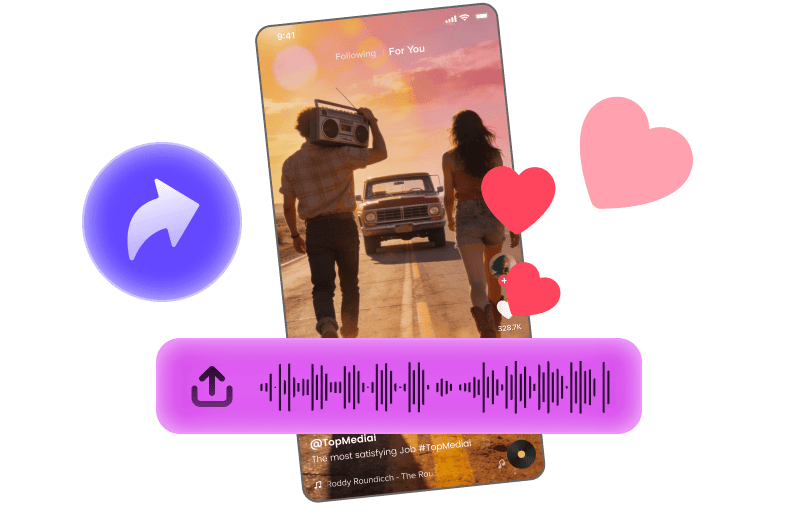
Pair a short cue with a social clip.
Explore Tool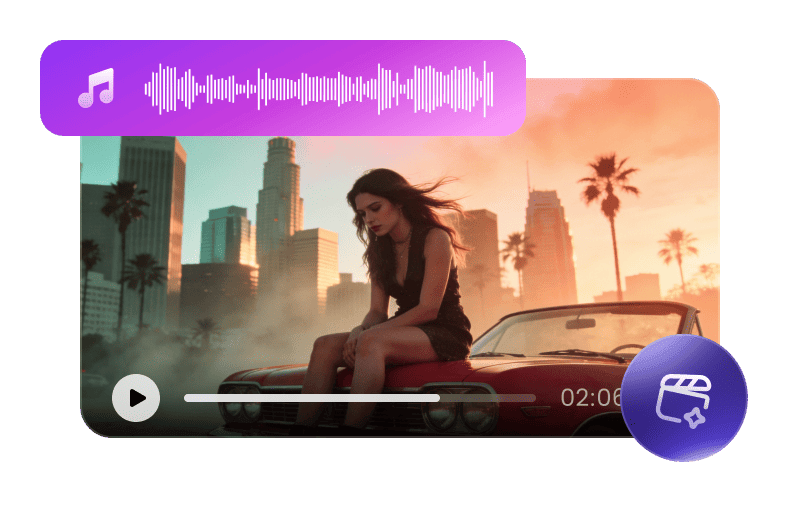
Produce a visual from a longer team anthem.
Explore Tool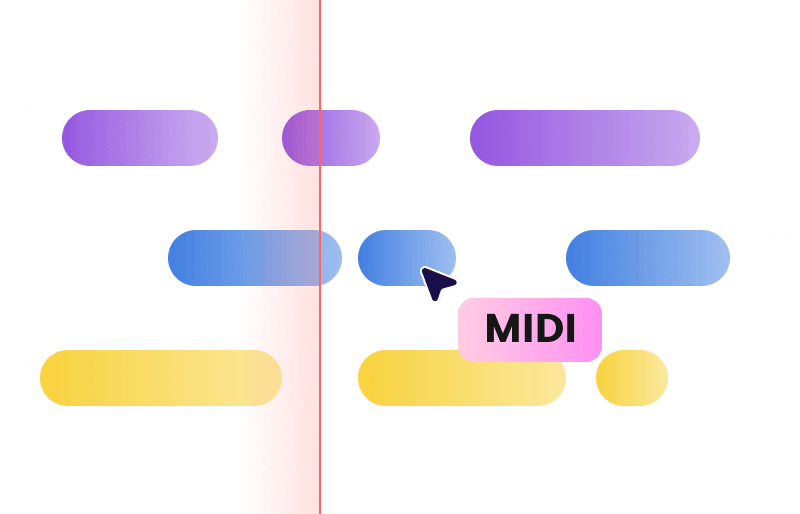
Turn supported music audio into MIDI for further arrangement.
Explore Tool
Try a different balance of voice and accompaniment.
Explore Tool
Animate a portrait from a sung team hook.
Explore Tool
Try a permitted voice on a sung version of your team theme.
Explore ToolFind a tool for the rest of the sound mix or a guide to shaping the chant.
Answers on chant words, timing, loops, and use in a published edit.
Try the Crowd Chant GeneratorYes. Put a short original line in Lyrics and describe the crowd delivery in Description. Listen back and try a phonetic spelling if the team name comes out unclear.
Start with a 6–10-second usable cut. Put the first shout where the ball hits the net or the replay begins, then trim around the shot you have.
Use a two-beat call such as De-fense! and ask for two answering claps. In your editor, line up the first clear accent with the block, steal, or defensive stop.
Cut between matching beats, repeat the section three times, and listen for a change in level or an audible jump. A short crossfade can smooth the join.
Describe group voices and sparse claps. For a wordless stadium bed, use the AI Sound Effect Generator and ask for the crowd distance and room sound you need.
Use Reference Audio in Custom with a recording you have permission to use. Add the words and describe the beat or crowd response you want to carry over.
Place it on its own track in your edit. Lower it during speech and leave the clearest response up around the visual accent.
Eligible paid-plan AI Music creations can qualify for commercial use under TopMediai’s terms. Check the license for the selected track and your rights to any supplied material.
Check the AI Music workspace for the credits and models available to your account. Choose an example or enter an original line before you generate.