


 Join our Discord!

LOGO REVEAL
Make a Sound for Your Logo Reveal
Change the pluck tone and final chord to suit your brand, then align the last note with your logo reveal.
Listen and make a similar song
 20% off
Give your brand a sound with our sonic logo generator. Create instrumental motifs or sung brand names, then shape a short audio logo for ads, videos and podcasts.

Explore instrumental and sung brand signatures. Choose an example, then adapt its instruments, brand name and ending in our audio logo maker.
Change the pluck tone and final chord to suit your brand, then align the last note with your logo reveal.
Listen and make a similar song
Choose a warmer piano or brighter guitar, and reuse the finished cue before the host speaks in each episode.
Listen and make a similar song
Replace Morrow and the morning line with your name and message, then use the hook at the end of your ad.
Listen and make a similar song
Choose a soft bell or a muted piano finish, and place the final accent on your product packshot.
Listen and make a similar songStart with a three-note instrumental or a short vocal hook. Load either example into Custom, then make it your own.
Replace the brand personality and instruments with your own direction.
Create a compact instrumental sonic logo for a fictional technology brand called Arc. Personality: clear, helpful and quietly confident. A single three-note rising motif on a rounded electronic pluck, with a soft glass accent on the final note. Start the motif immediately, resolve warmly, let the short tail decay into silence. Aim for a self-contained 3-5 second ident. Sparse, clean and easy to hear on a phone speaker. No vocals, drums, bass drop, long introduction, repeated theme or full-song development. Keep the complete motif and its ending together at the start if the model produces a longer file.
Replace Morrow with your brand name. Add a pronunciation guide in Description.
[Hook]
Morrow.
Good morning, Morrow.
Start with a brand brief, your own recorded idea or an image that captures the look of your brand.
Method 1: Turn a brand brief into a short musical signature
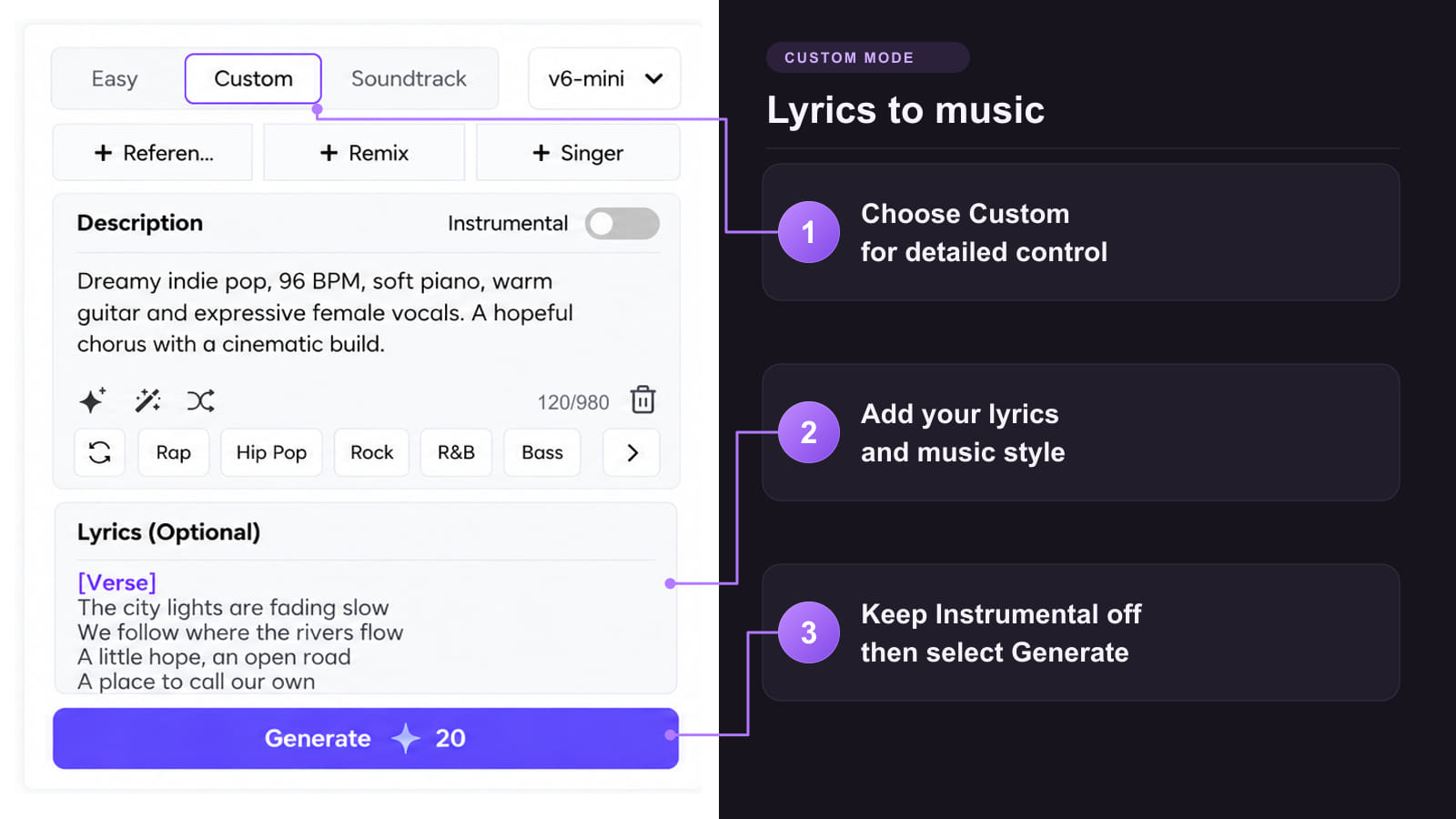
Method 2: Guide the sound with your own audio

Method 3: Use your brand image as a musical starting point
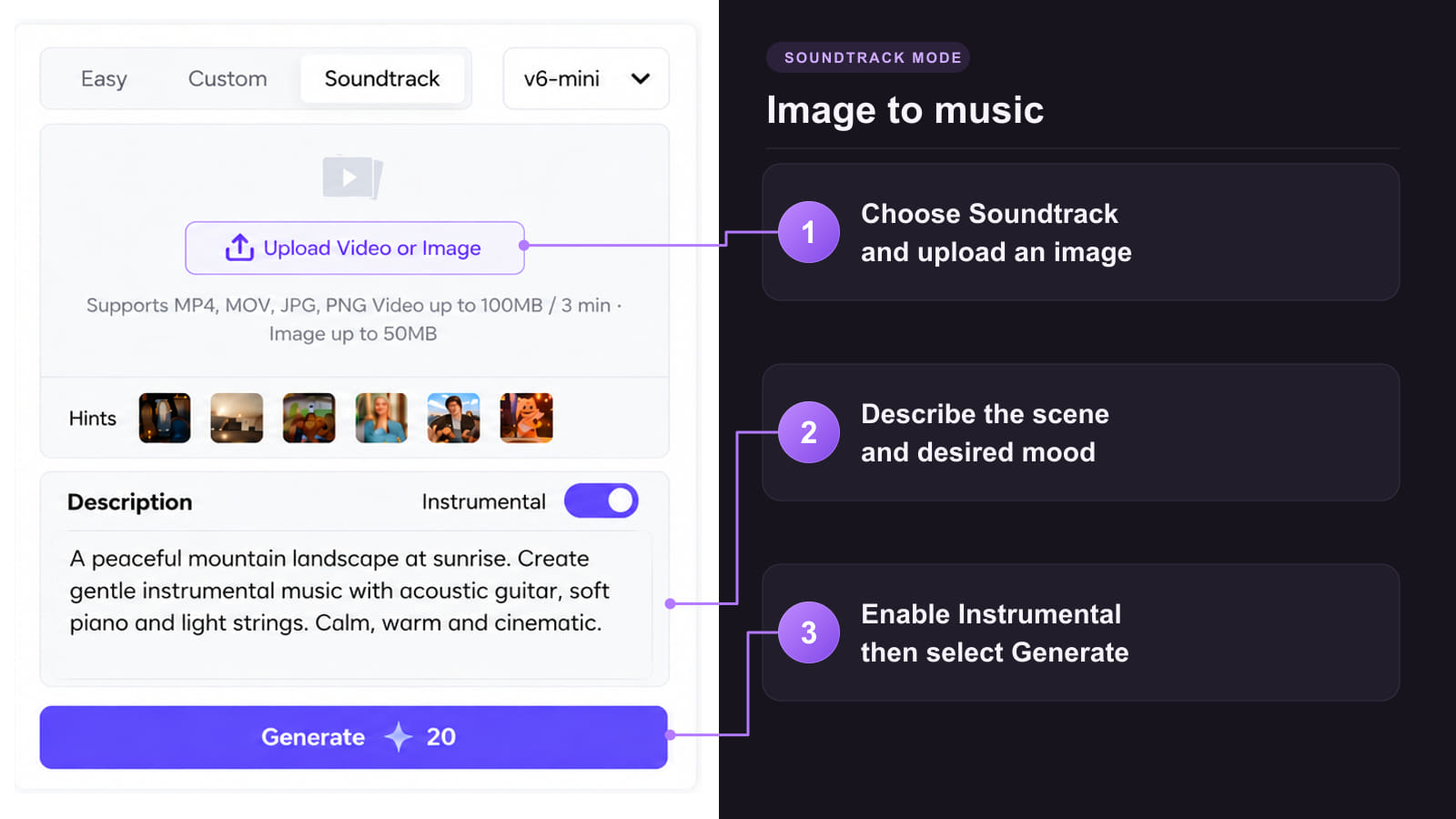

A useful sound mark has one clear idea. Explore the melody, texture and voice that make that idea feel right.
 Build around one memorable motif
Start with a small rise, fall or repeated note. A compact musical shape gives your brand a detail you can recognize without a full song.
 Compare different tone colors
Try the same brief with a rounded synth, felt piano or soft bell. Listen for which texture feels closest to your brand personality.
 Make the name easy to hear
For a vocal signature, keep the lyric short and put the brand name in a comfortable rhythm. Check every syllable before choosing a take.
 Explore alternatives before choosing
Generate a few melodic directions, then compare them beside the same logo. Select one master once you have found the right fit.
 Keep the sound clear on small speakers
Test the cue on a phone as well as headphones. Favor a clear lead note and a restrained arrangement if subtle bass or reverb disappears.
Place the chosen sound against the real picture so the musical ending and the visual reveal feel like one moment.
Mark the frame where the logo settles or the product reaches its final position. Use that moment to place the strongest note in your audio edit.
Keep the natural tail after the final accent. If the edit is tight, choose a shorter phrase or a drier sound instead of cutting a ringing note in half.
Reuse the selected recording when you need the same sonic logo in a new ad. A newly generated variation may change the notes, timing or timbre.
Use the same creative brief for your next product clip. If a video workflow changes the audio, add the saved master as a separate track in the final edit.
Shape the arrangement or build a visual around your chosen cue with these connected creative tools.
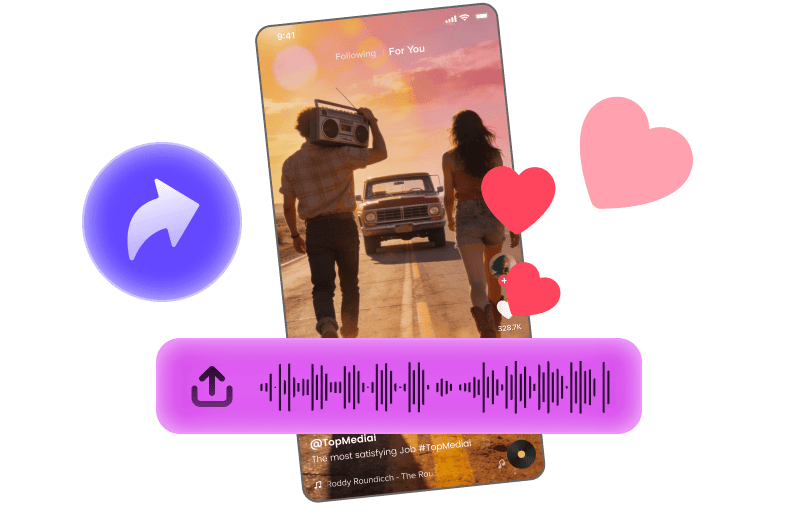
Pair your brand hook with a short visual for a social ad.
Explore Tool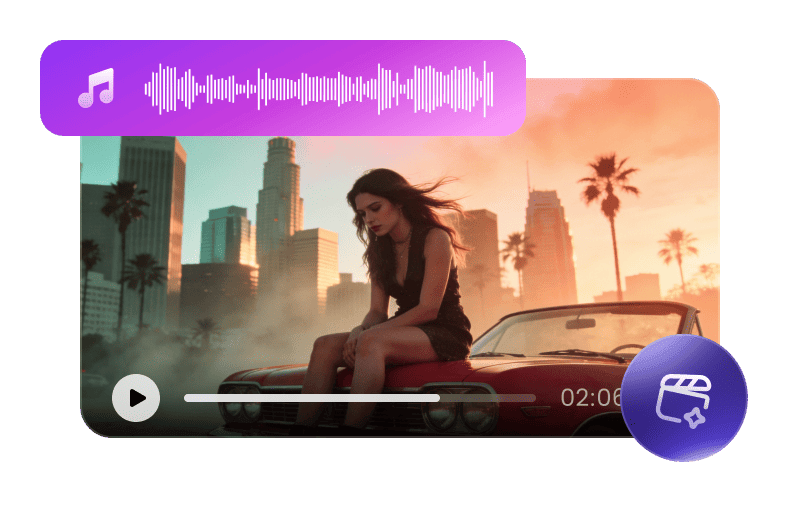
Build a longer brand film around a musical theme, then add your sonic logo in the final edit.
Explore Tool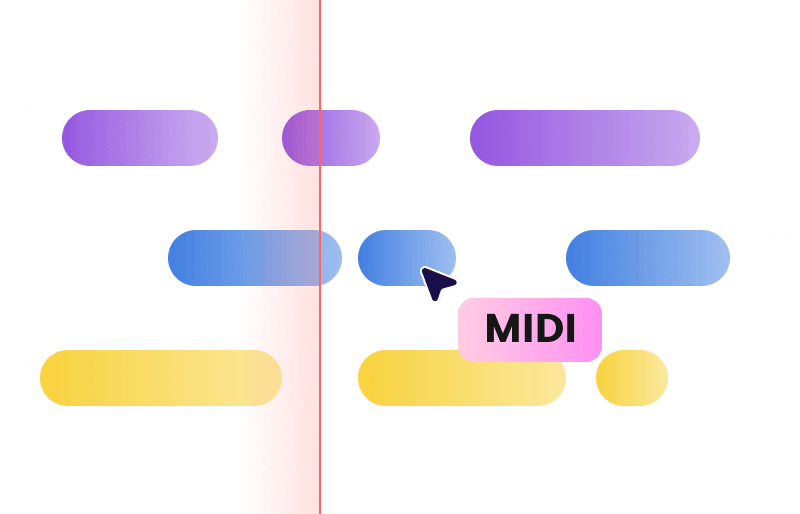
Convert supported audio to MIDI, then check the notes before arranging another instrument.
Explore Tool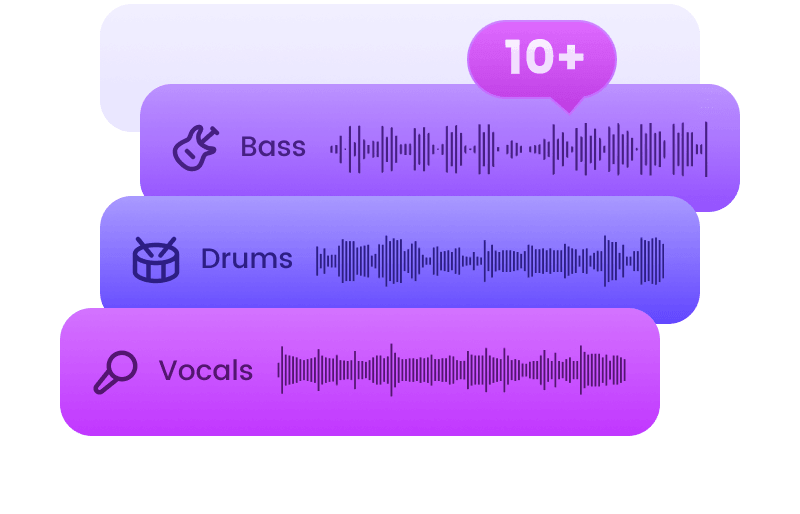
Separate supported tracks into stems to adjust the balance around your signature sound.
Explore Tool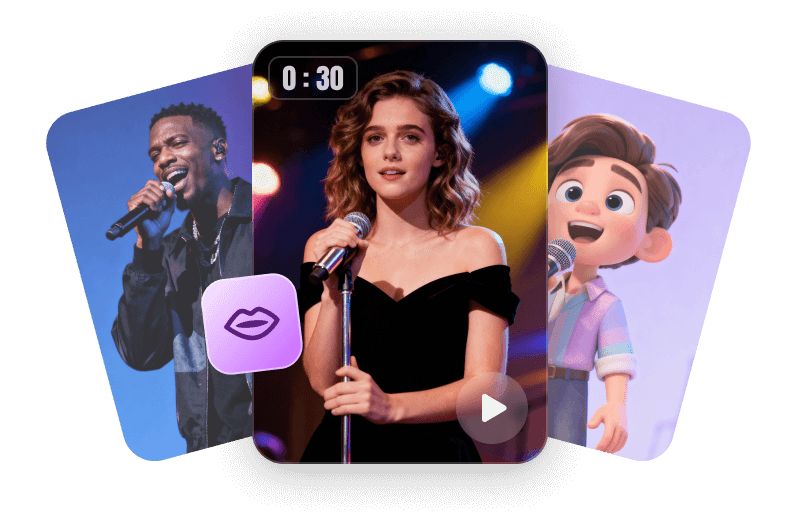
Animate an authorized portrait for a brand character singing your short hook.
Explore Tool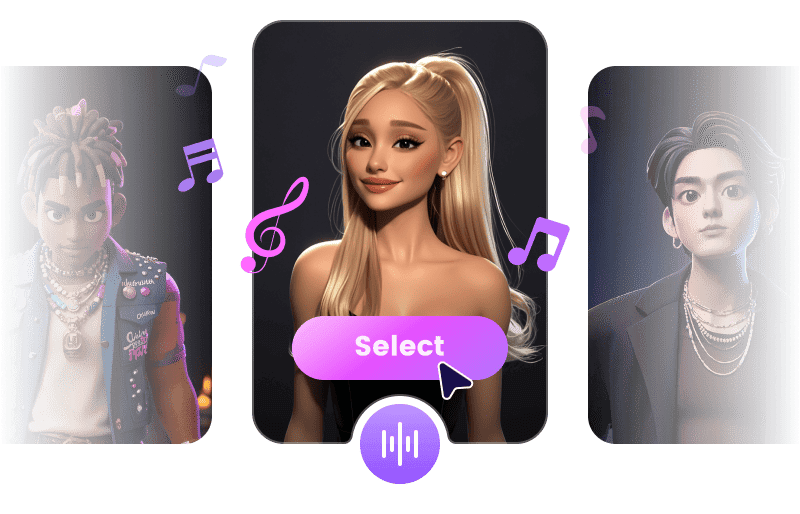
Try another singing voice for your brand hook using audio and voices you are authorized to use.
Explore ToolCreate the music around your sonic logo, or explore practical guides for the next part of your project.
Practical answers about short cues, brand names, reference audio and using your finished sound.
Try the Sonic Logo GeneratorA sonic logo is a brief sound signature that identifies a brand, such as a few instrumental notes or a sung name. A jingle usually has more room for lyrics and a message. Start with a sonic logo for a quick reveal; use a jingle when the ad needs a fuller musical line.
For an exact three-second deliverable, plan to edit the selected recording. Ask for a compact motif that starts immediately and resolves quickly, then trim or arrange it to the target length in your audio editor. A duration written in the prompt is a creative target, not a guarantee of the exported length.
Yes. In Custom, open + Reference, choose Reference Audio, and import or record your idea. Use Description to explain the instruments and mood you want. Check the result against your melody: reference audio guides generation, so exact notes and timing may change.
Yes. Turn Instrumental off, put your brand name and a short hook in Lyrics, and describe the vocal style in Description. Add a pronunciation cue there if the name is unusual. Preview every syllable and revise the wording or regenerate if the name is unclear.
Start with two or three concrete traits, then translate them into a small sound palette. For example, try warm piano for a welcoming service, rounded plucks for a playful app or a restrained bell for a calm product. Compare the results with the same visual and at similar listening levels.
Yes, subject to the license that applies to your track and use. Save the chosen master recording and reuse it when you want the same signature. Adjust its placement and level for each format, and leave space around speech so the cue stays easy to hear.
Eligible tracks created during a paid TopMediai membership include a commercial license covering client projects and brand campaigns. Download the track's PDF license and keep it with the project. Free-plan tracks are for personal, non-commercial use. Check the applicable terms before delivery.
Do not assume exclusivity from generation alone. Permission to use a track commercially is different from copyright ownership or protection of a brand sound. Review the license and any rights in your inputs before promising a client exclusive ownership.
Yes. Start with TopMediai's available free trial to explore a musical direction. Your account shows the current credits, model access and download options. Choose an eligible paid plan before creating a track intended for commercial use.