


 Join our Discord!

BRAND LAUNCH
Create a Brand Launch or Event Opener
Introduce the new product, then let the music rise as it appears on screen. Use the same script approach for a speaker walk-on.
Listen to the launch opener
 20% off
Turn your script into an announcer intro with music. Make a product reveal, a series opener, or a sports intro. Give names room to land before the music comes in.


Choose a finished use case. Replace the names and set the exact point where music should come in.
Introduce the new product, then let the music rise as it appears on screen. Use the same script approach for a speaker walk-on.
Listen to the launch opener
Keep the opening name and short music cue. Change the episode line when the subject changes, then check the handoff to the host.
Listen to the series opener
Give the announcer the team name, player order, numbers and pronunciations. Leave a distinct edit point for the cut to a player.
Listen to the sports intro
Keep the station name and show name easy to hear. Trim the sting to fit between tracks or into the host's next line.
Listen to the station IDStart with a product reveal or a basketball player intro. Select the series opener preset for a shorter channel introduction.
Replace the brand and product names. Keep the reveal sting after the product name.
Please welcome the team behind Lanton Arc. Today, they're unveiling the Arc One desk lamp.
Replace team and player names and say the jersey numbers aloud before generating.
Fans, meet your Harbor City Comets. At guard, number twelve, Maya Reed. At forward, number twenty-four, Jordan Ellis.
Start with the exact words, the setting and the point where the next scene or speaker should begin.
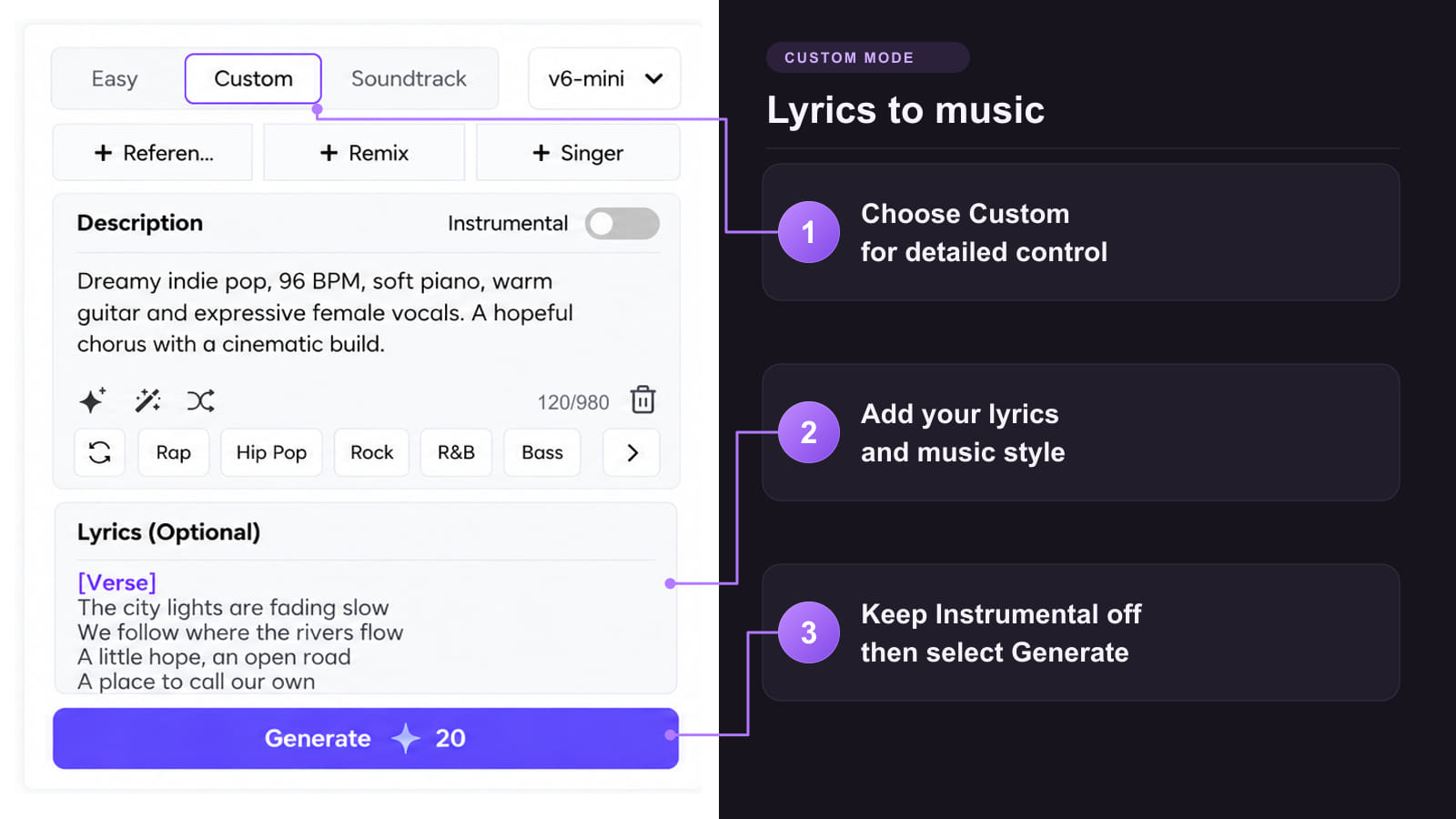
Method 1: Draft speech and music together
Method 2: Build a reusable bed from a reference

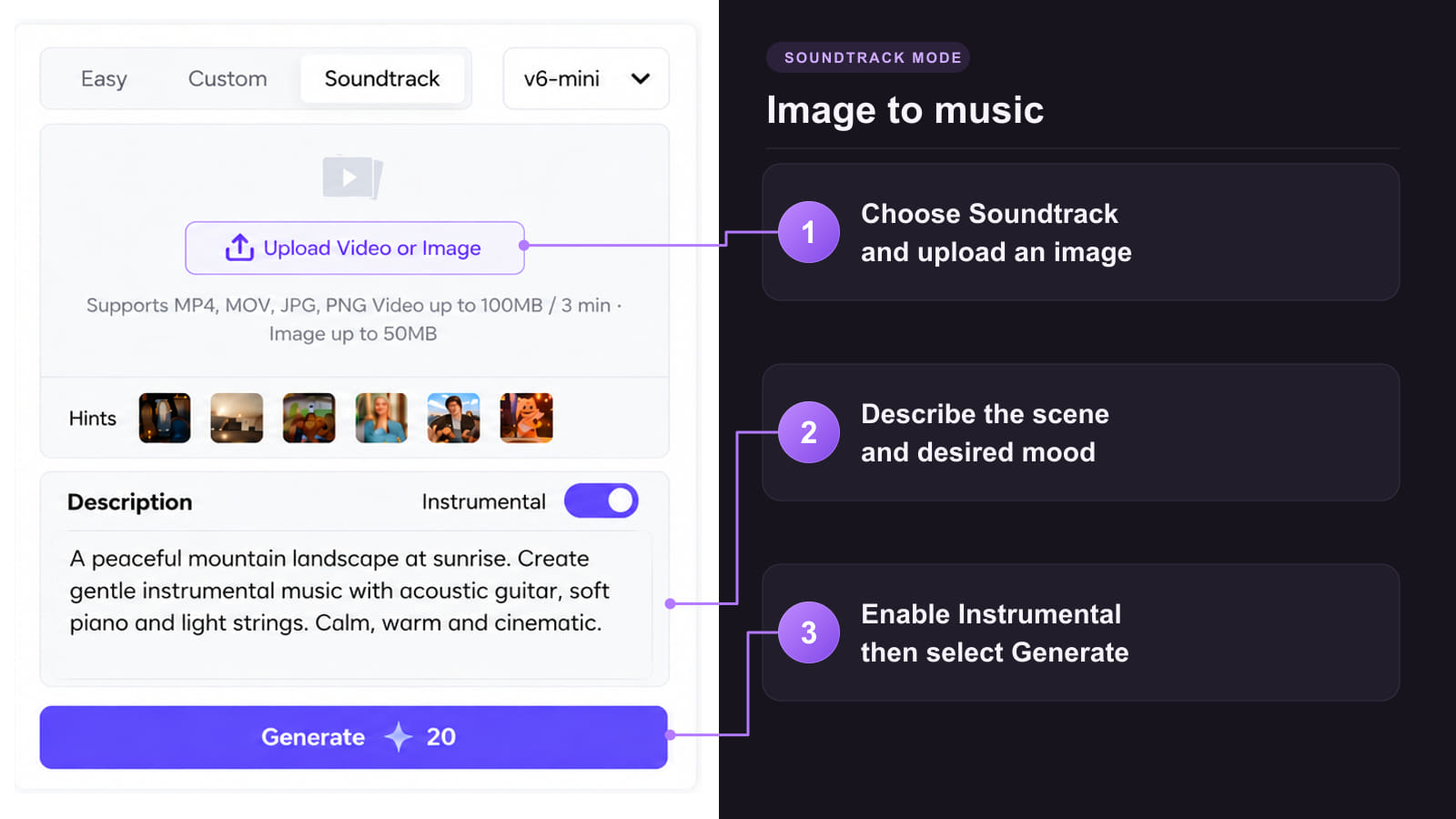
Method 3: Make music from a visual reference

Get an intro you can cut into a video or cue in a show.
 Keep names and numbers clear
Listen on a small speaker. Make sure the announcer finishes the key name before the next sound comes in.
 Give the music a clear job
Use a low bed under the voice and a short accent at the reveal, player entrance or station name.
 Leave room for the next line
Pull the music down before the next speaker or save a clean endpoint for a hard cut.
 Update one line at a time
Save a separate spoken track and bed when you need new episode titles, client variants or alternate names.
 Match the booked delivery
Confirm the timing and file requirements with the editor or event team. Measure the finished mix after export.
Choose by what the listener hears first, when the music starts and where the cue will play.
| What you are making | Start with | Music and delivery check |
|---|---|---|
| Brand launch or awards walk-on | Product name or speaker name, short introduction, and the reveal or walk-on cue. | Let the name finish before the sting. For awards or Voice of God announcements, save separate voice and music files when the operator needs to cue them independently. |
| Channel, podcast or video series opener | Channel name, one episode line, and the first line of the main content. | Keep a short signature bed. Lower it at the host entry and reuse it for the next episode. |
| Basketball intros or football matchday PA | Team and player names, pronunciations and jersey numbers. Use the starting lineup or football team line-up in playing order. | Keep drums behind the names. Use a clear endpoint for a highlight edit. For a stadium announcer, supply separate voice and music cues if the venue mixes them. |
| Radio station ID or radio show opener | Station, show or DJ name and one short line. Example: You're listening to Northline FM. This is The Early Shift. | Use a compact sting for a radio imaging sweeper or liner. Audition it against the next track or presenter link. |
| Boxing ring intro | Two fighter names and the agreed introduction order. | Leave a pause before each name. Place a short brass or drum accent after the name, leaving room for the entrance music. |
| Voice-only announcement | Exact text, pronunciation notes and your preferred accent. | Make a clean voice track in Text to Speech. Add a bed later if the edit calls for music. |
Reuse the music from your launch opener so the release video, event cues and teaser share the same sound.
Keep the music from your approved launch opener. Record or generate each new line in Text to Speech. Save the welcome, speaker walk-on and reveal as separate voice files. Pair them with the same bed in your editor and check that people and product names finish before the sting. If you only have a combined take, try Stem Splitter and audition the recovered bed before reuse.
Start with the approved mix and a product image or event card. Animate the visual in Image to Video. If you need artwork, start in the AI Image Generator. In your final edit, add the approved mix and land the first full product shot on the sting.
Pick the tool that fits the audio or visual asset you need next.
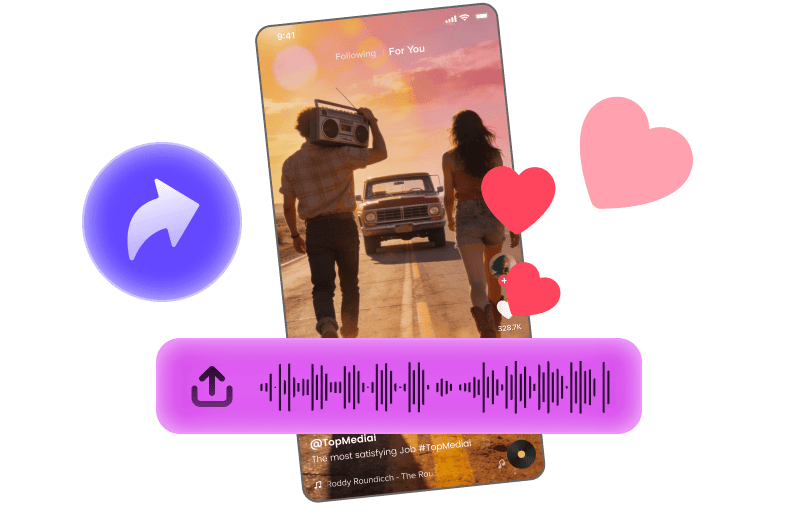
Pair a short signature sting with footage for a series promo.
Explore Tool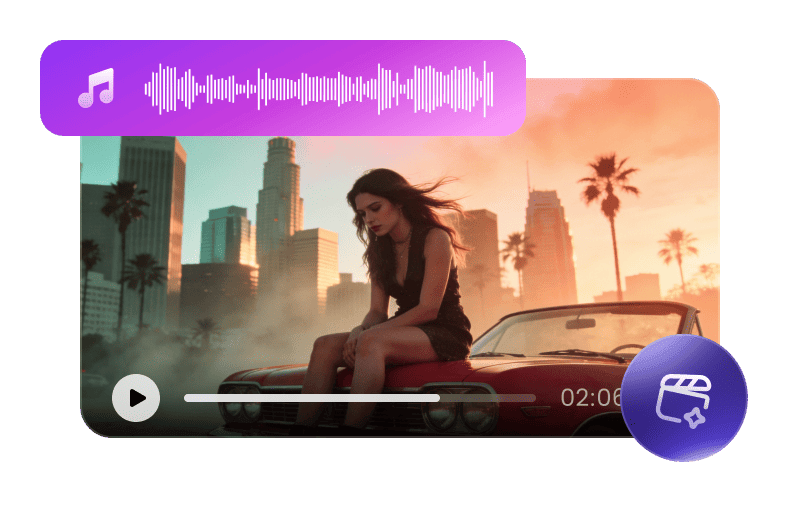
Build a storyboard from a longer theme when you need a music-led promo.
Explore Tool
Transcribe a supported music cue when you want to arrange its motif again.
Explore Tool
Recover a possible backing bed from a mixed opener, then audition it before reuse.
Explore Tool
Use a portrait and an authorized sung theme for a separate channel promo.
Explore Tool
Try a different authorized singing voice for a sung theme or station jingle.
Explore ToolChoose an announcer read, an instrumental bed or a longer theme to fit the next edit.
Answers about scripted openings, accents, voice-only exports and music timing.
Try AI MusicTry AI Music Custom with the script in Lyrics and the spoken delivery and music in Description. Check the spoken take. For more control, generate a clean Text to Speech read and mix it with an instrumental.
Write the team, player order, jersey numbers and pronunciation notes first. Keep the drum hit after the last name. For a football team line-up, read the names in matchday order.
Give the award show announcer a short offstage introduction with the guest's name. Add a sting after the name. Save the voice and sting separately when the show operator needs independent playback.
Write both names and the entrance order. Ask for an original ring announcer voice with a pause before each name. Add a brief musical accent after the read. Check the pronunciation of both names.
Use a short line such as “You're listening to Northline FM. This is The Early Shift.” Add a sting for a radio sweeper. A radio station ID maker can also start from a clean voice-only liner.
Specify the intended delivery in your music brief and preview the take. To choose a US or UK voice and focus on pronunciation, make the clean read in TopMediai Text to Speech.
Open Text to Speech and paste the exact script. Save the voice separately if you want to change the music or reuse the spoken line in more than one edit.
Start with the channel name and one short line. Time the read against the first shot and leave space for the host to speak. Measure the final edit before exporting.
Check the available export formats and the terms for your plan, voice and music. For an eligible paid-plan music track, keep the commercial license certificate with your project files.